

1
Access app settings
Connect a mouse to your device. While the Pickcel app is running on screen, double right-click to open the settings screen.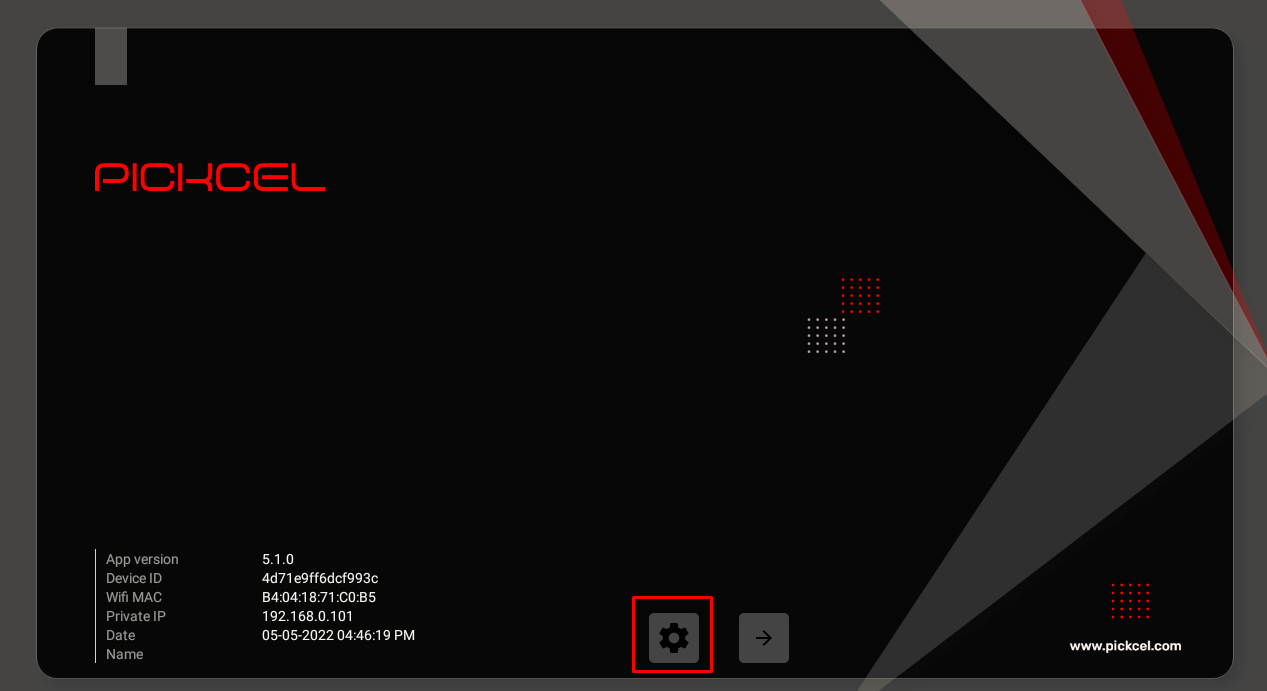
2
Open Settings menu
Click on the Settings button in the settings screen.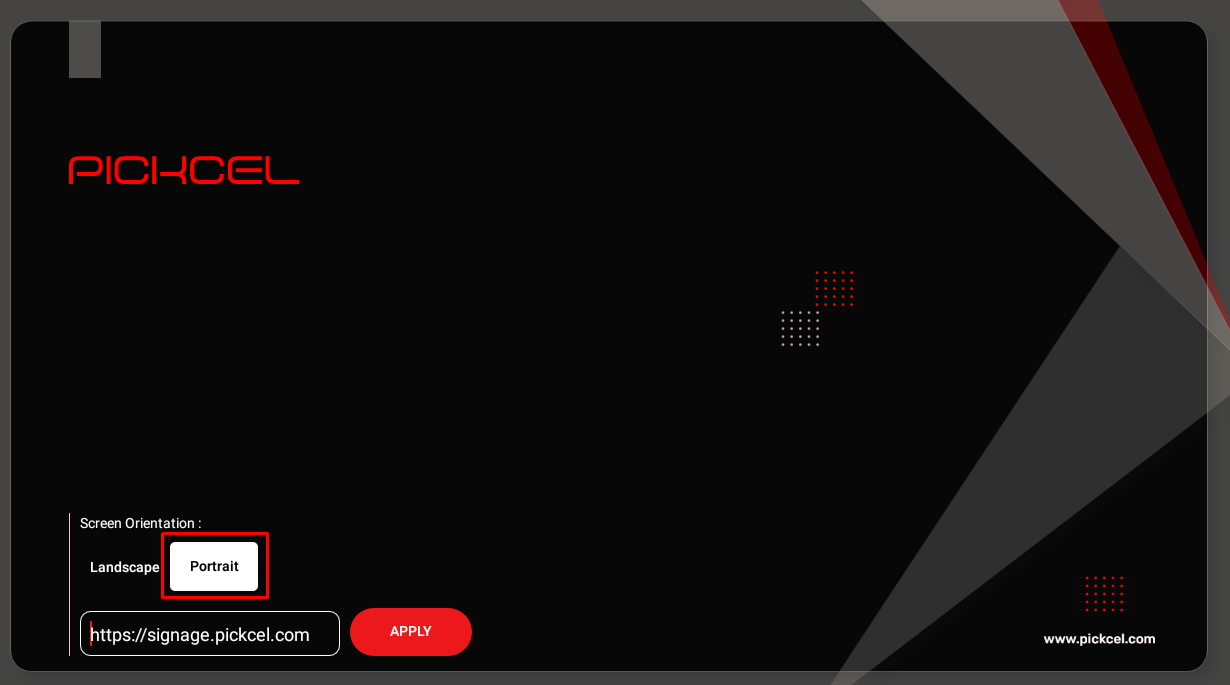
3
Choose orientation
Select your preferred orientation: Landscape or Portrait.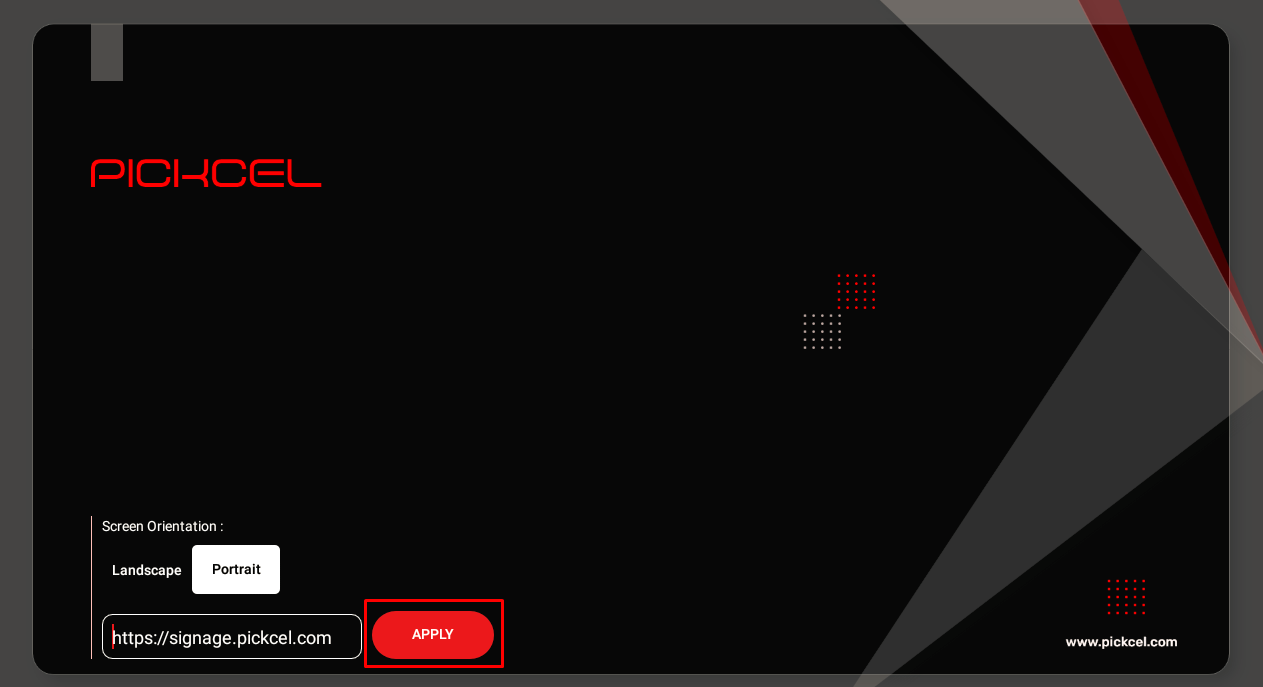
4
Apply changes
Click on Apply to save the orientation settings.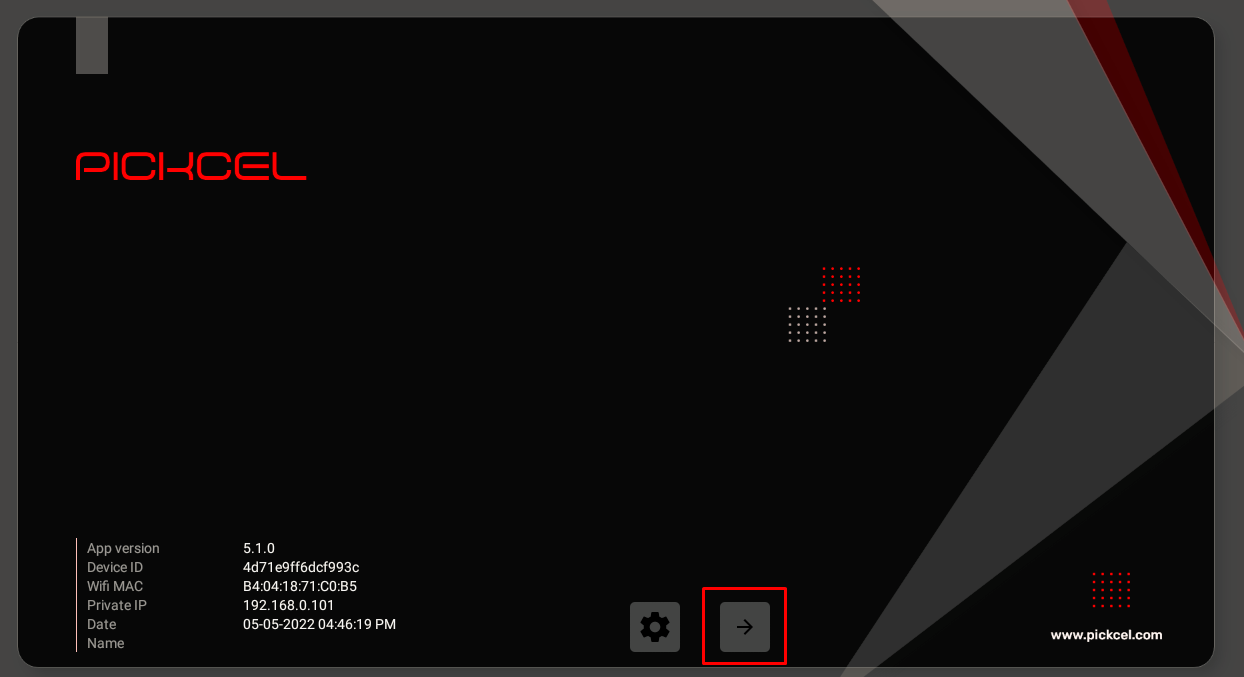
5
Restart the app
Click on the Launch app button to restart the app with the new orientation.
Device Requirement: To turn the Pickcel app from landscape to portrait, the device must have the Portrait option available. Not all devices support portrait mode.
Related Articles
Console Orientation
Change orientation remotely from the Pickcel console
Screen Registration
Learn how to register and configure your display