

1
Search for and create the app
Log in to your Pickcel account. Go to the Apps module and search for Google Slides.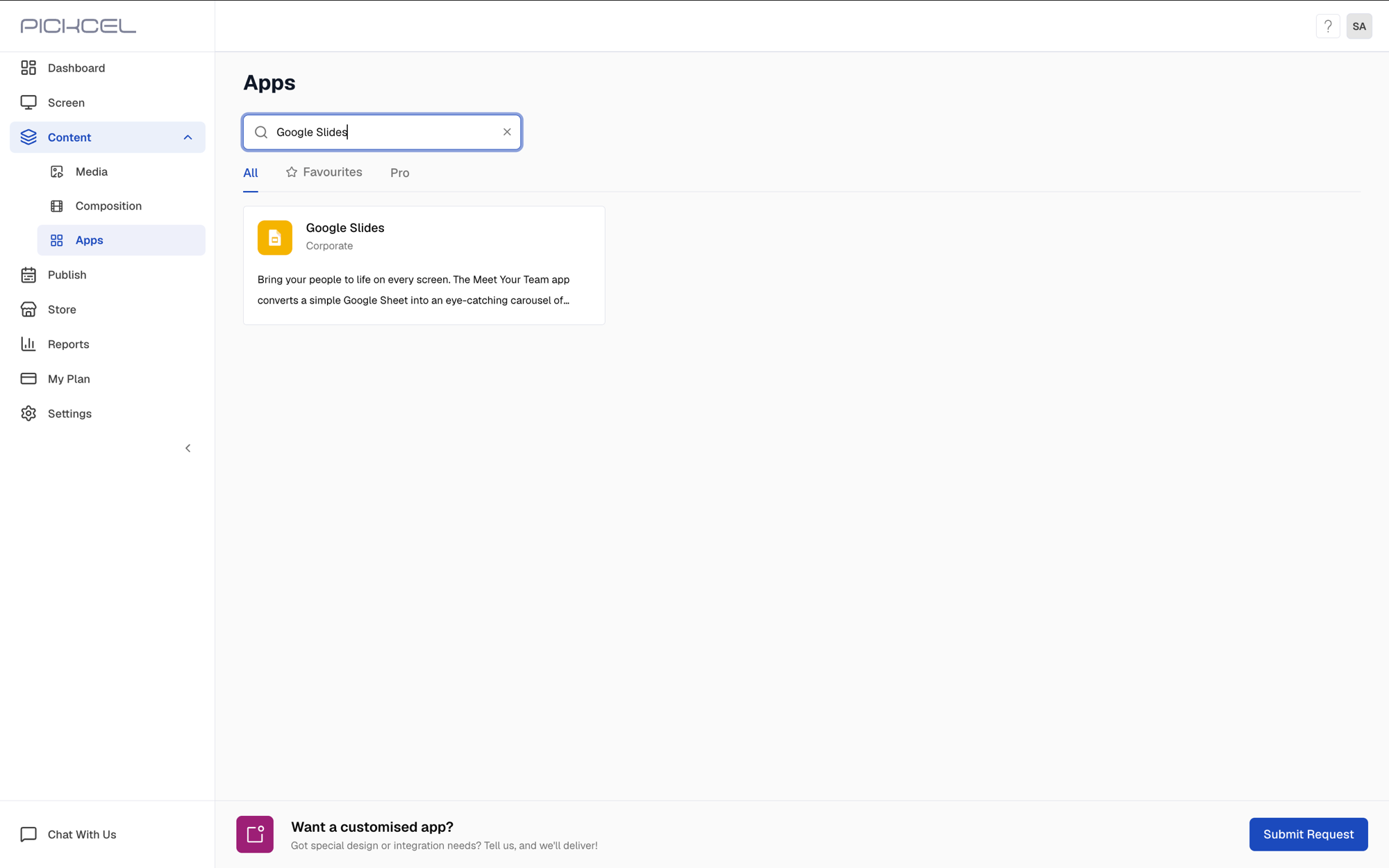 Click the Google Slides app card, then click Create App in the app details panel.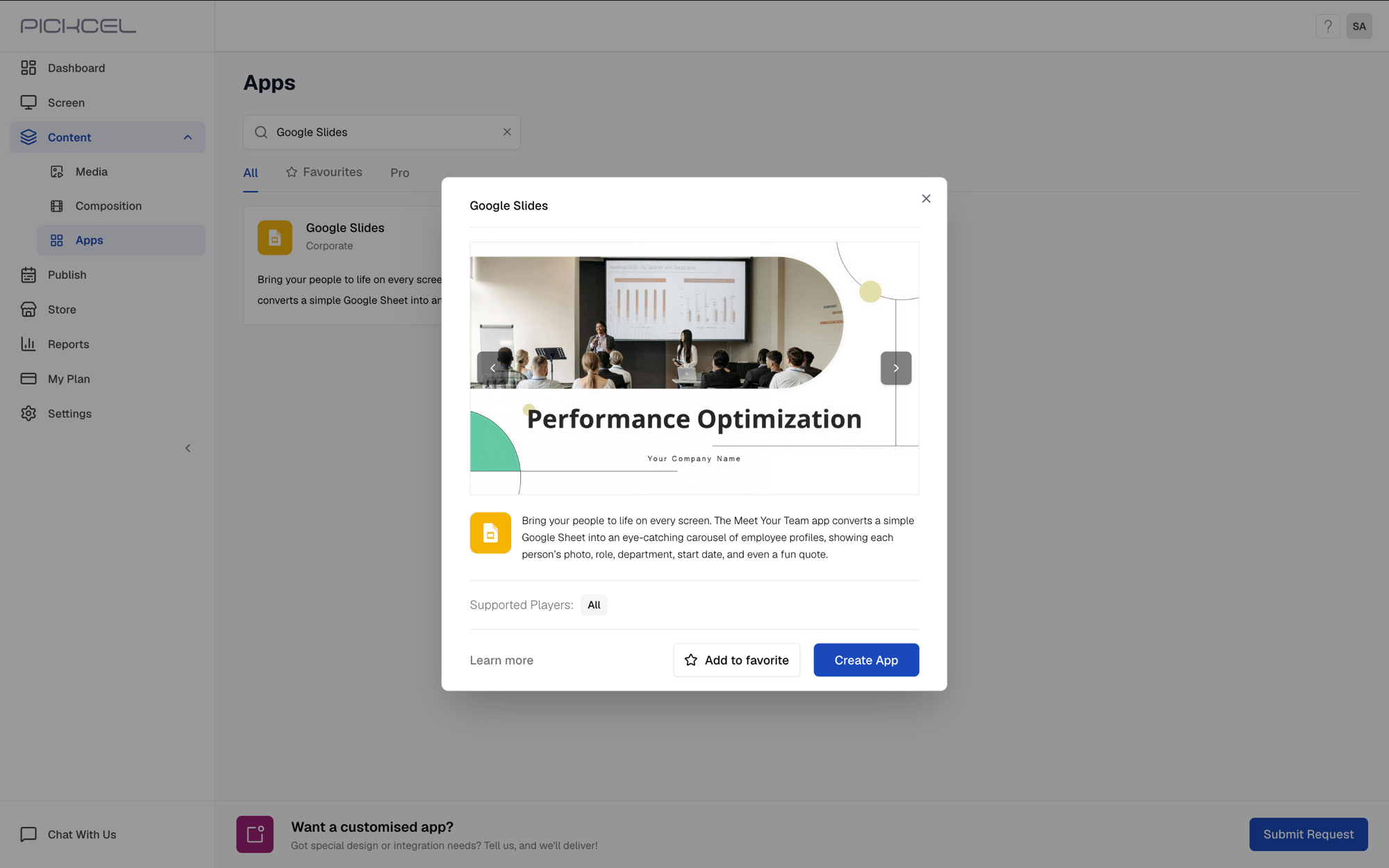
2
Publish your Google Slides presentation to the web
The app needs a published, embeddable link, not just a shareable link. Open the Google Slides presentation you want to display.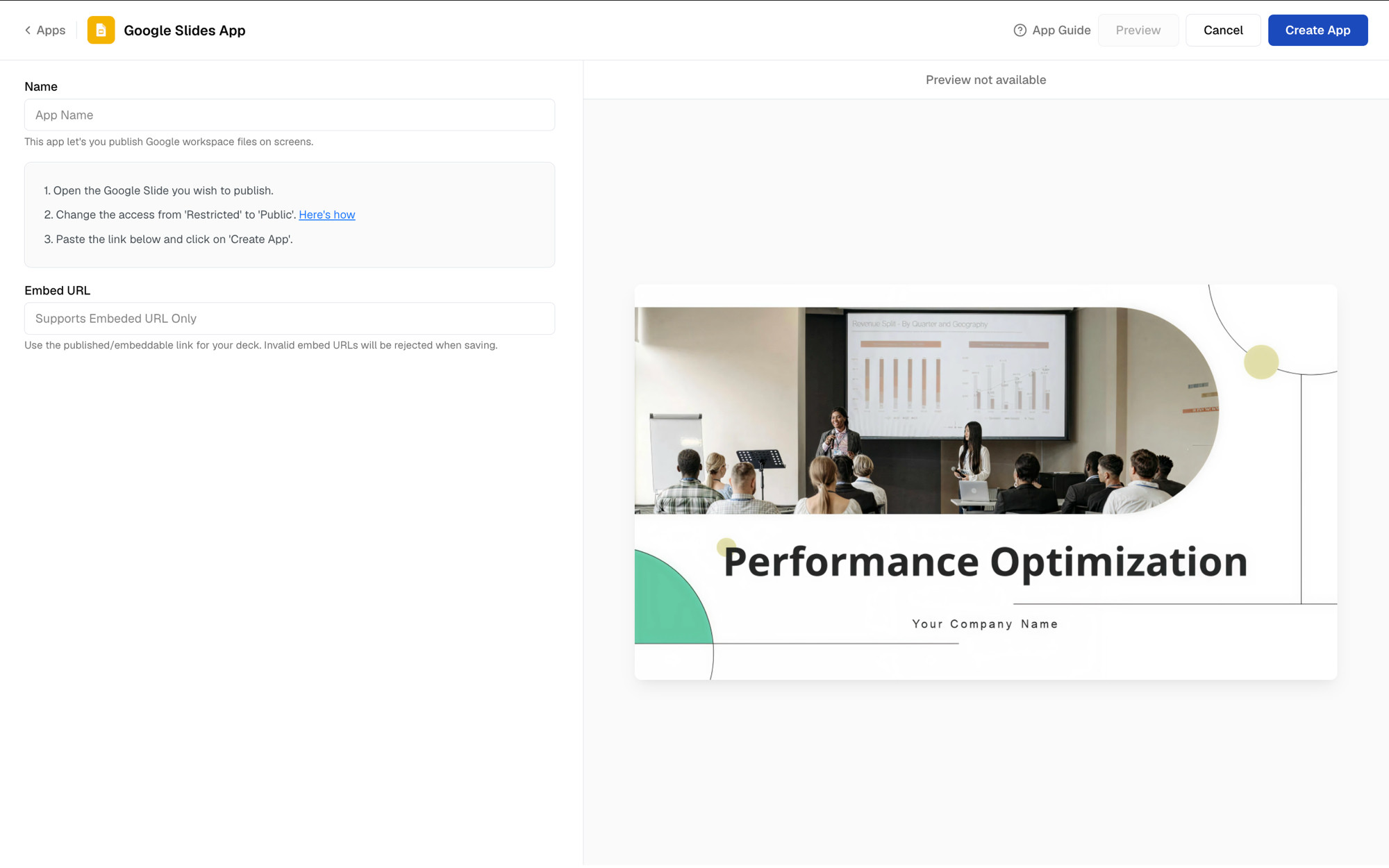 In Google Slides, go to File → Share → Publish to web.
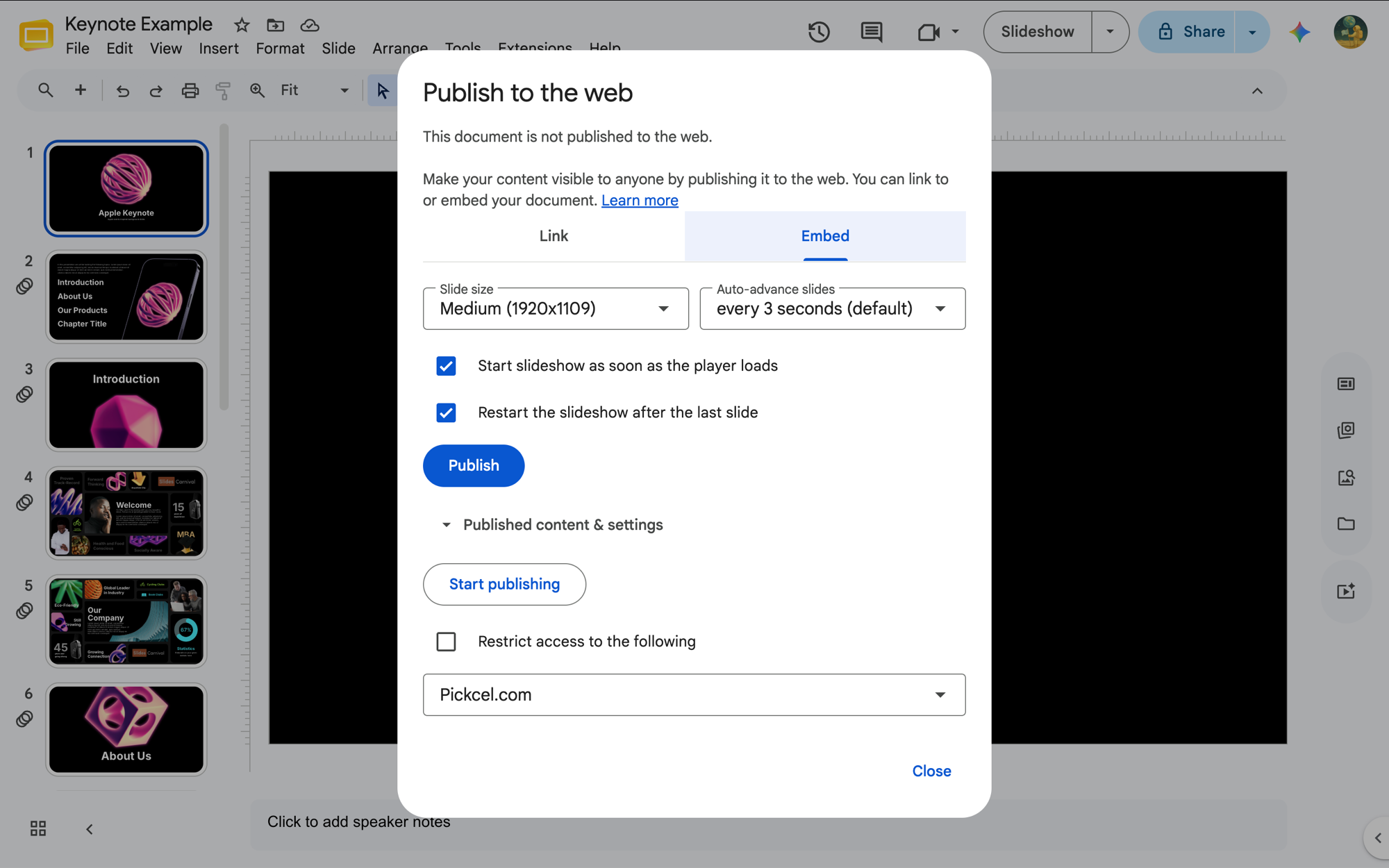
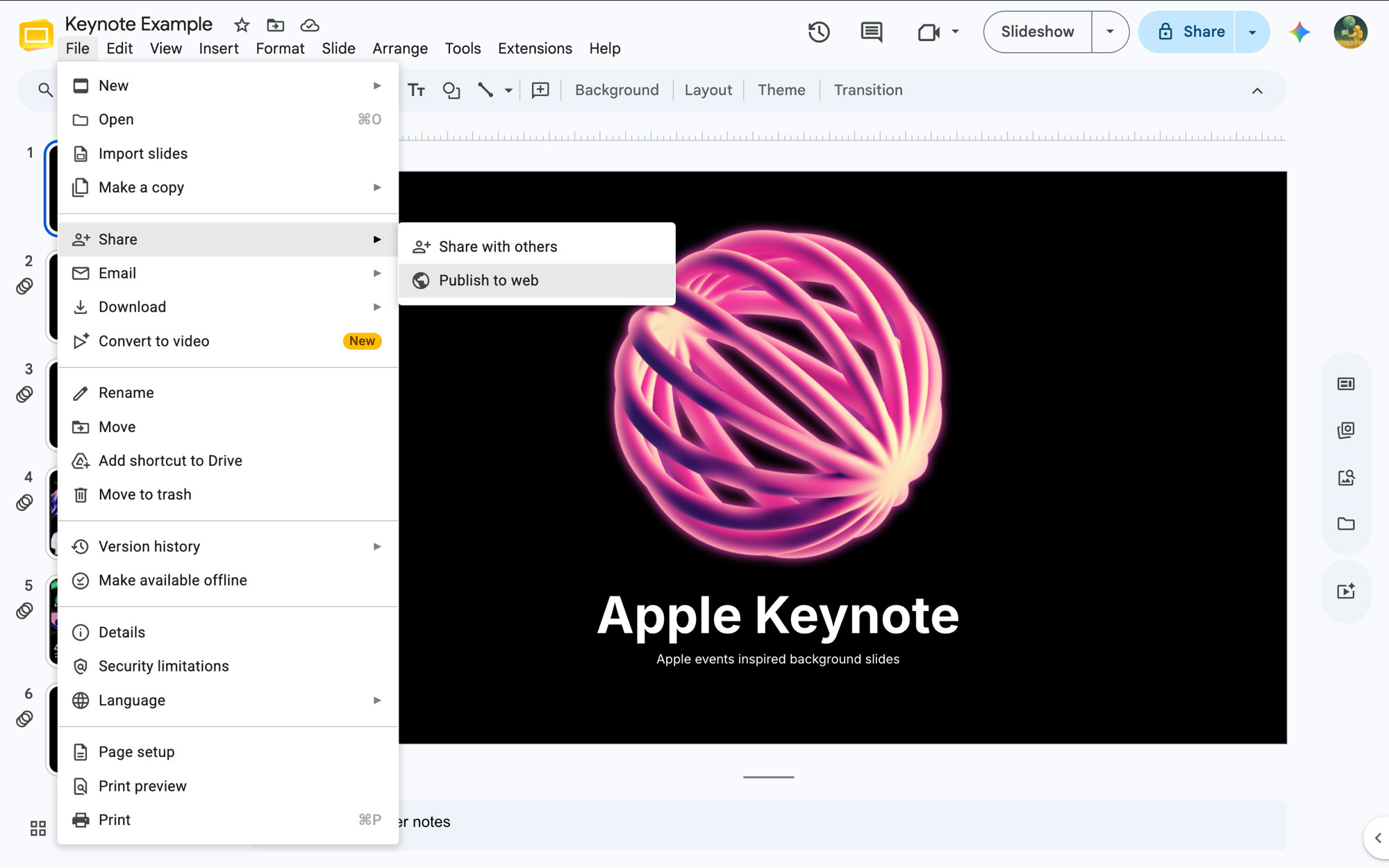 On the Embed tab, set the Slide size and Auto-advance slides duration, keep Start slideshow as soon as the player loads and Restart the slideshow after the last slide checked, then click Publish.
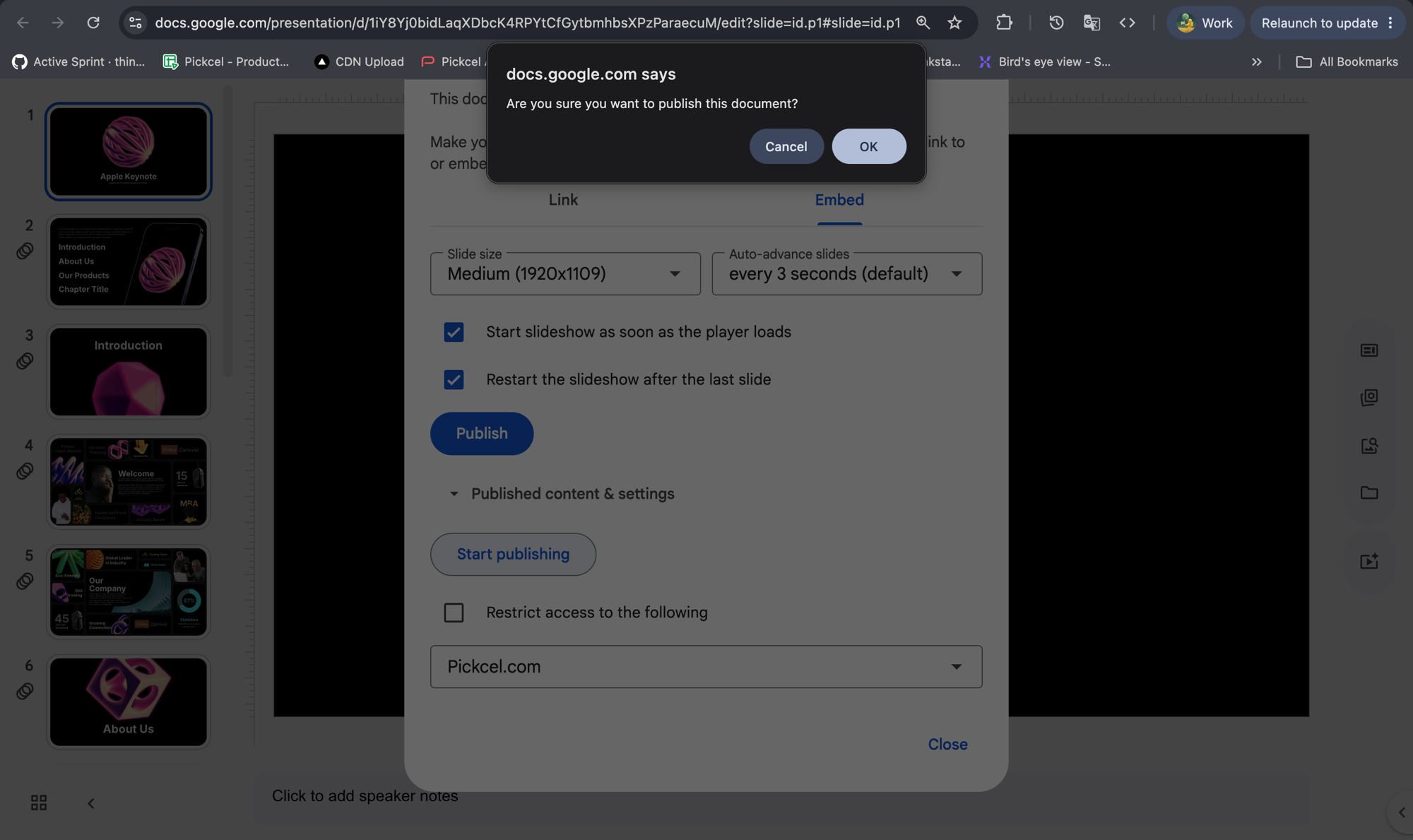
 Confirm by clicking OK.
 Copy the URL from inside the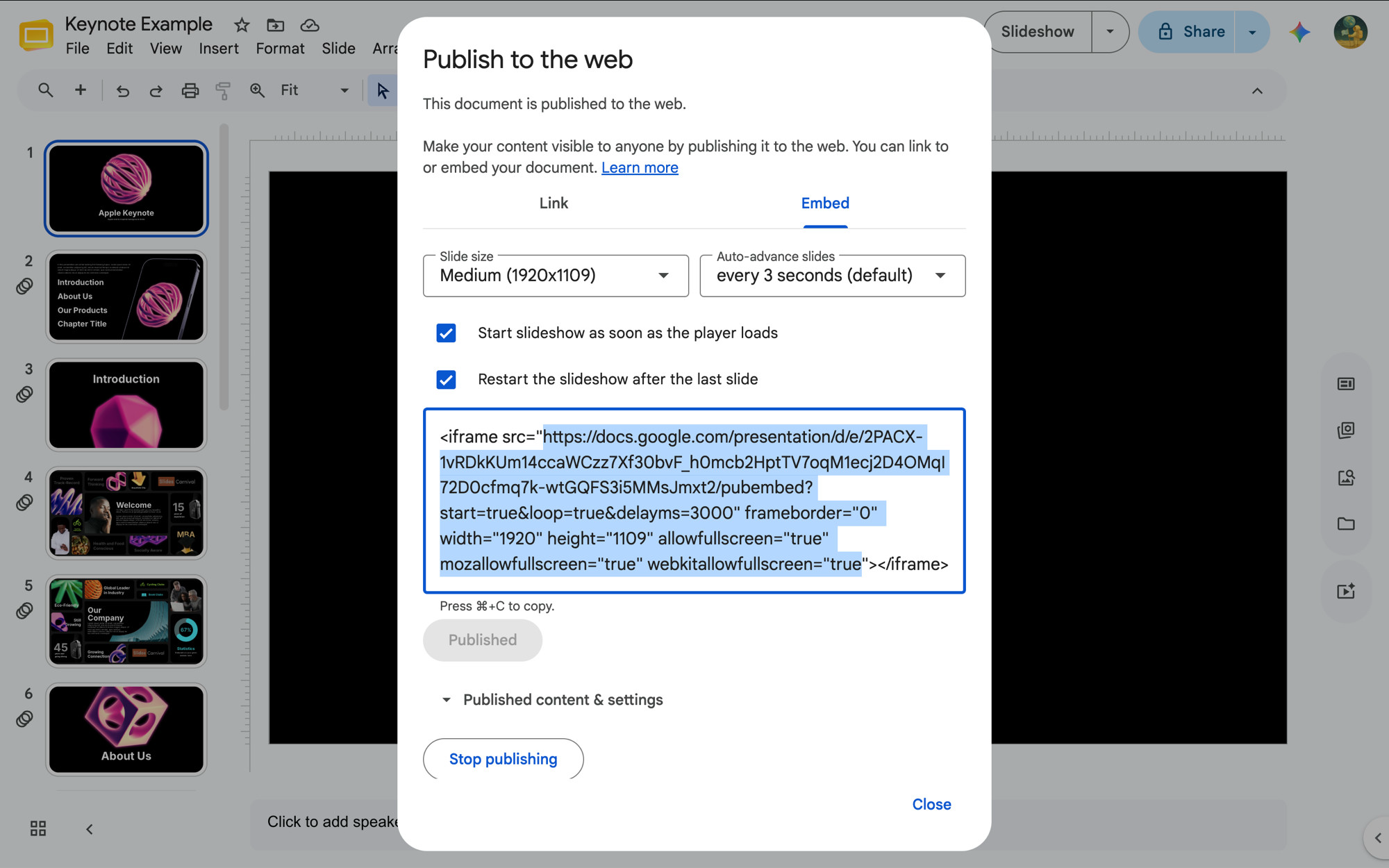
<iframe src="..."> code that appears.3
Paste the embed URL and create the app
Back in Pickcel, enter a Name for the app, paste the copied URL into Embed URL, then click Create App.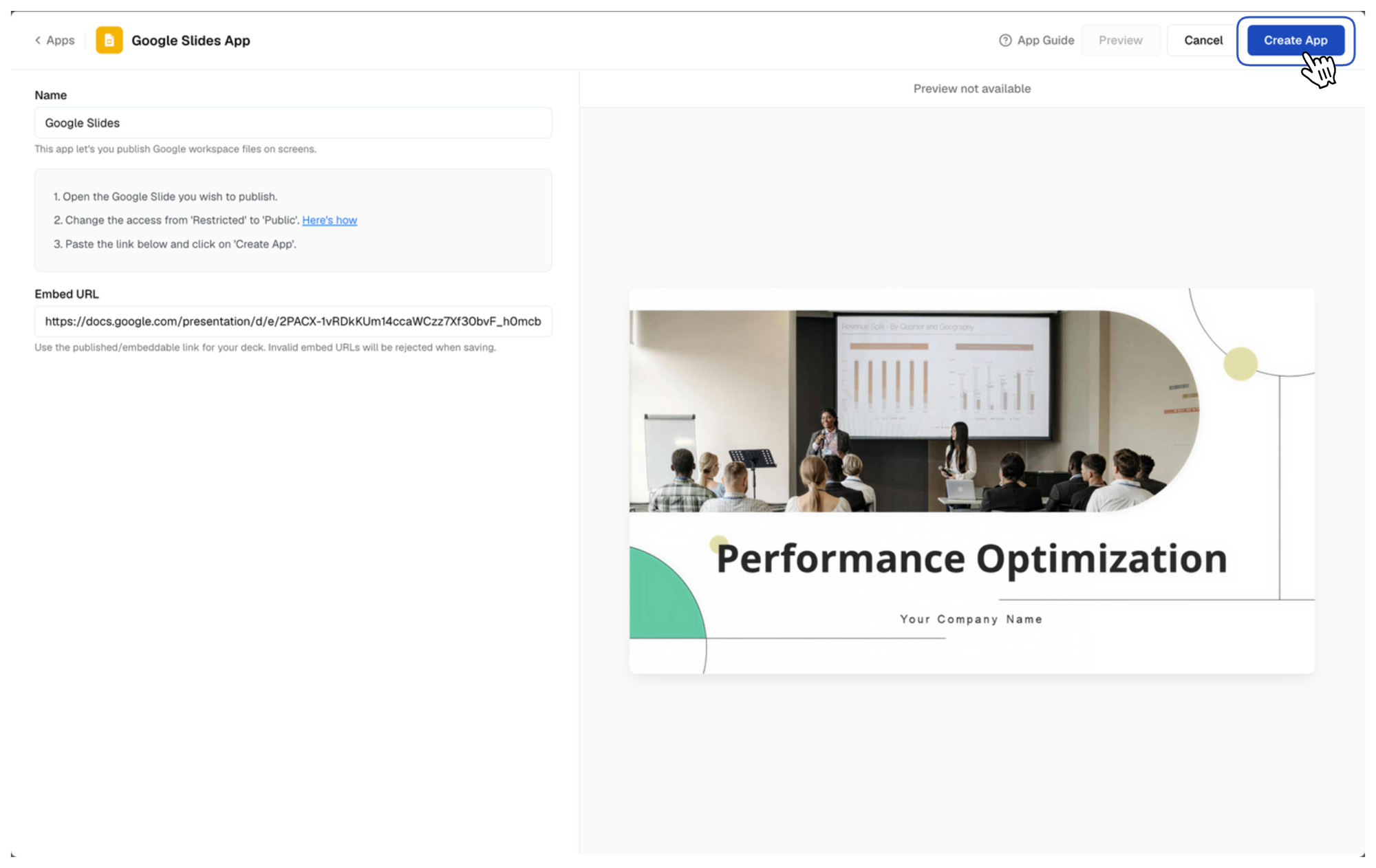 Your Google Slides app is now ready to use.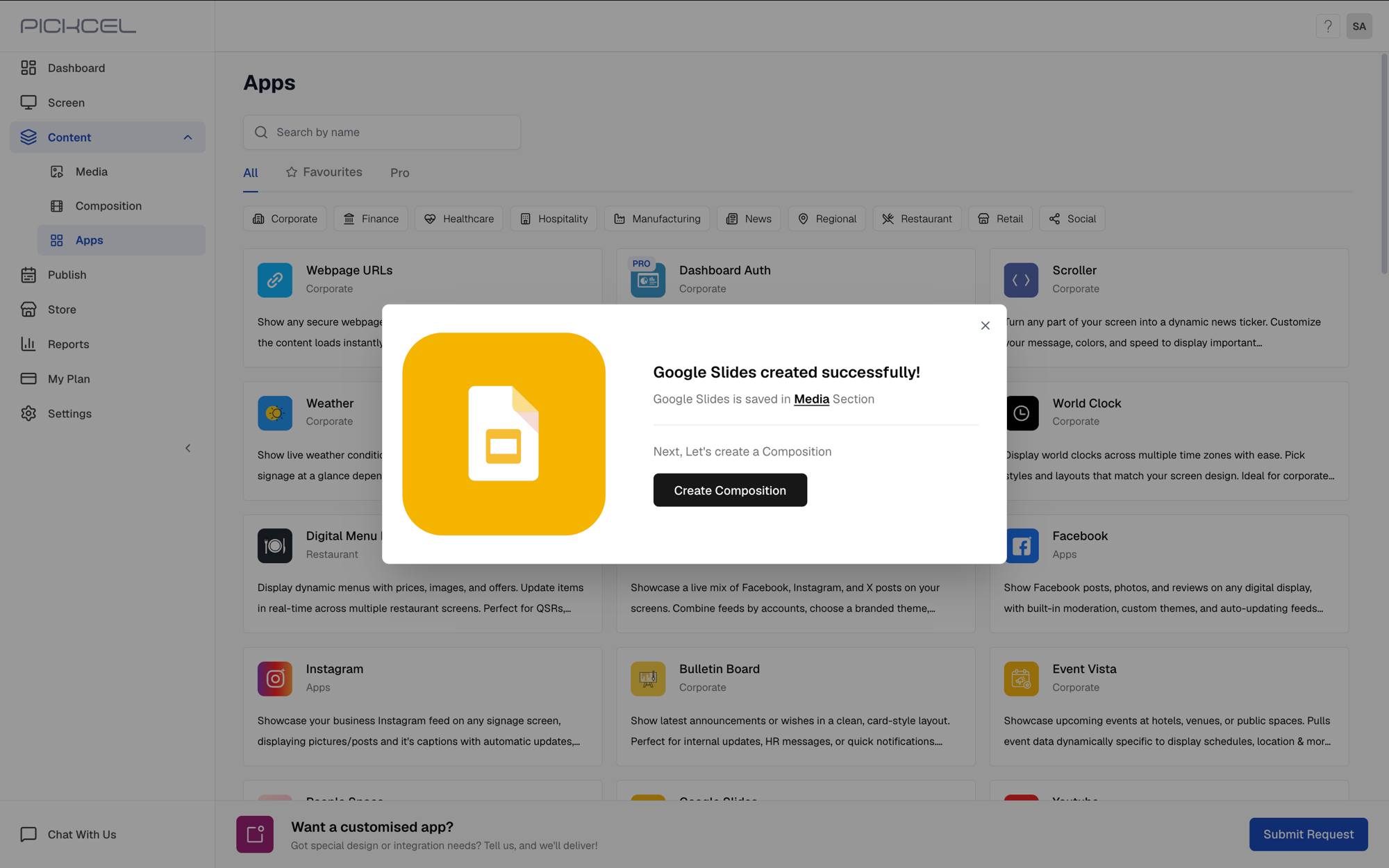
What’s Next?
The app is saved to your Media library under the name you gave it, here “Keynotes”.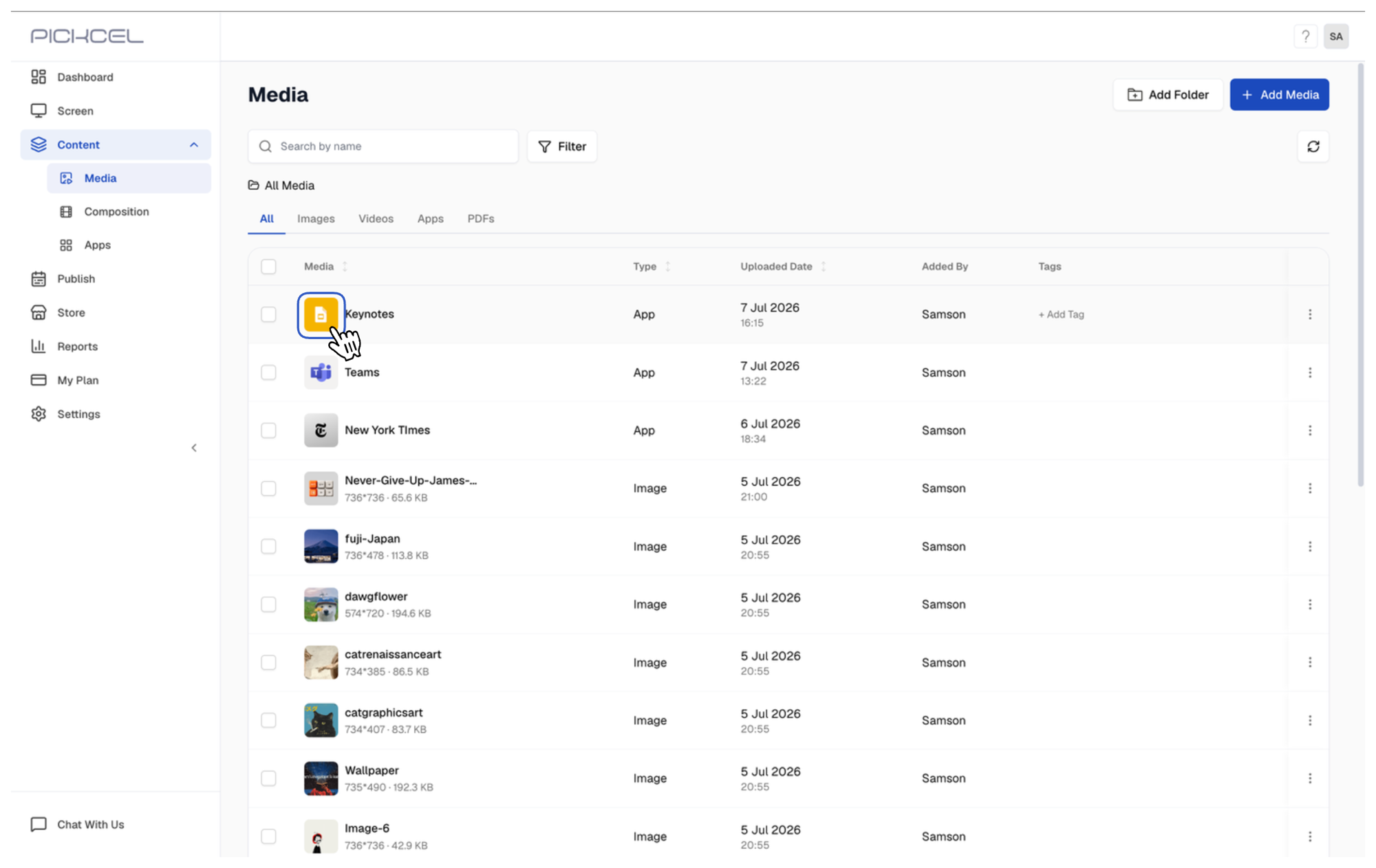
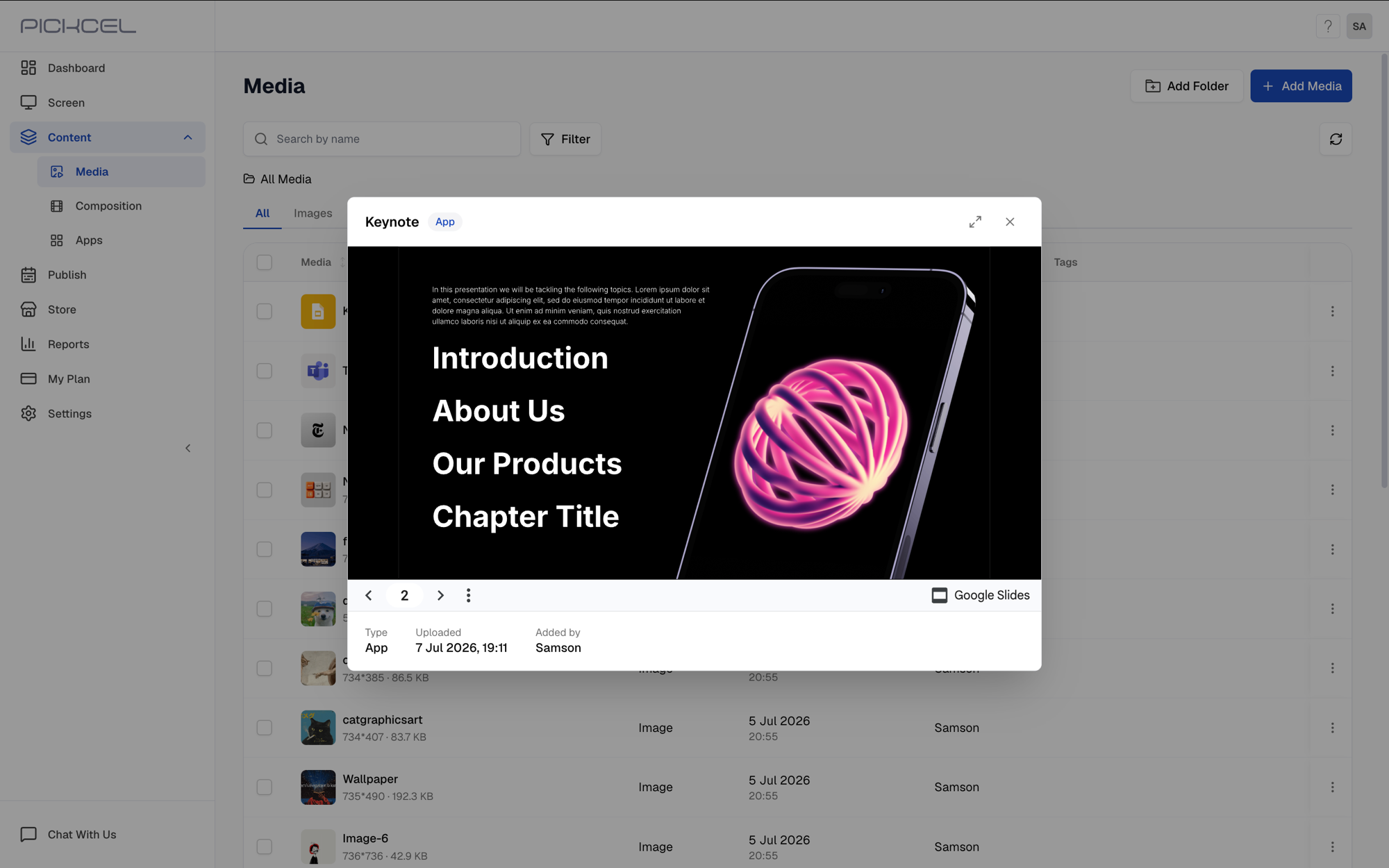
The preview auto-advances through slides based on the auto-advance duration and looping options you chose when publishing the presentation to the web.
- Learn about Compositions
- Learn how to Publish or Schedule Content