

API access requires a Business account.
1
Navigate to Settings module
Log in to your Pickcel account and open the Settings module from the left navigation.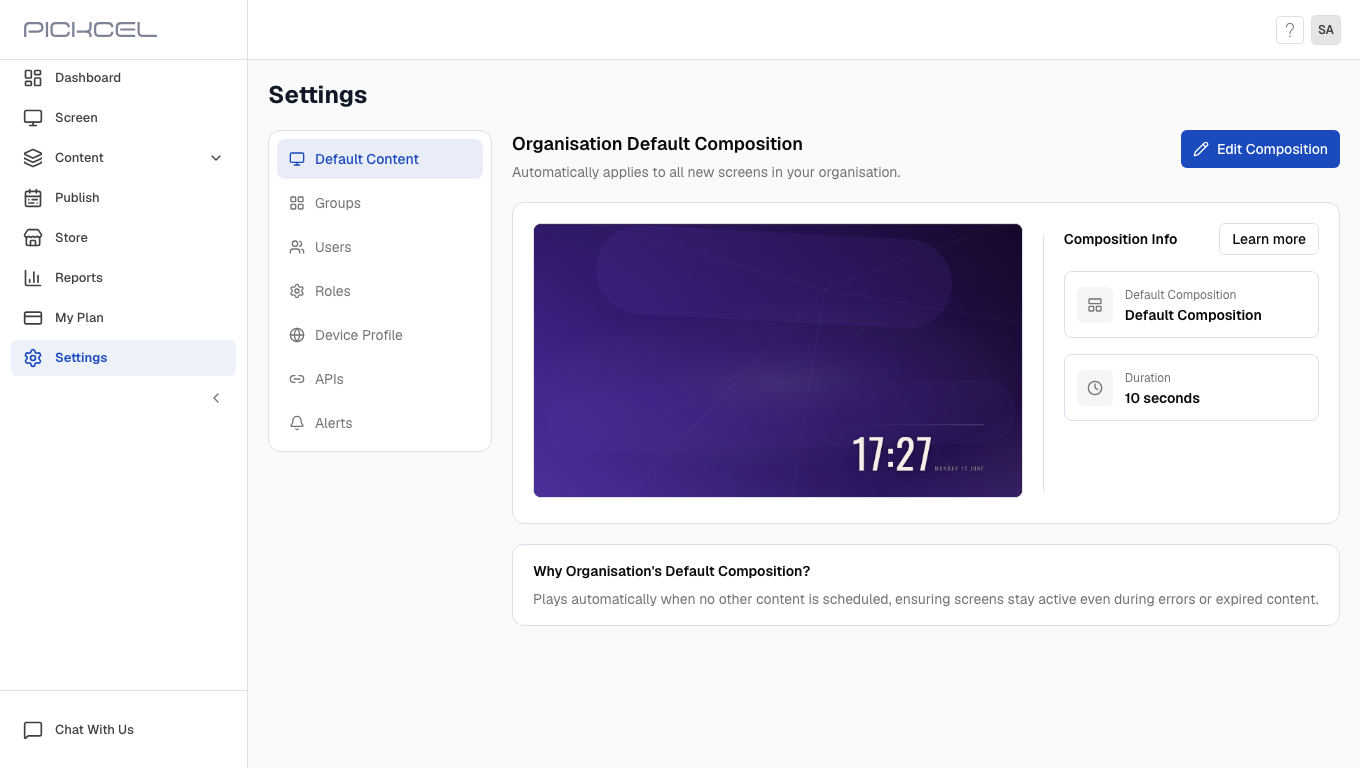
2
Select APIs option
In the Settings sidebar, select APIs. The page shows API documentation and authentication options.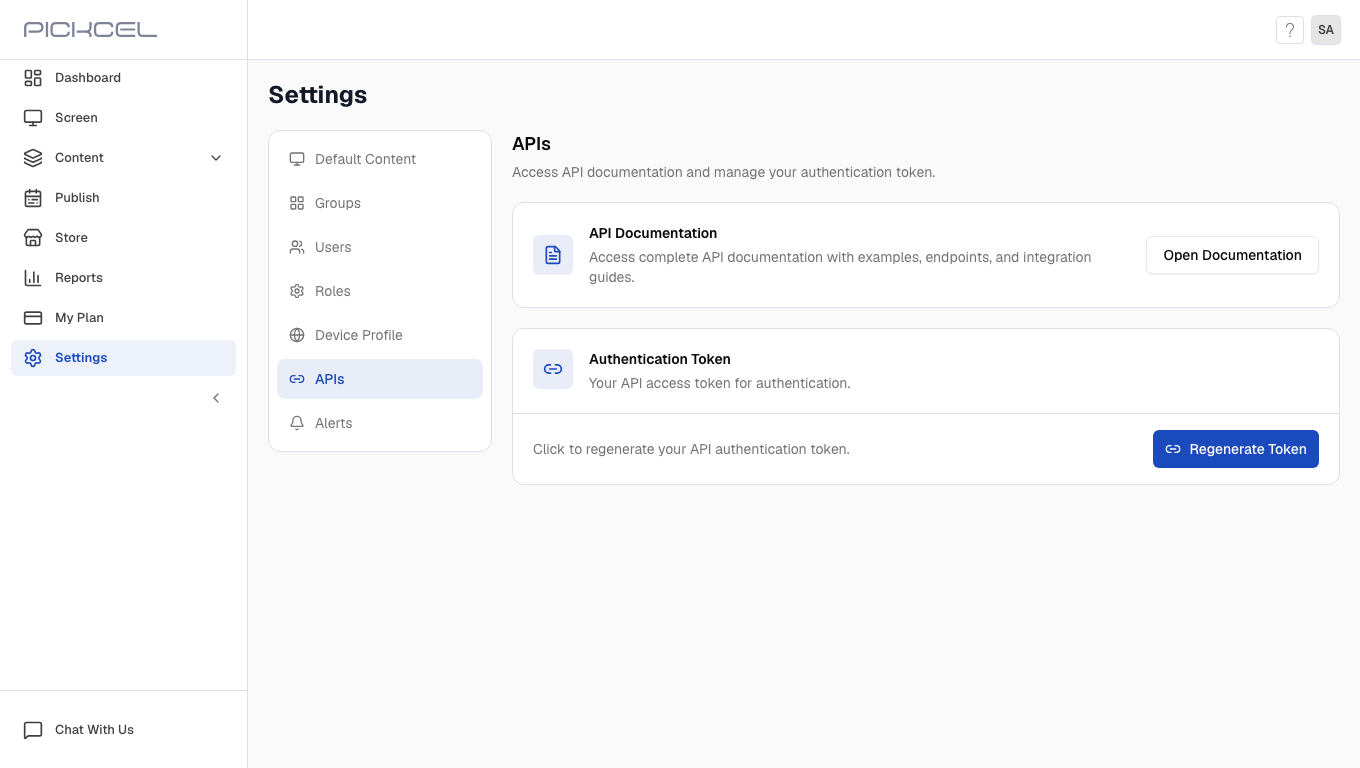
3
Open API documentation
Under API Documentation, click Open Documentation to view endpoints, examples, and integration guides.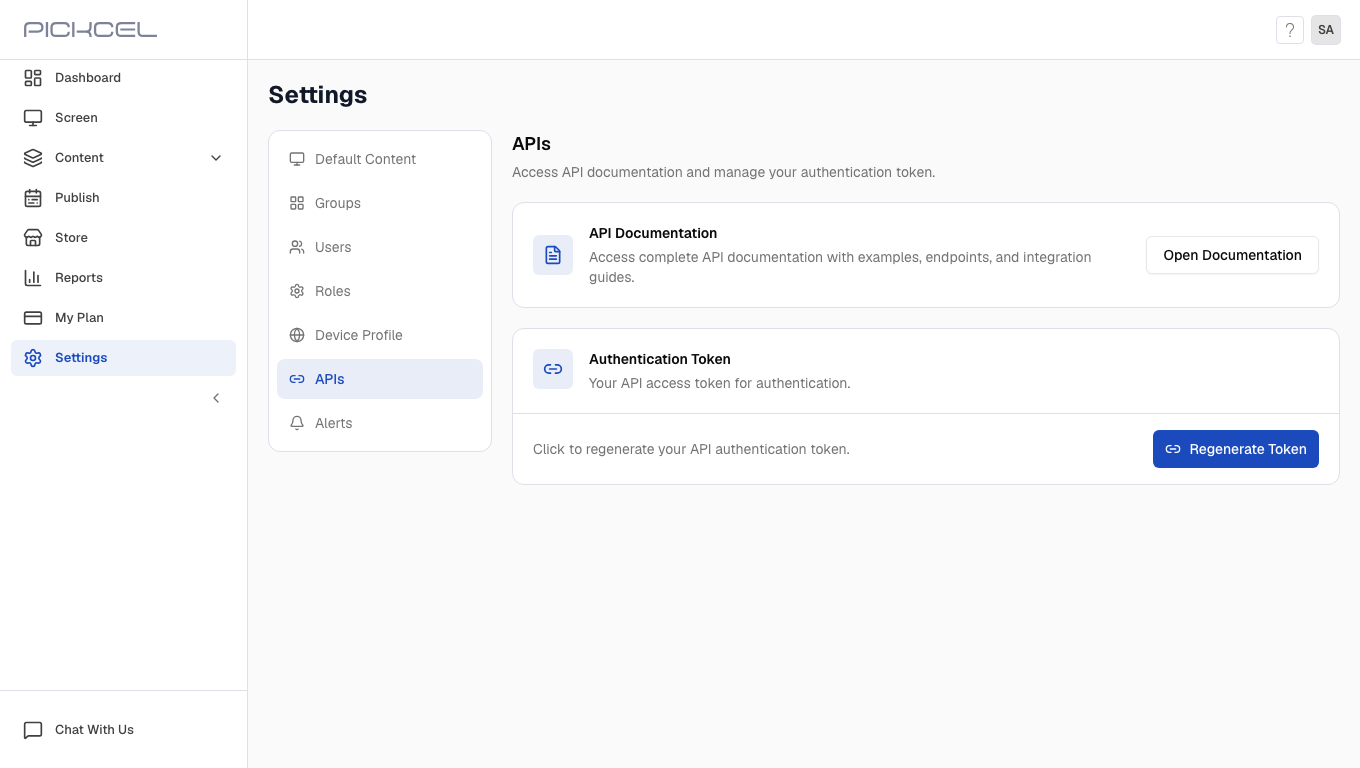
4
View your authentication token
Under Authentication Token, click Regenerate Token to create a new API access token. Copy the token when it appears and store it securely. After you close the page, Pickcel shows only a masked version of the token.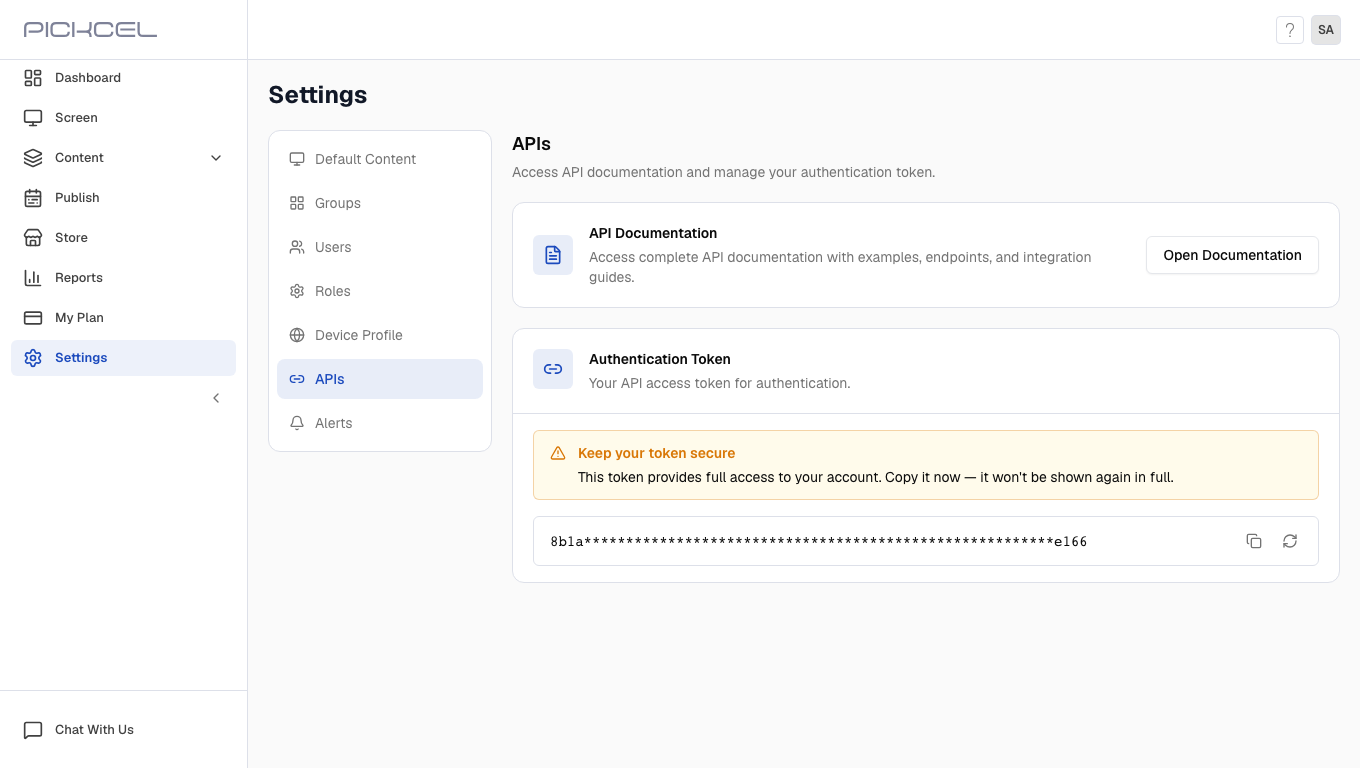
Need assistance? Reach out to our support team.