

Example: You can set two Groups (Group 1 and Group 2) for two different geographical locations, A and B. Group 1 has access to the screens, media, and so on of Location A, and Group 2 has access to the same in Location B. Under each group, you can set the user roles (Manager/Operator/Editor). The Manager of Group 1 cannot see the screens, media, and so on of the Manager of Group 2, and vice versa.
Before creating a Sub User, you need to create at least one Group. Any sub-user must be linked to a Group when they are created.
1
Open Settings and click Add Group
In the Pickcel console, open the Settings module and select the Groups tab. Click the Add Group button in the top-right.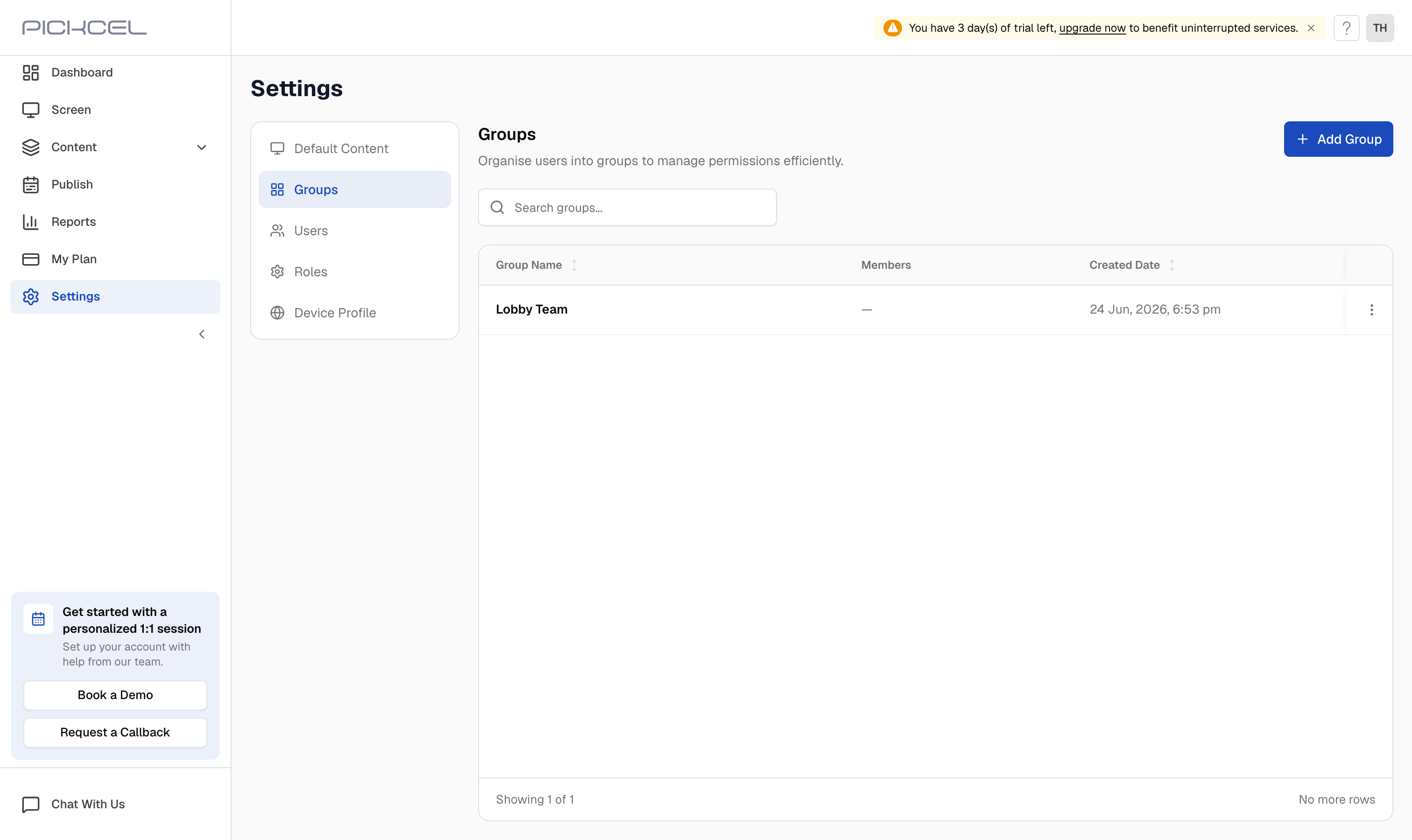
2
Enter a group name and description
In the Add Group dialog, enter a Group Name and a Description, then click Add Group to create it.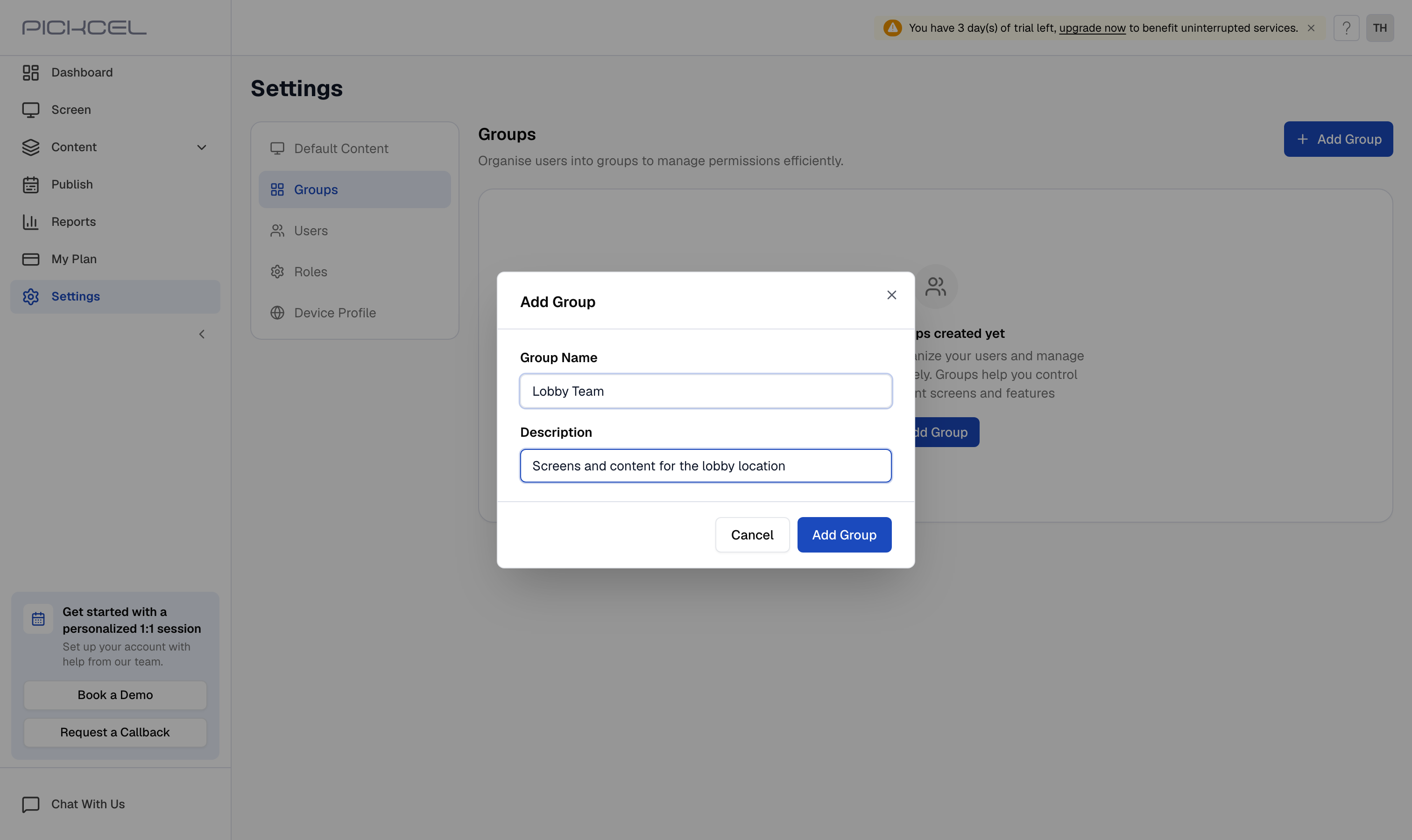
Next, add team members to the group. See Who is a Sub user and How do I add sub users in Pickcel?
To assign screens to a group, for example to organize screens by store or location, see How can I group the screens based on store?