

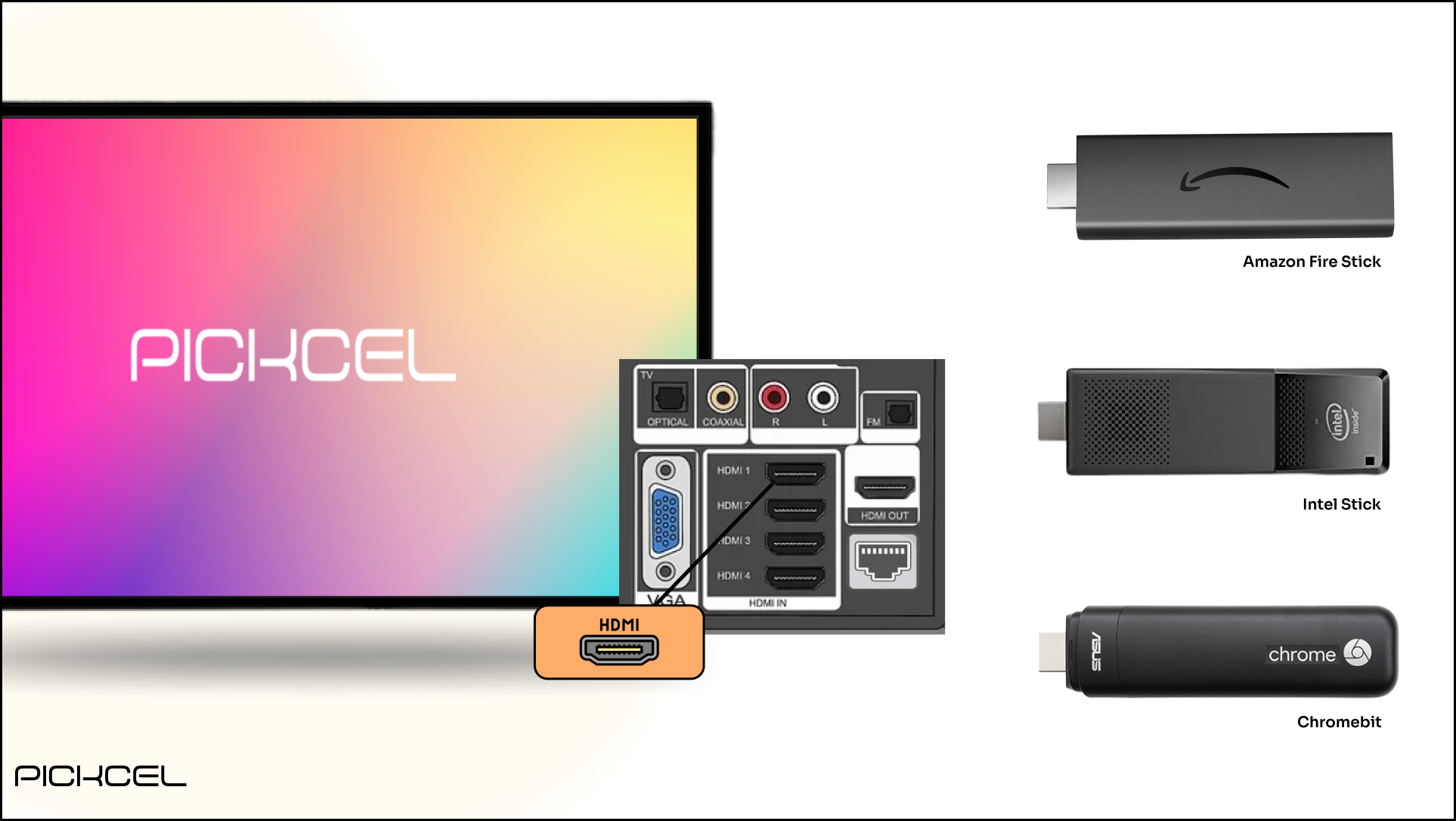
1
Connect the player to your display
Connect the media player to your TV or display using an HDMI cable.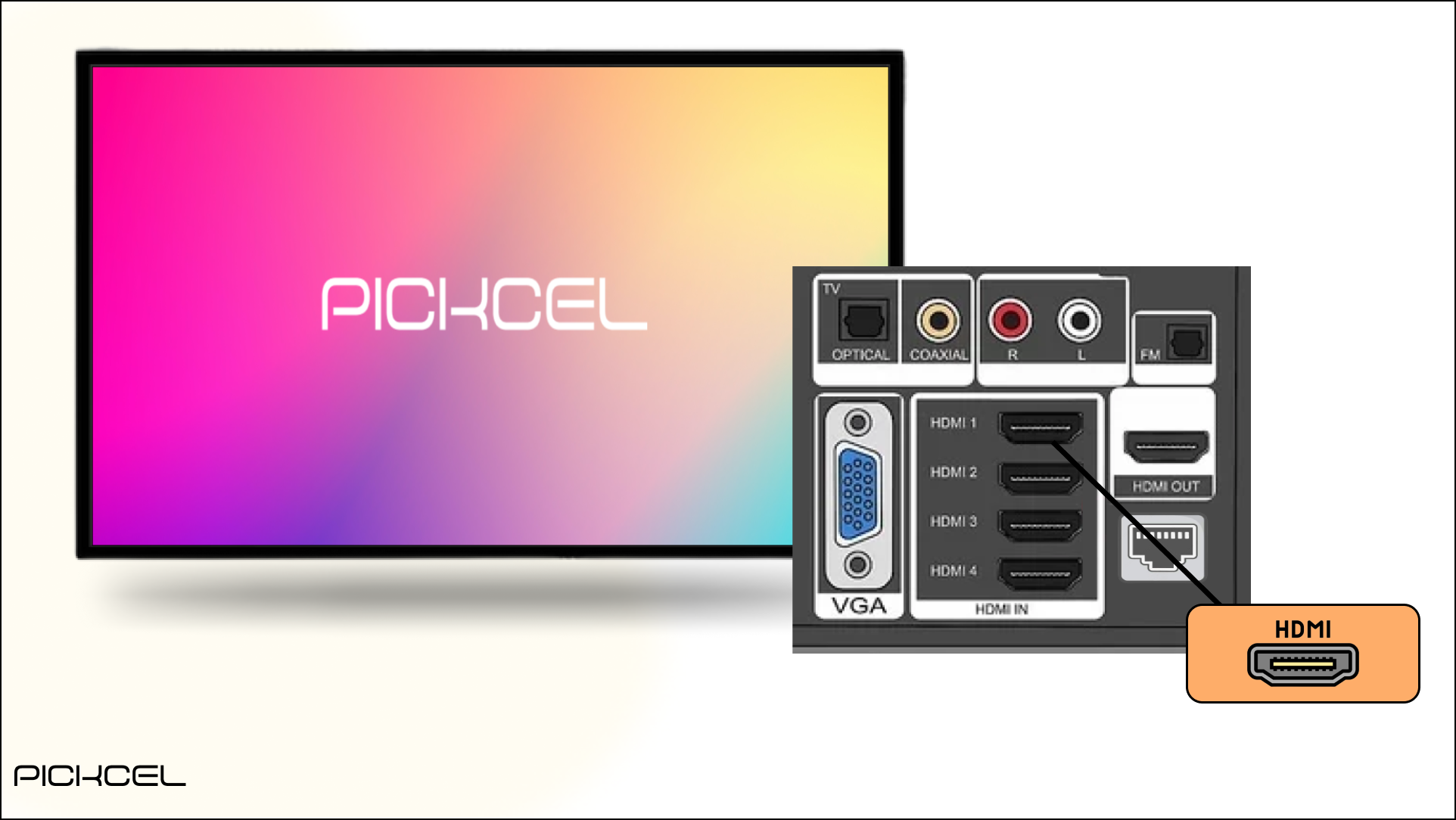
2
Connect to the internet
Connect the player to the internet over Wi-Fi or Ethernet.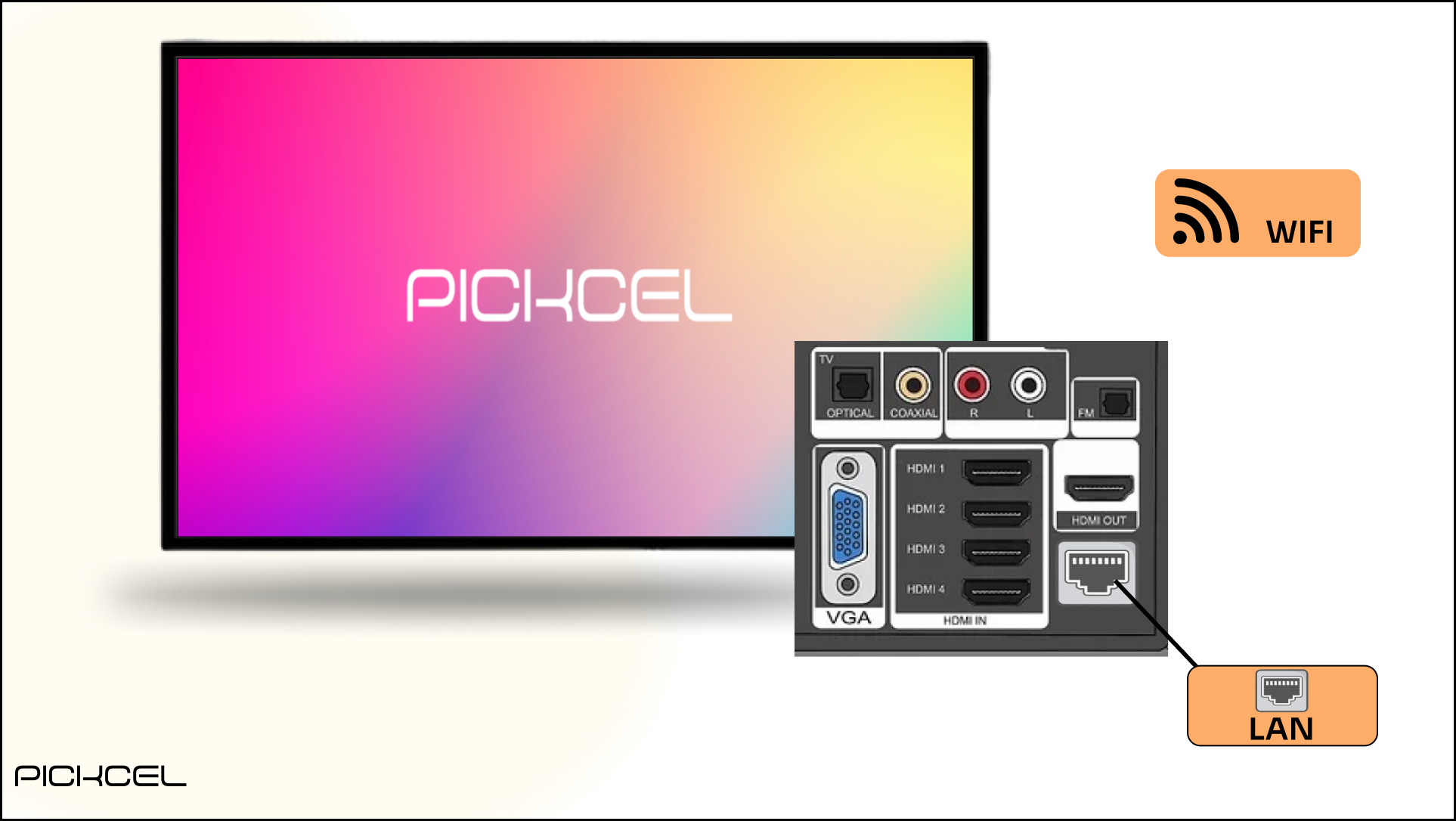
3
Set the time zone
On most players the time zone is detected automatically. If not, set it manually to match your location.
Platform-specific installation guides
Follow the guide for your device to install and register the Pickcel player:Android
Install on Android devices and TVs.
Windows
Install on a Windows screen or box.
Raspberry Pi
Set up Pickcel on a Raspberry Pi.
LG webOS
Install on LG webOS signage.
Chrome OS
Install on Chrome OS / Chrome OS Flex.
Samsung Tizen
Install on Samsung Tizen signage.
Amazon Fire TV
Install on Fire TV Stick.
macOS
Install on macOS.
Linux
Install on Linux.