Design signage content with Canva inside Pickcel and publish it directly to your media library
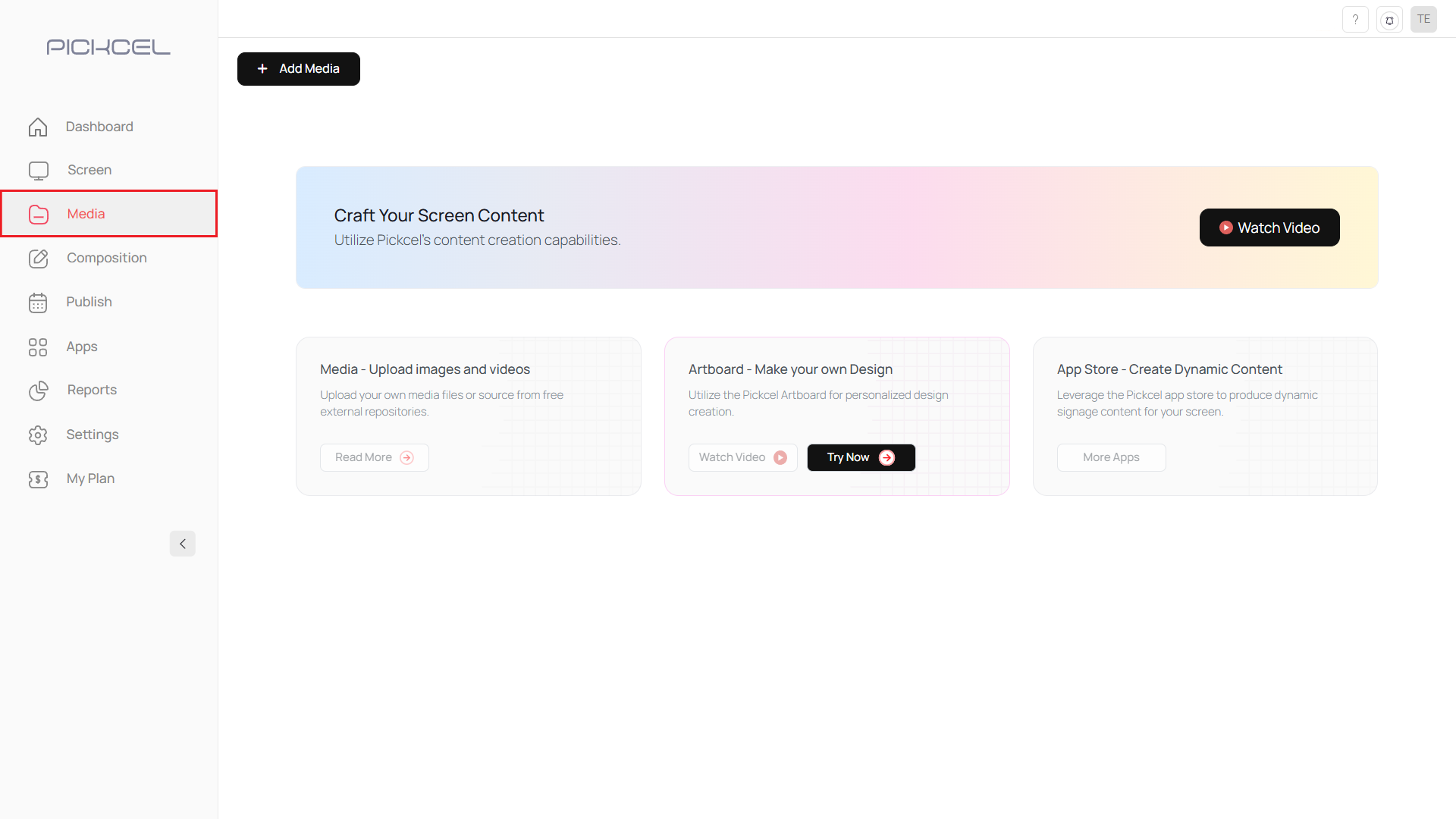
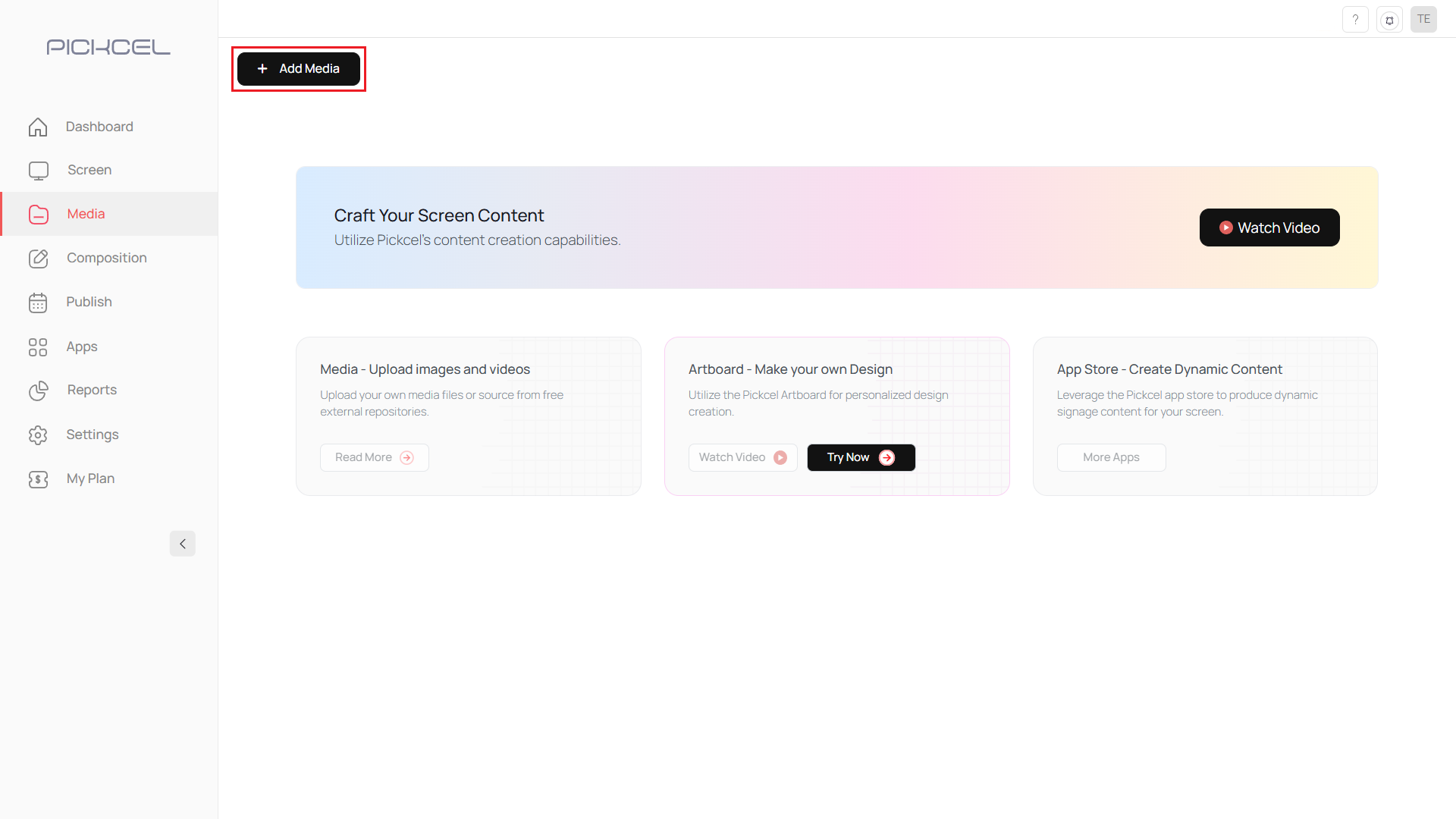
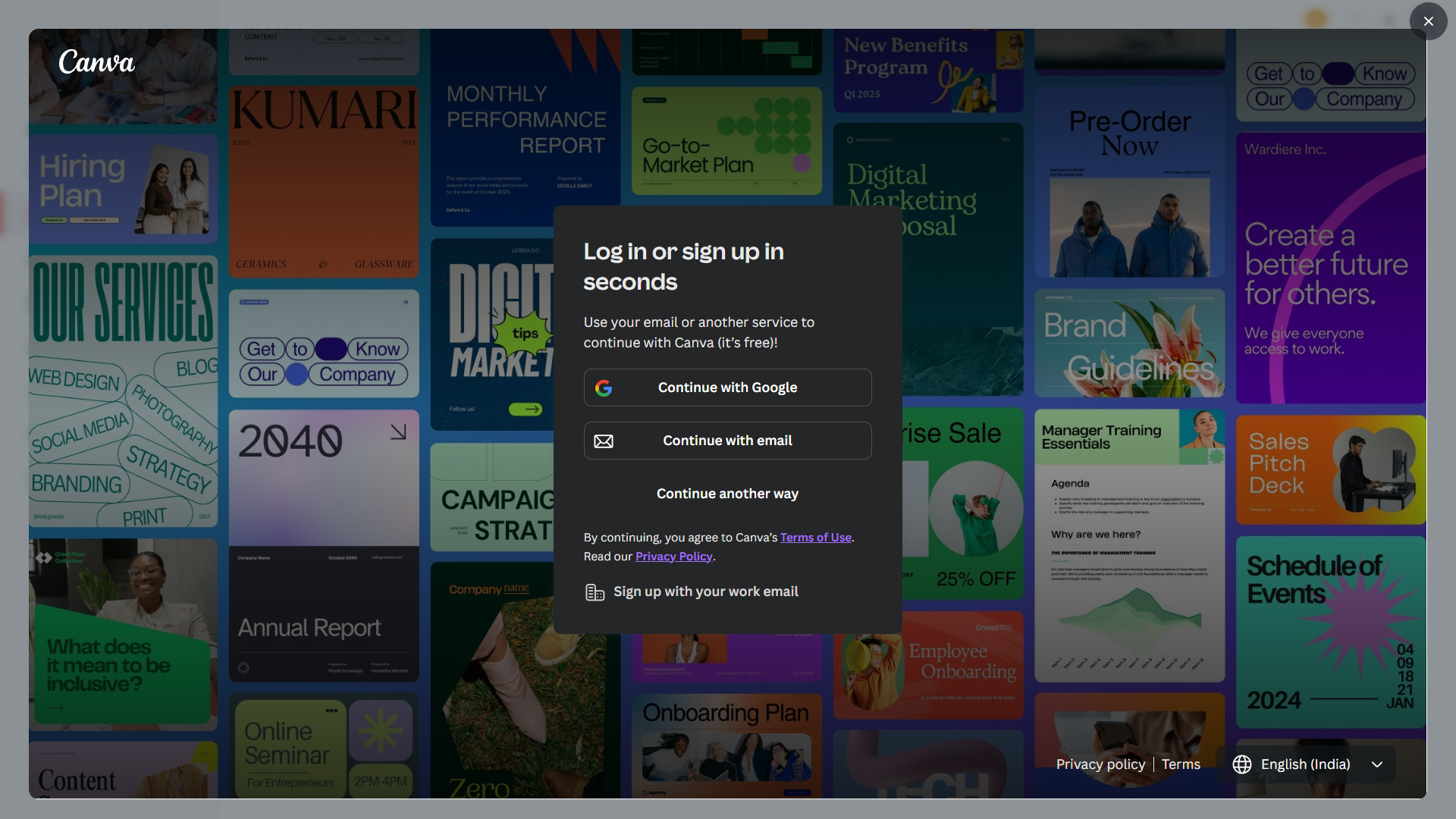
The Canva integration lets you design graphics without leaving Pickcel. Sign in to your Canva account once, build your design, and publish it straight into your media library.


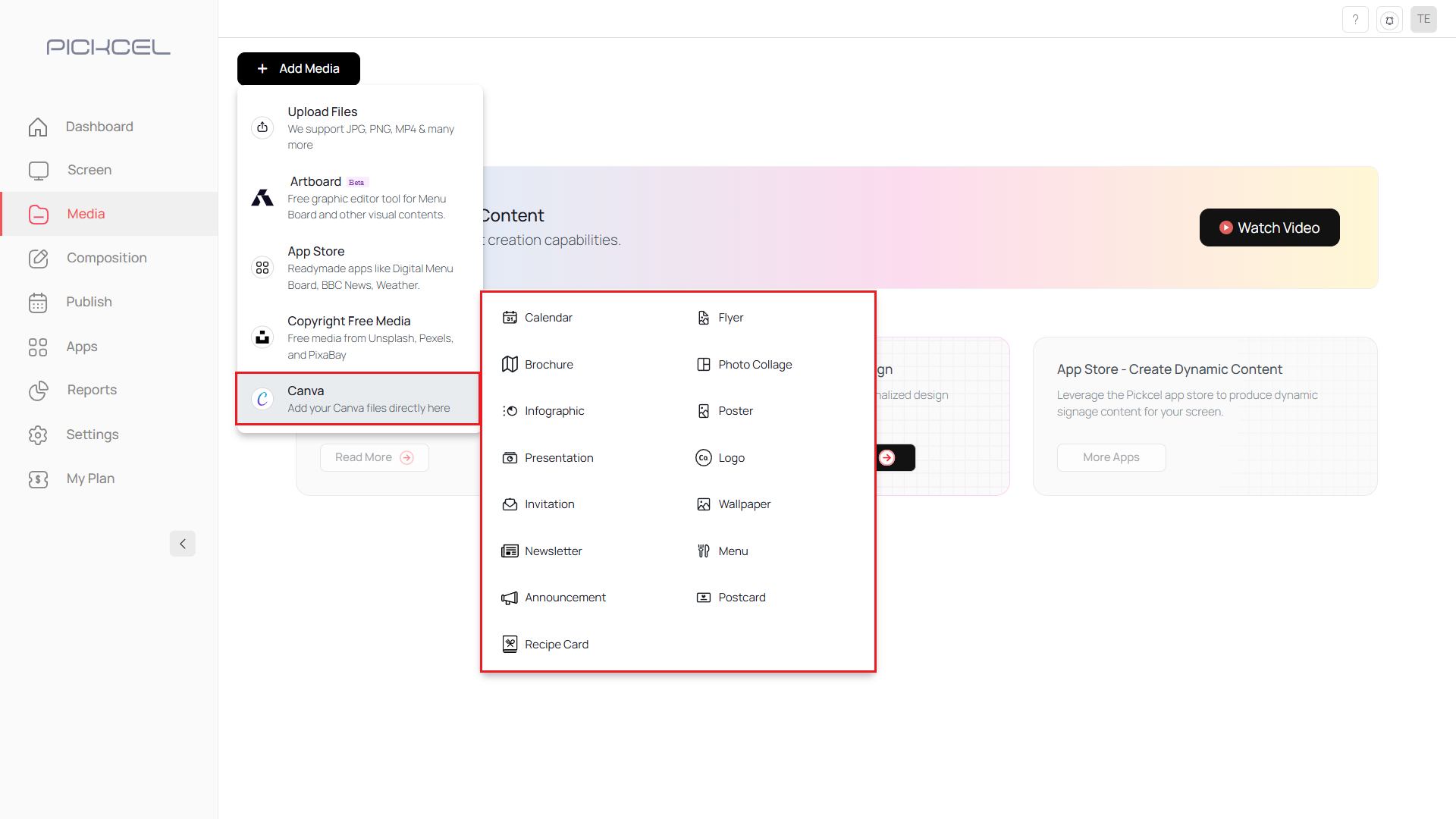
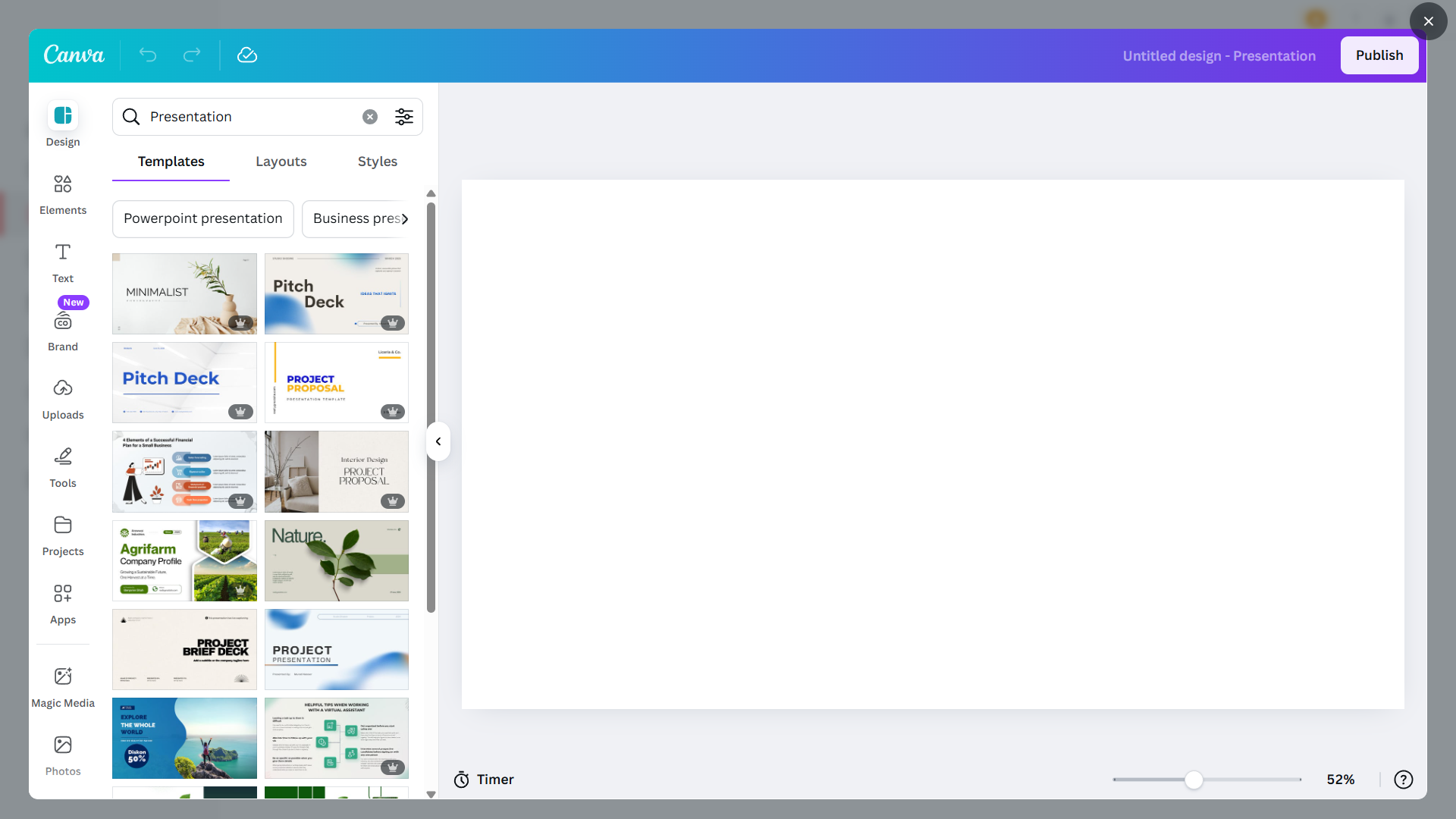 Choose a design or start from scratch.
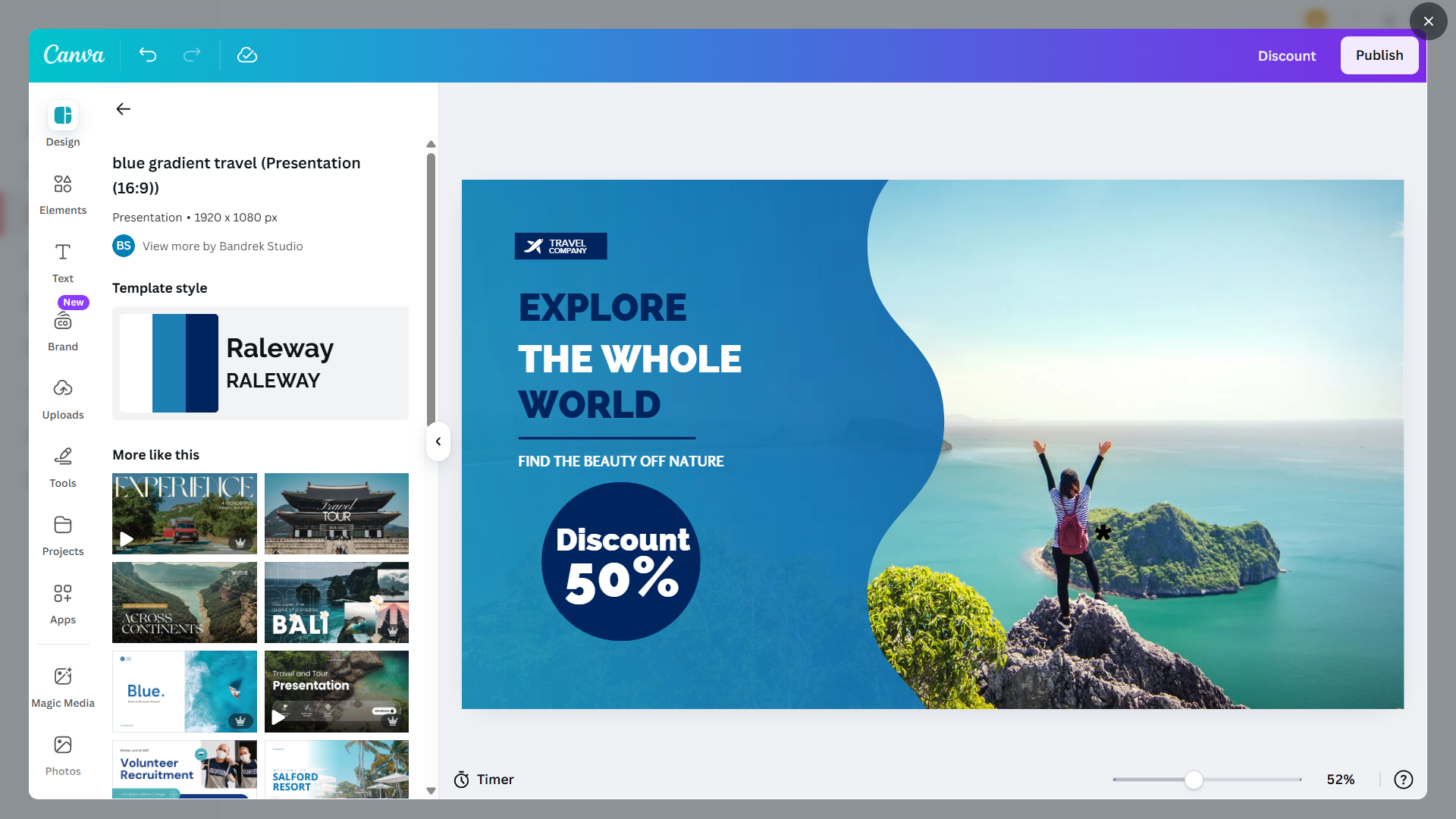 Edit elements to create your design.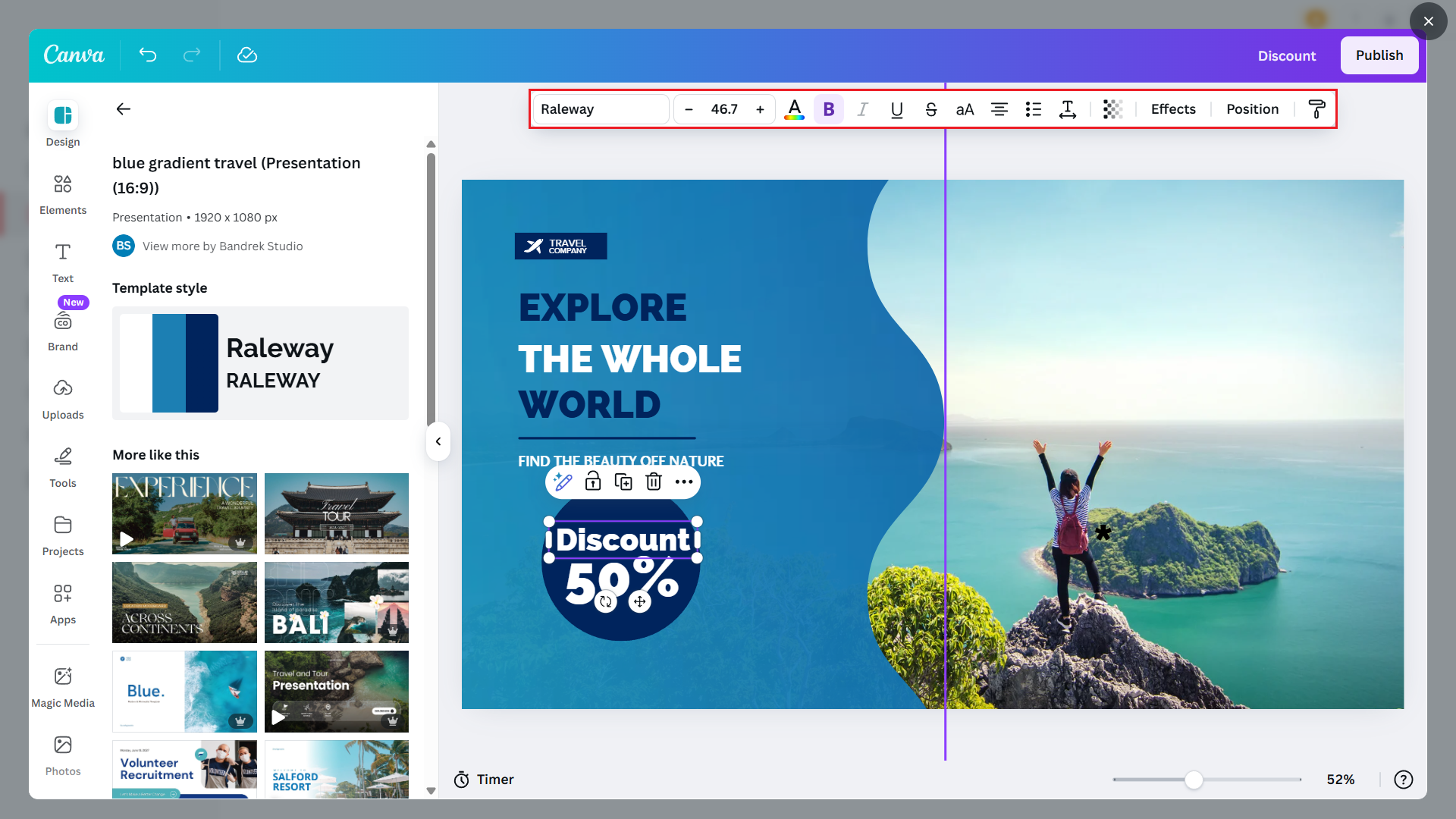
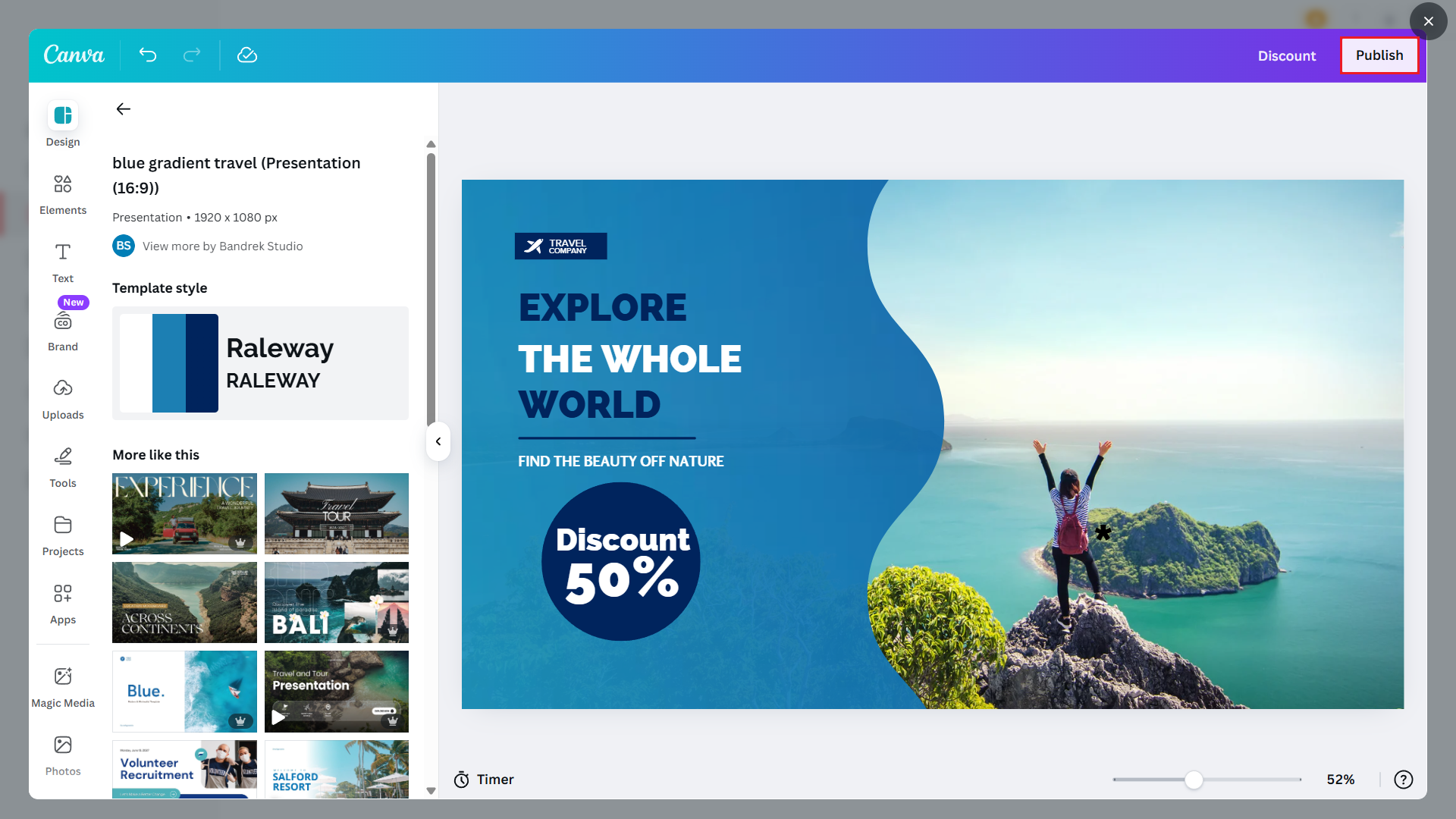 The content is added automatically to your Pickcel media library.
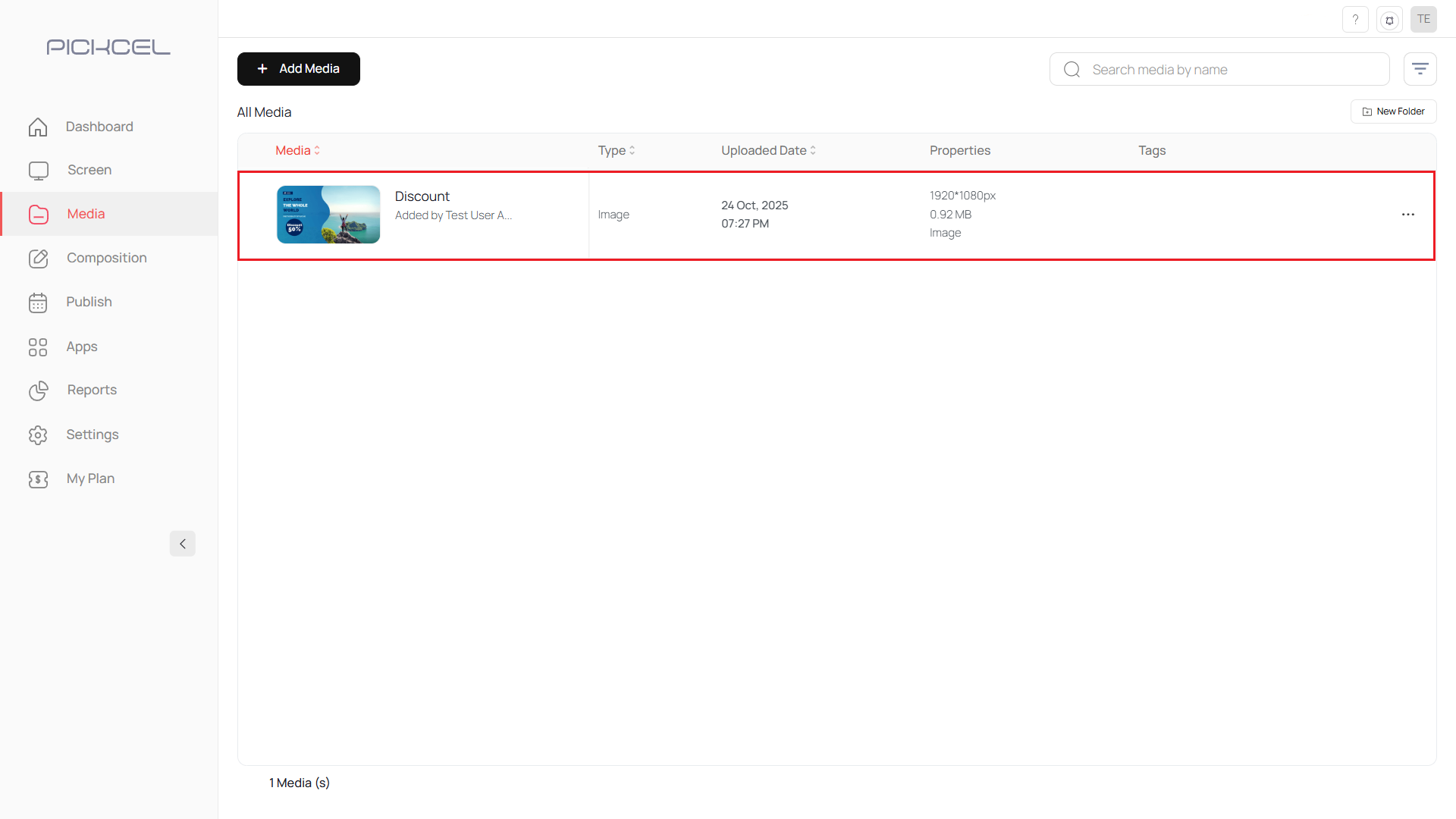 Click its thumbnail to preview how the design will look on screen.