

1
Login and go to Apps module
Login to your Pickcel account. Go to the Apps module.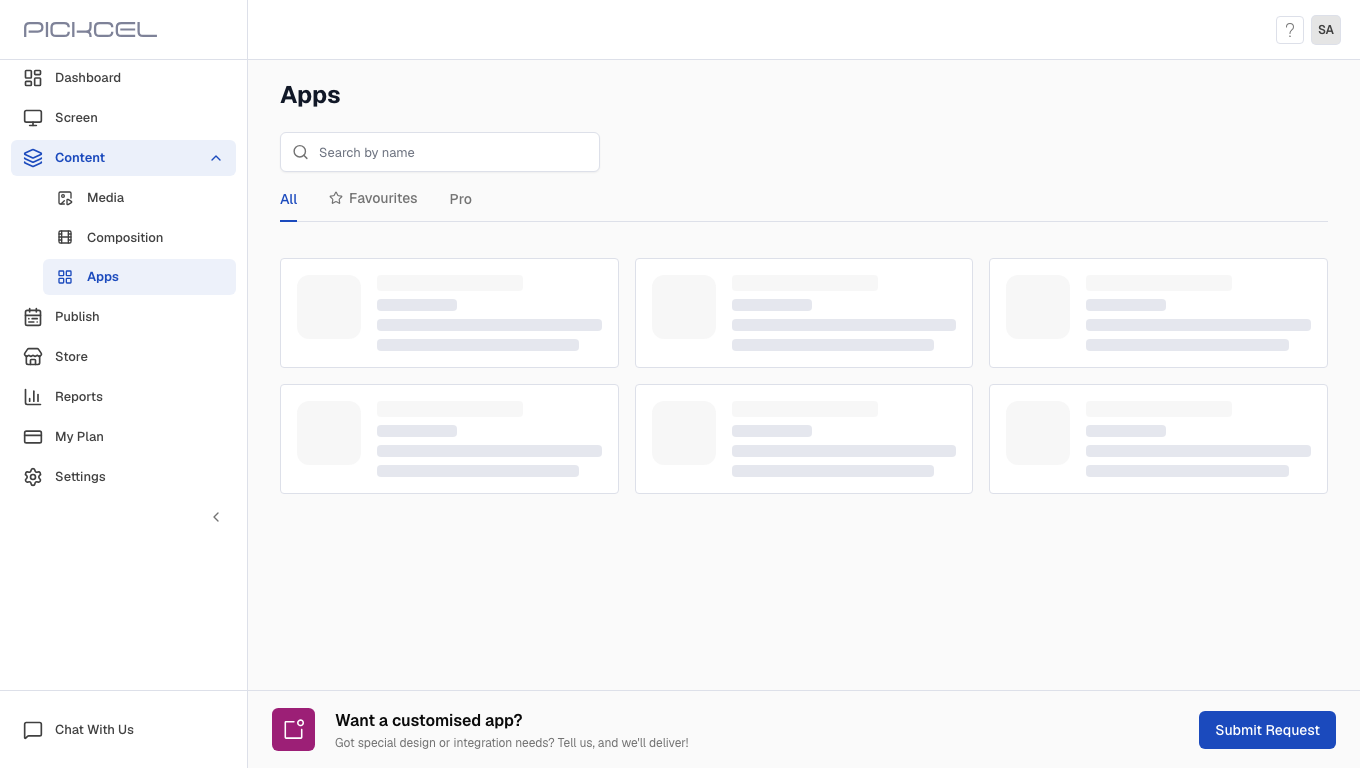
2
Search for Stocks app
Search for the Stocks Market Watch app using the search field.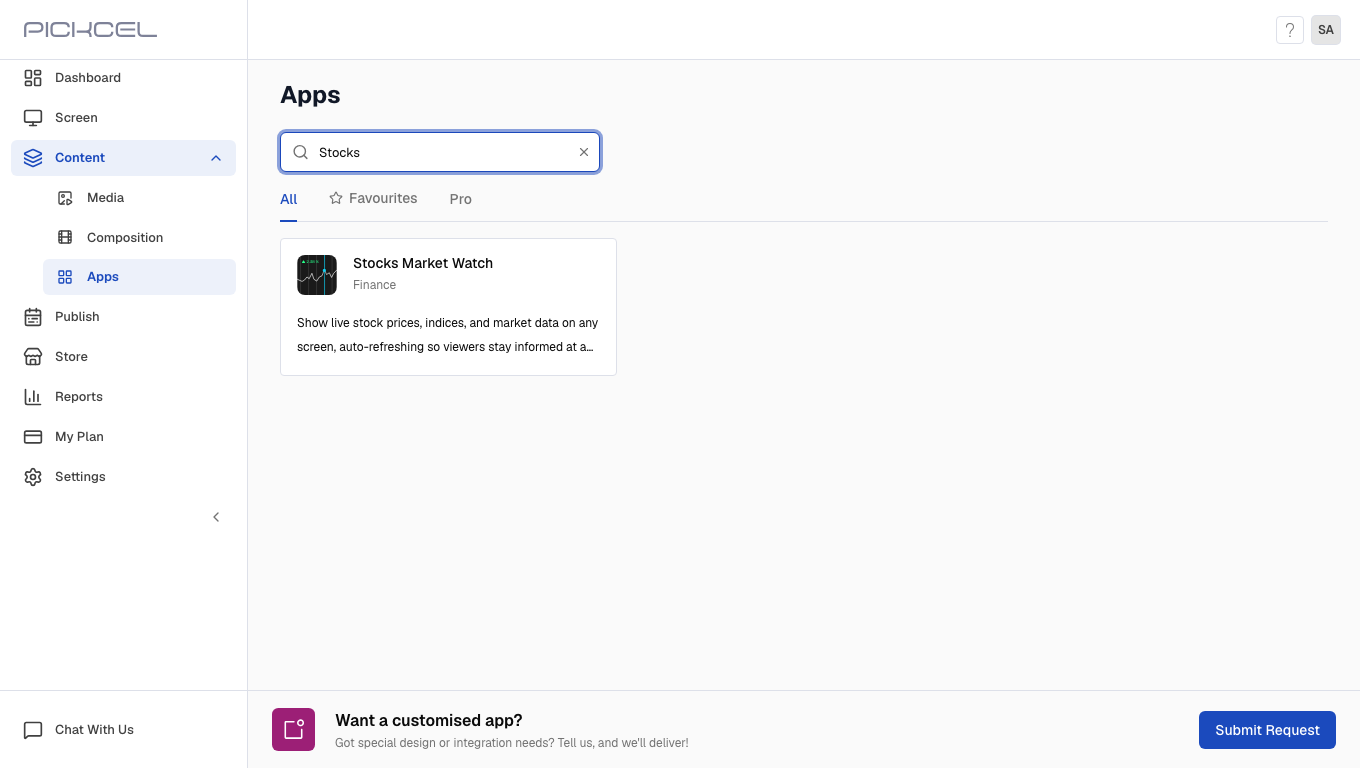
3
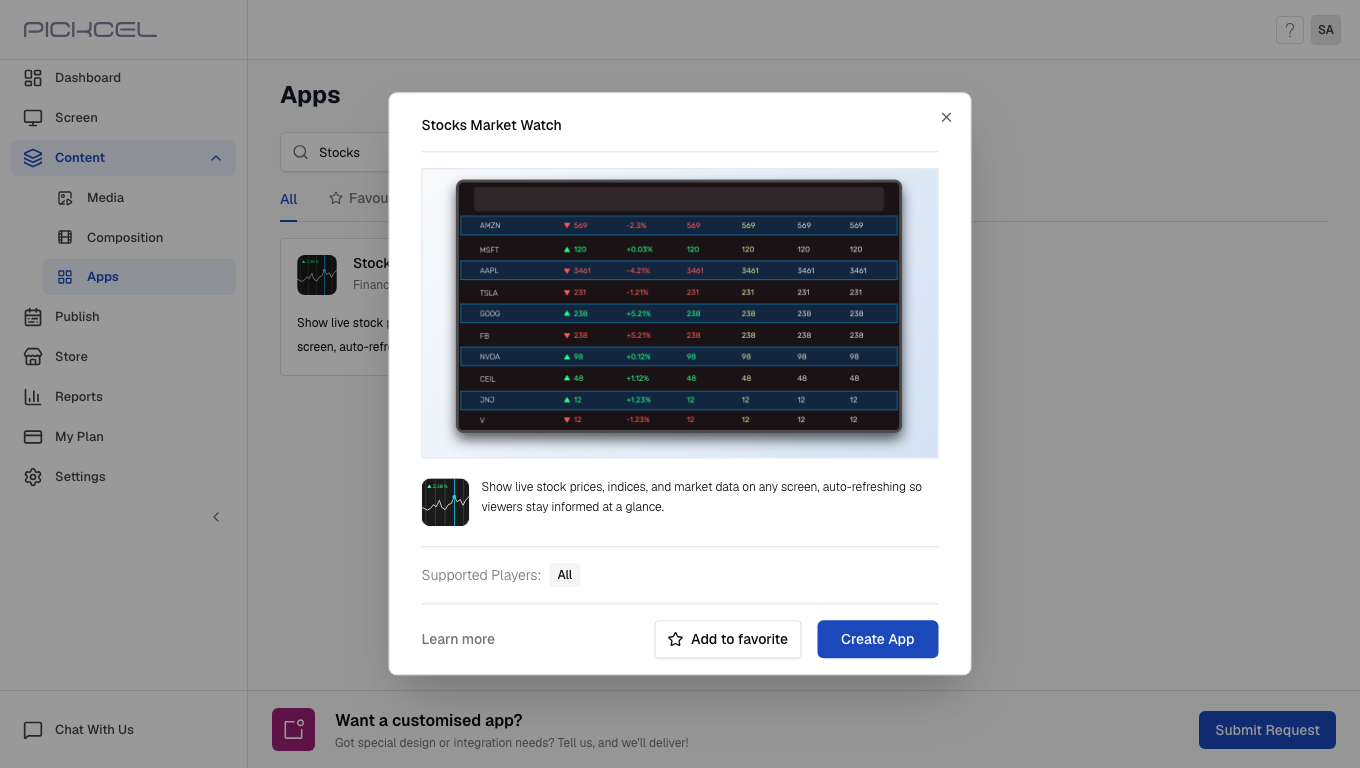
Click Create App
Click the Stocks Market Watch app card, then click Create App in the app details panel.
4
Enter app name
Enter a Name for the app.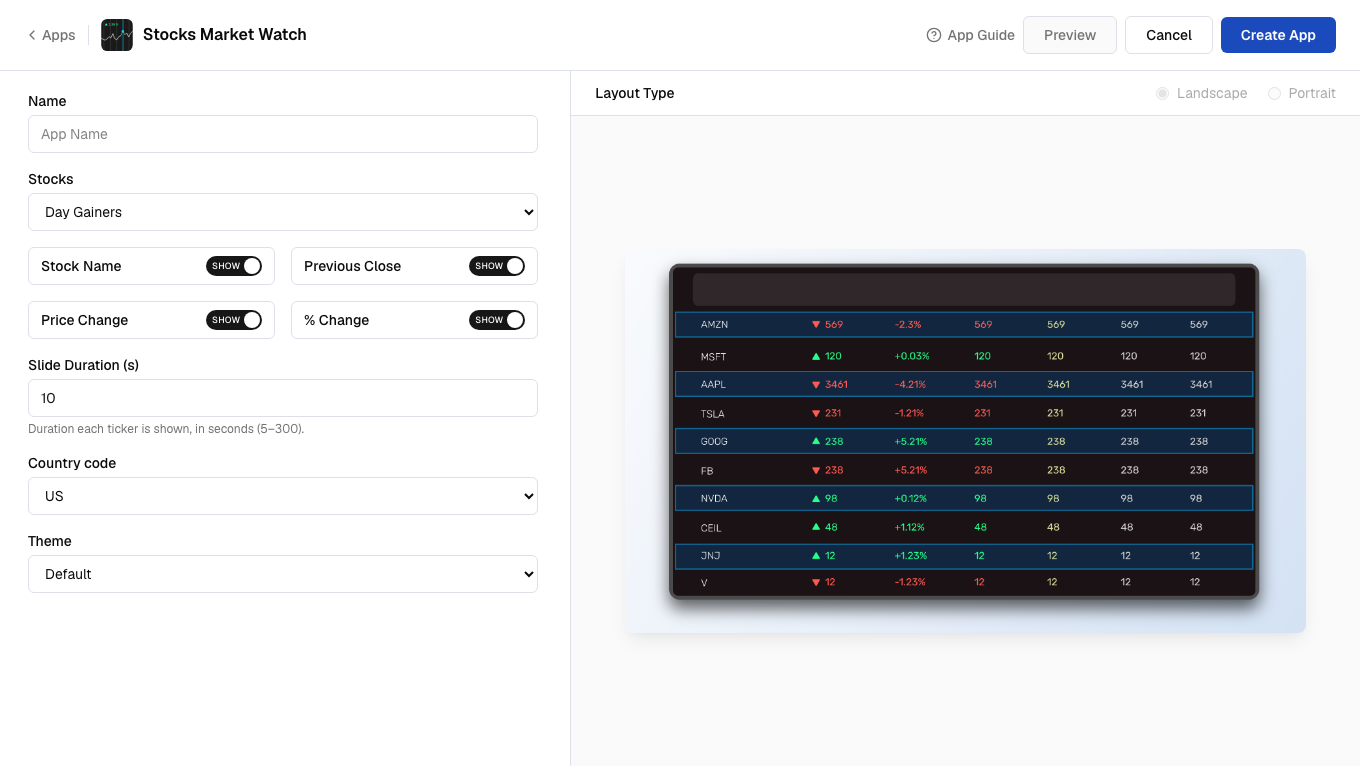
5
Select stocks list
Select a Stocks list (Day Gainers, Day Losers, or Most Actives).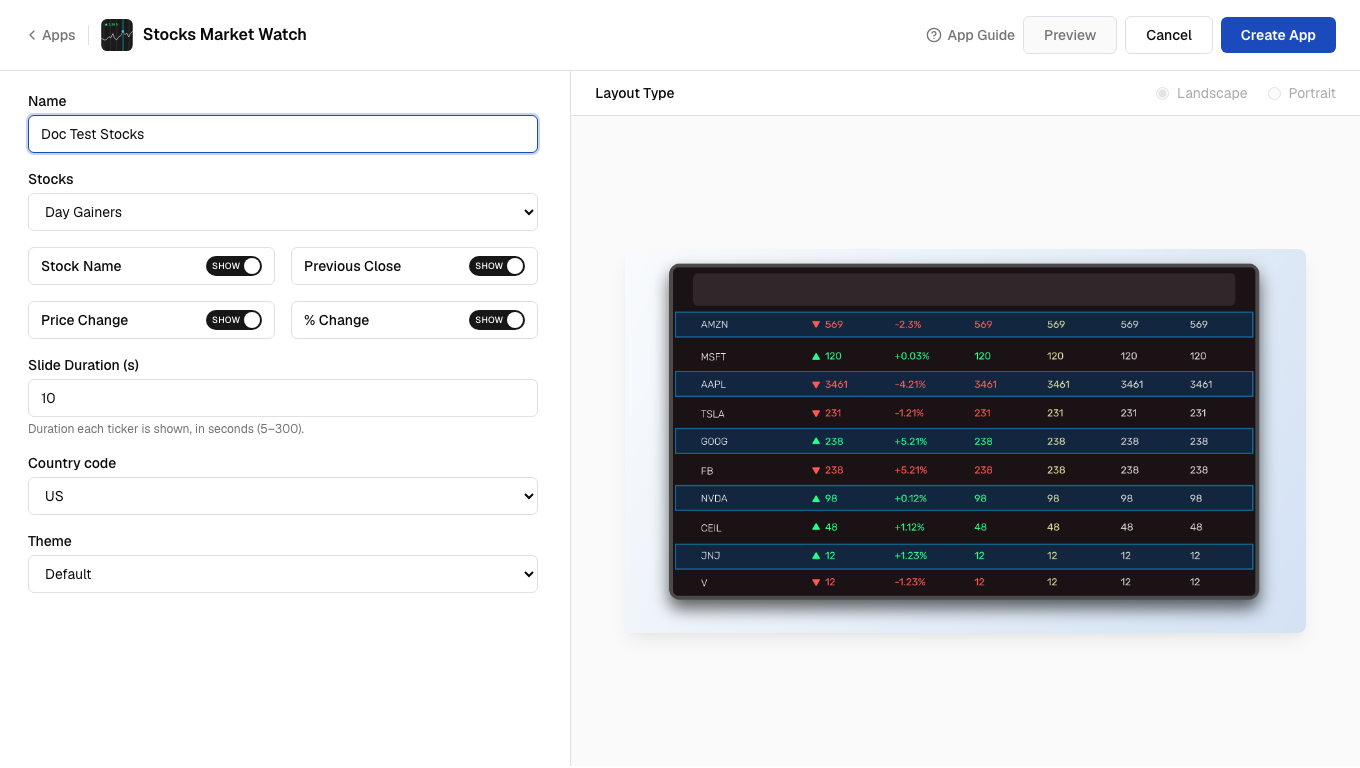
6
Select values to display
Toggle which stock values to Show or Hide on screen.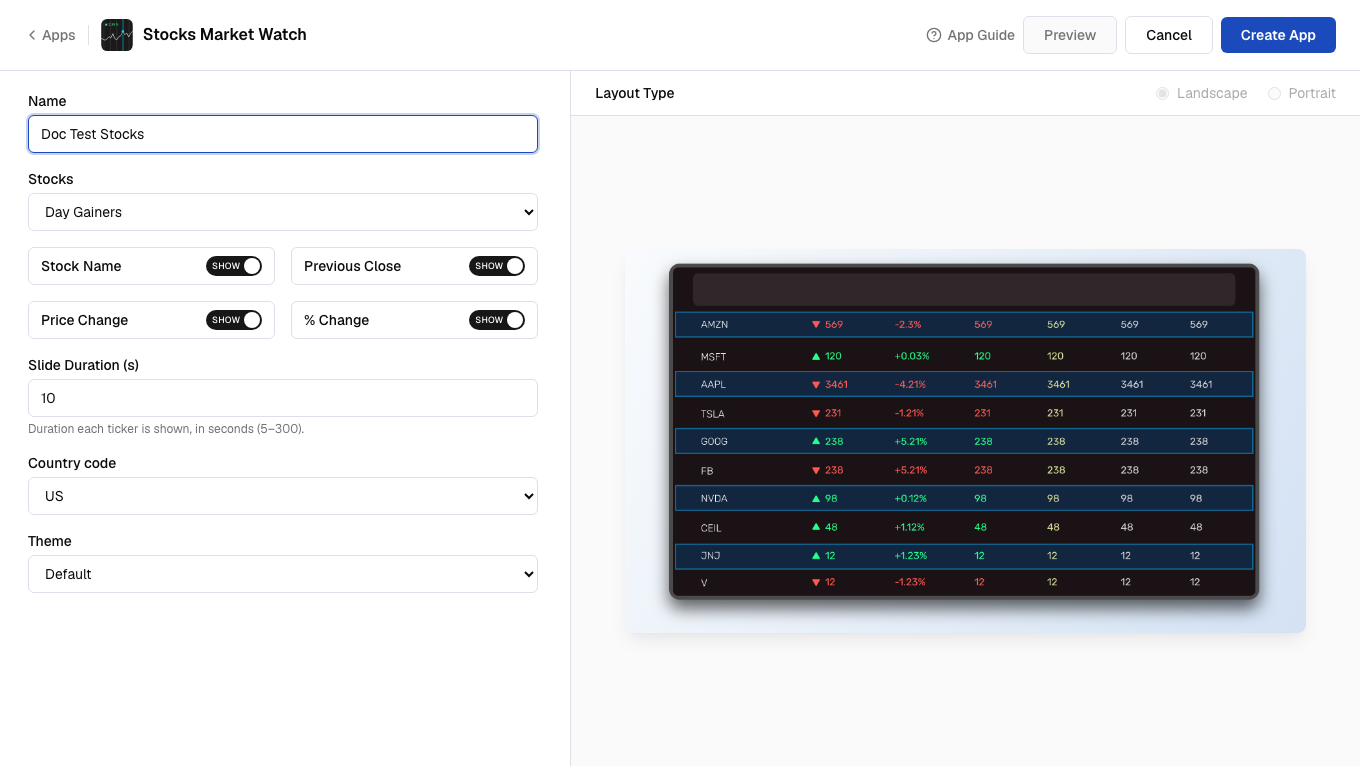
7
Select slide duration
Enter the Slide Duration (s) in seconds.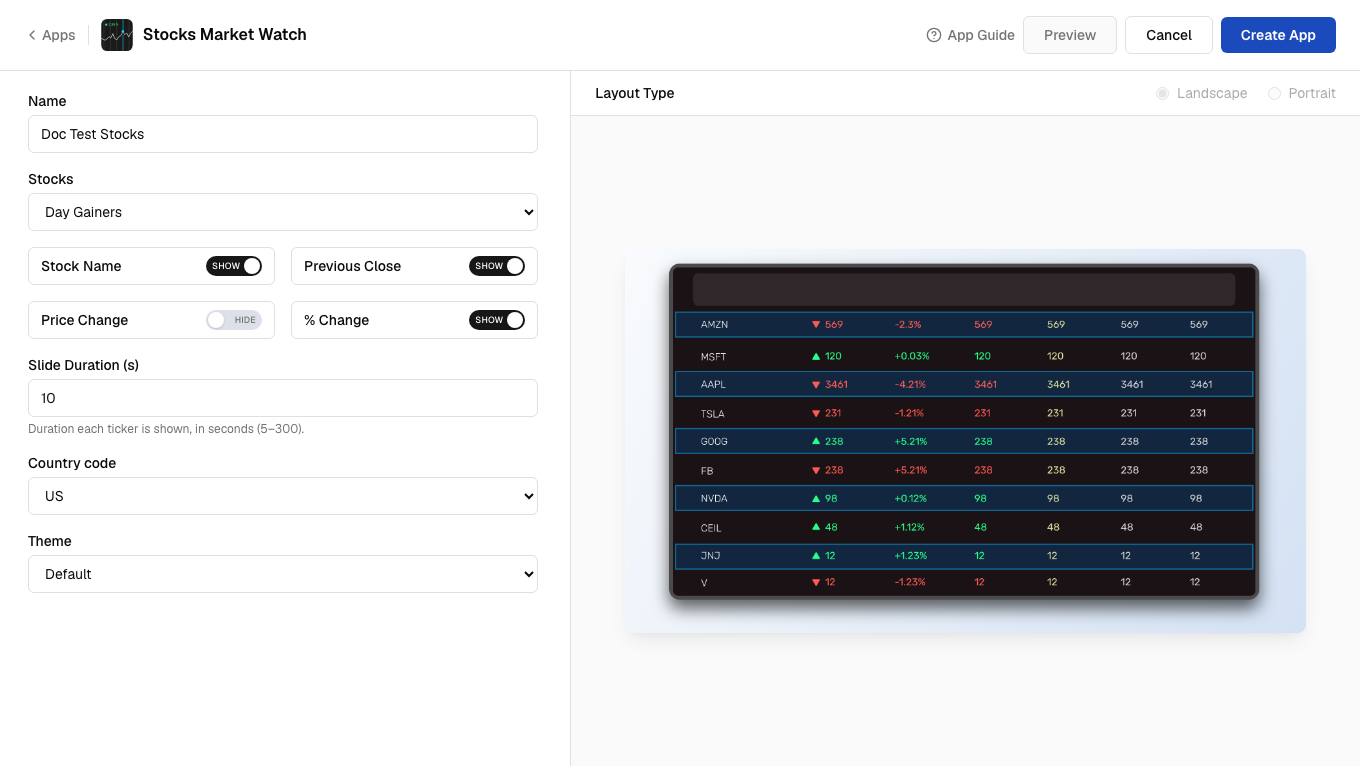
8
Select country and theme
Select the Country code and Theme for the display.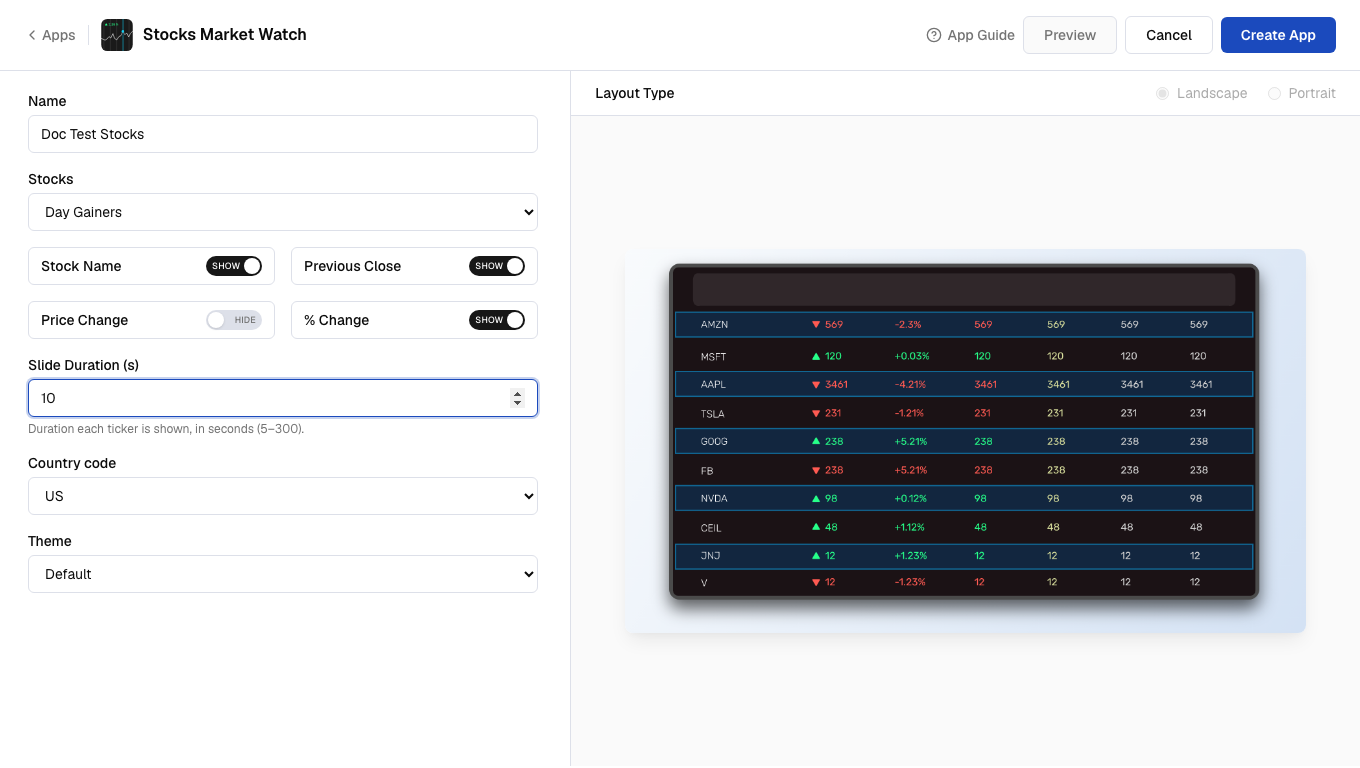
9
Preview and create
Click Preview, then click Create App to save the app.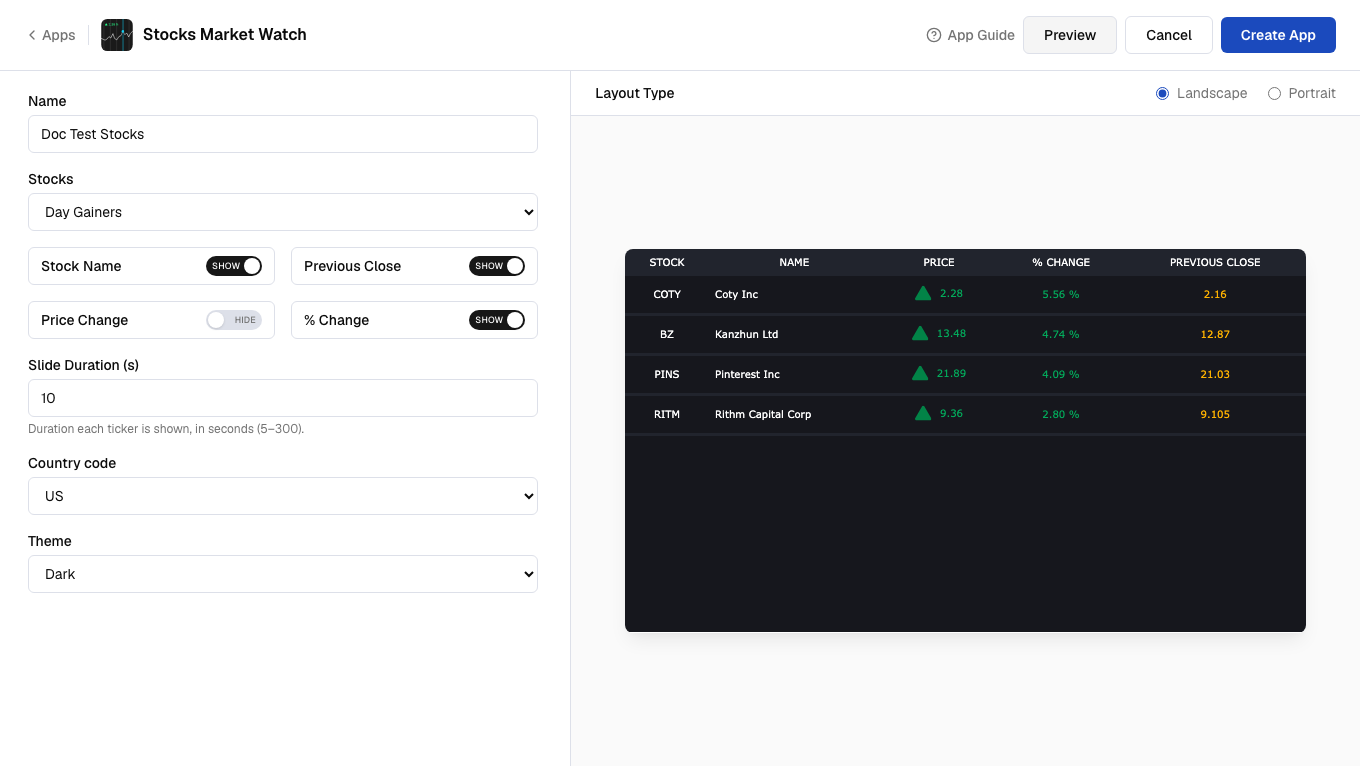 Your app is now ready for use.