

1
Login and go to Apps module
Login to your Pickcel account. Go to the Apps module.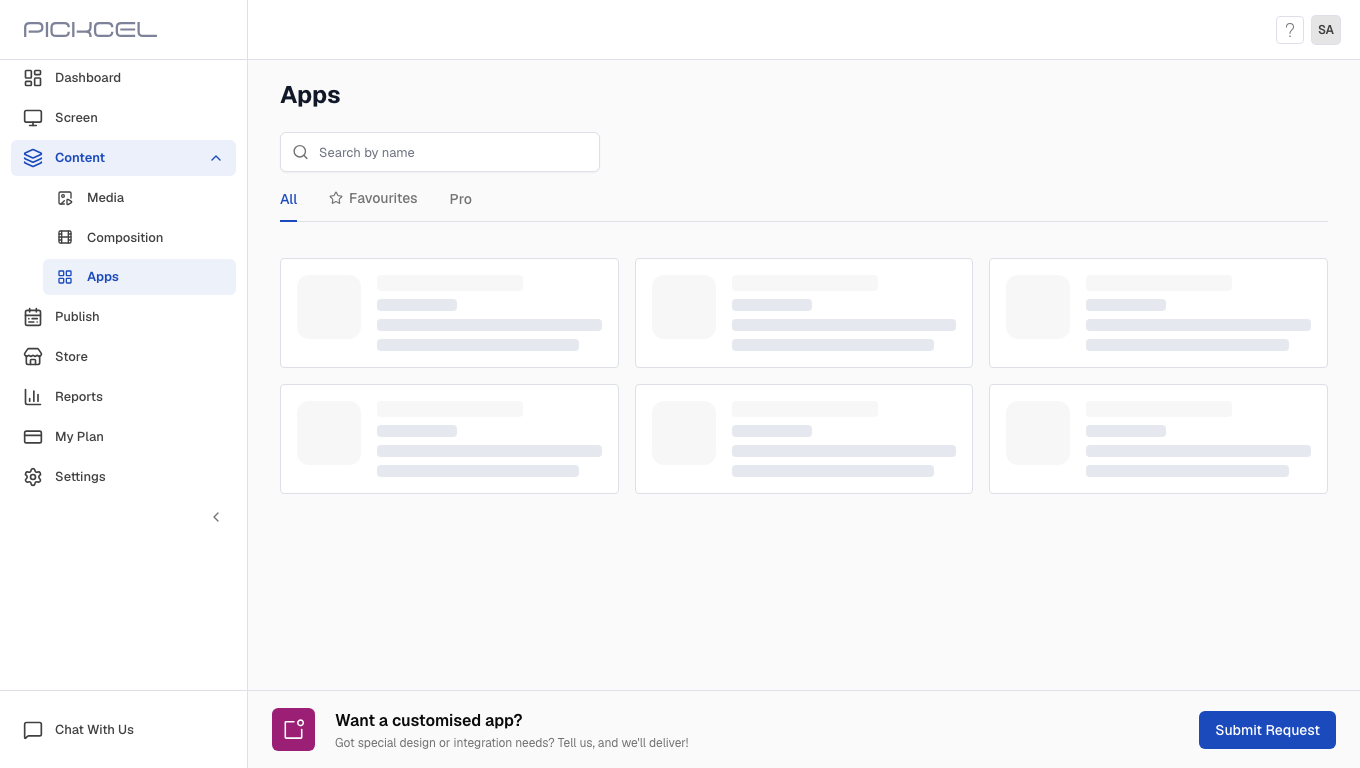
2
Search for AQI app
Search for the Air Quality Index app using the search field.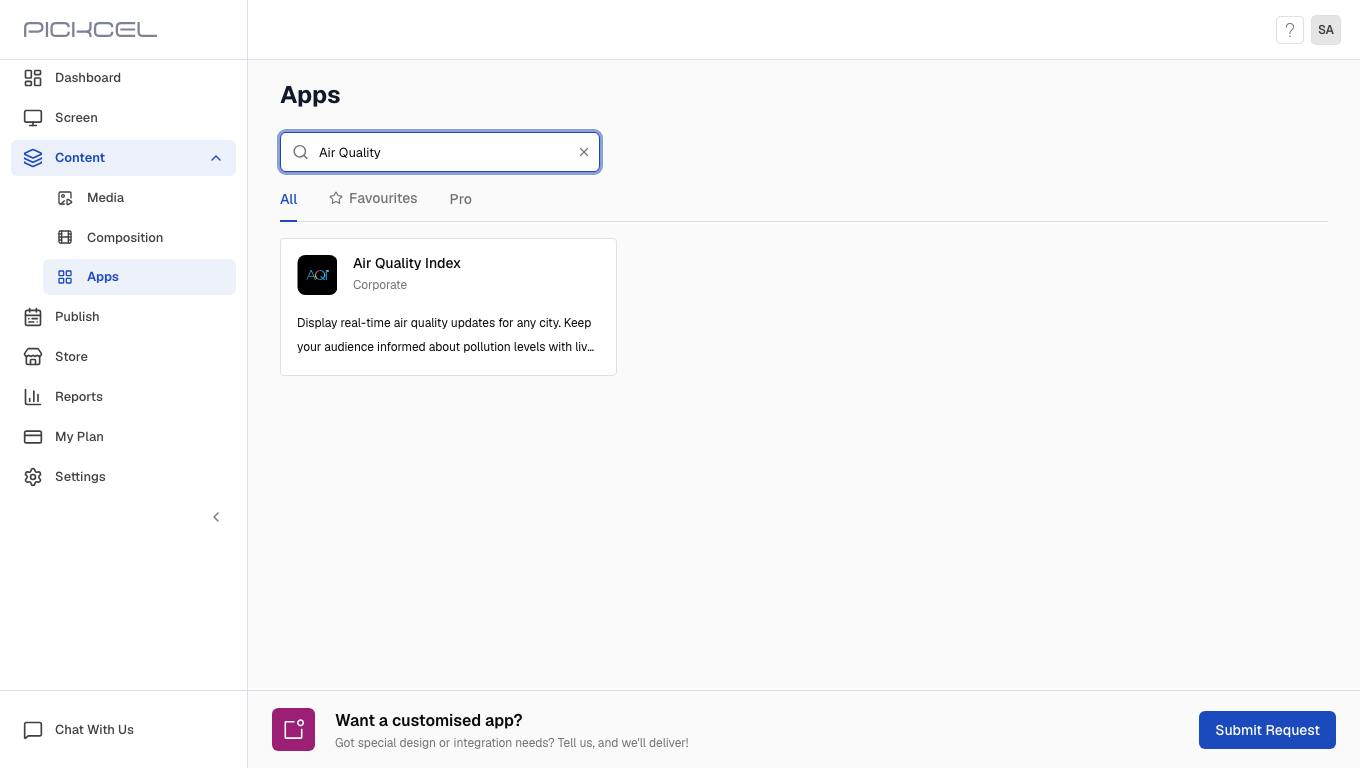
3
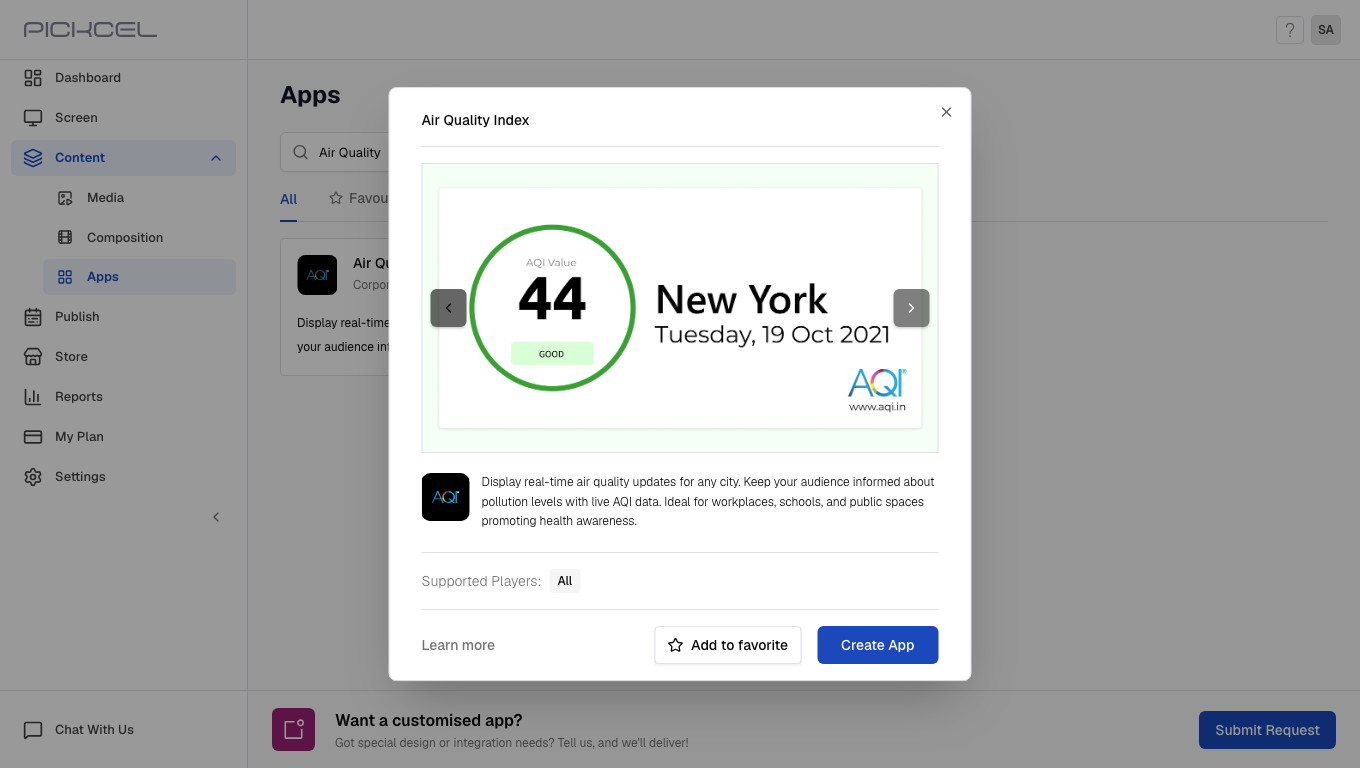
Click Create App
Click the Air Quality Index app card, then click Create App in the app details panel.
4
Enter Name
Enter the Name for the app.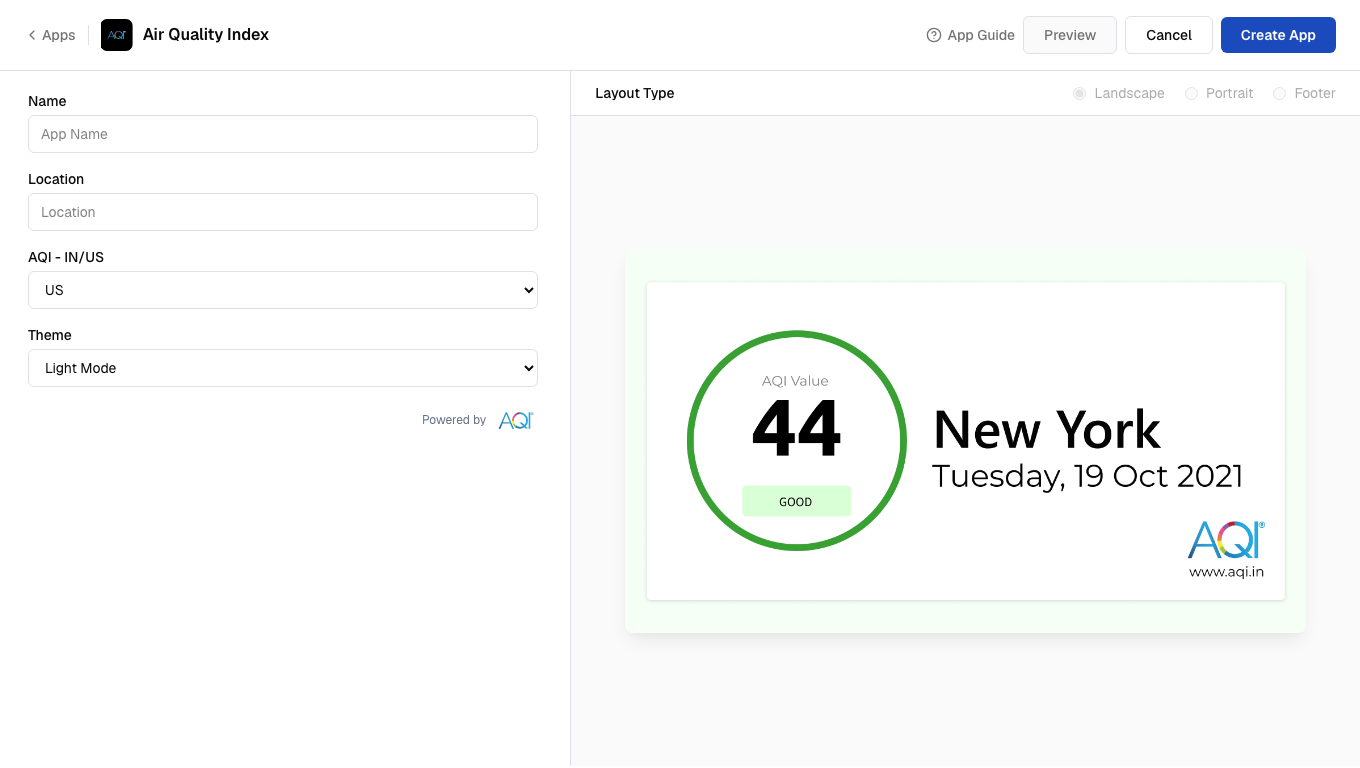
5
Enter Location
Enter a valid Location for the air quality data.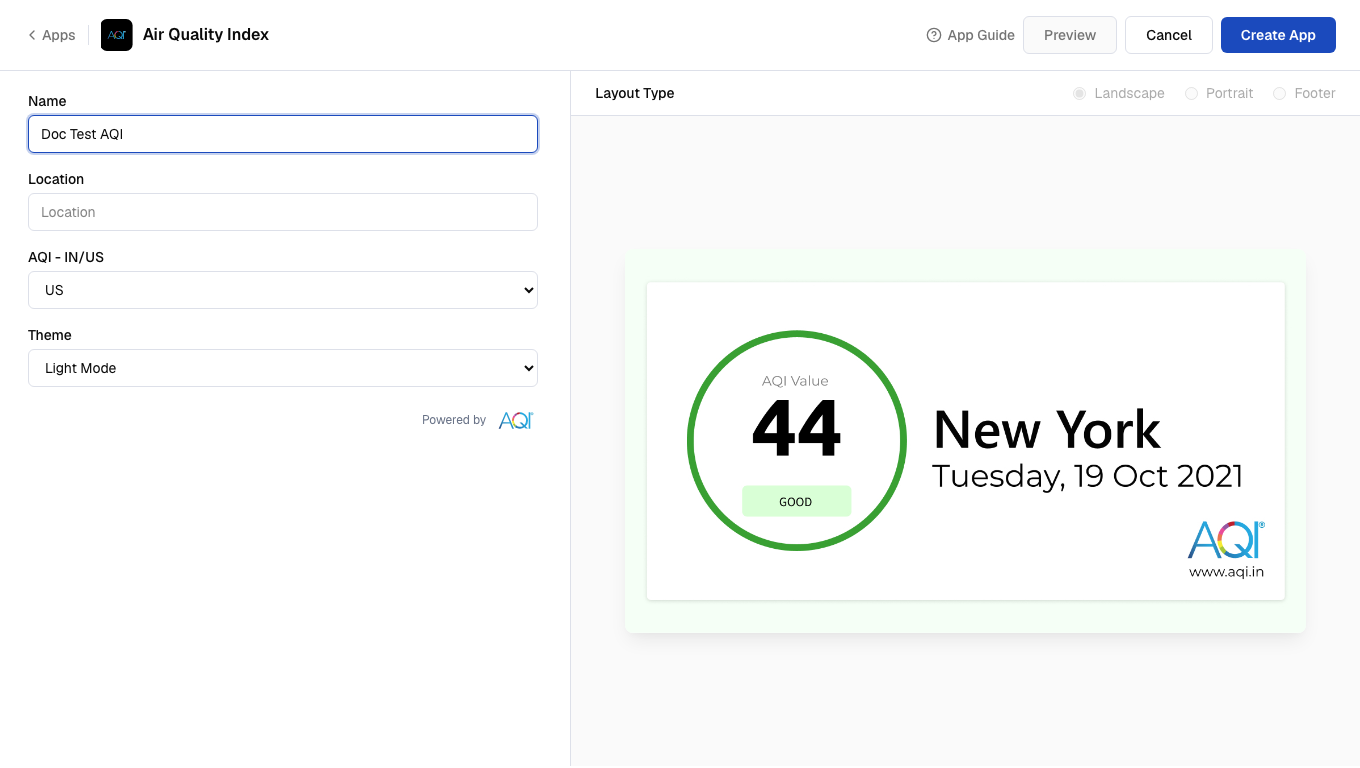
6
Select AQI type
Select the AQI - IN/US standard for your region.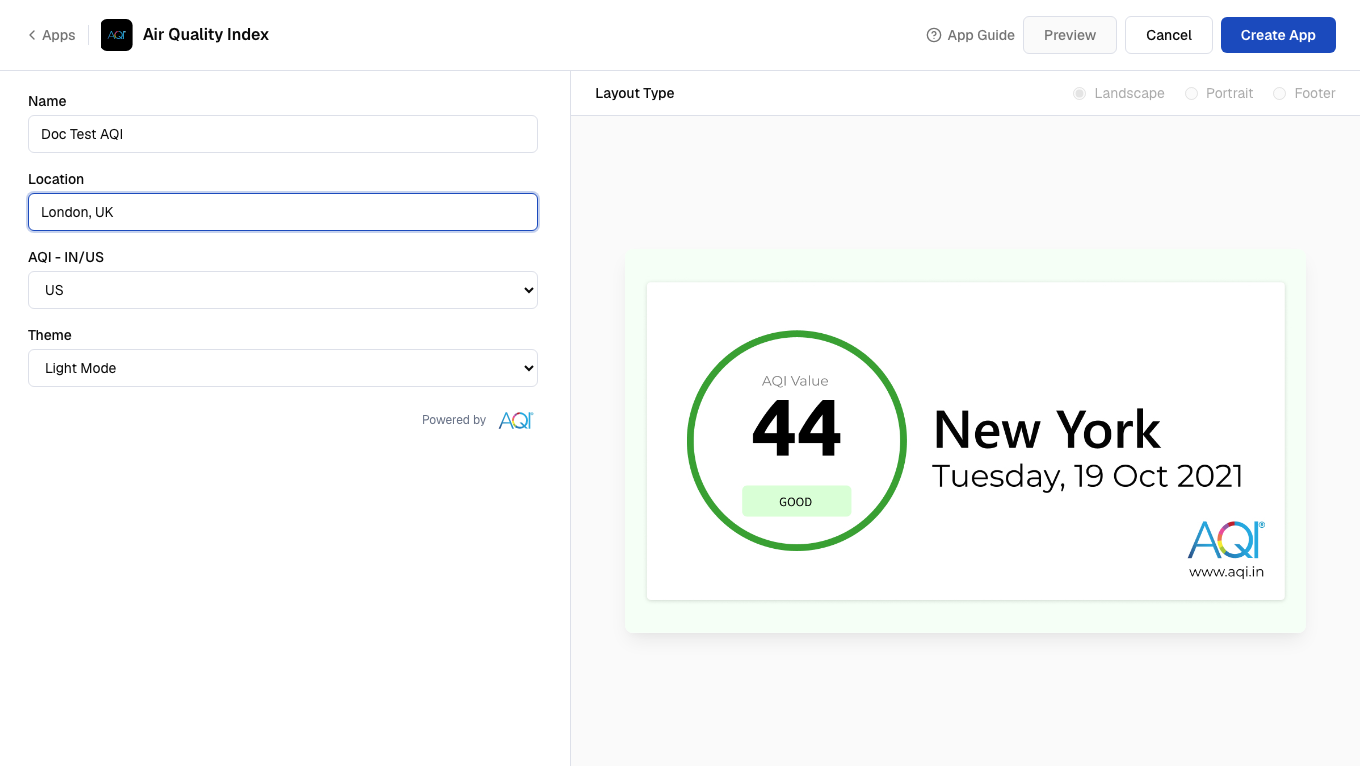
7
Select theme
Select a Theme (Light Mode, Dark Mode, or Minimal Mode).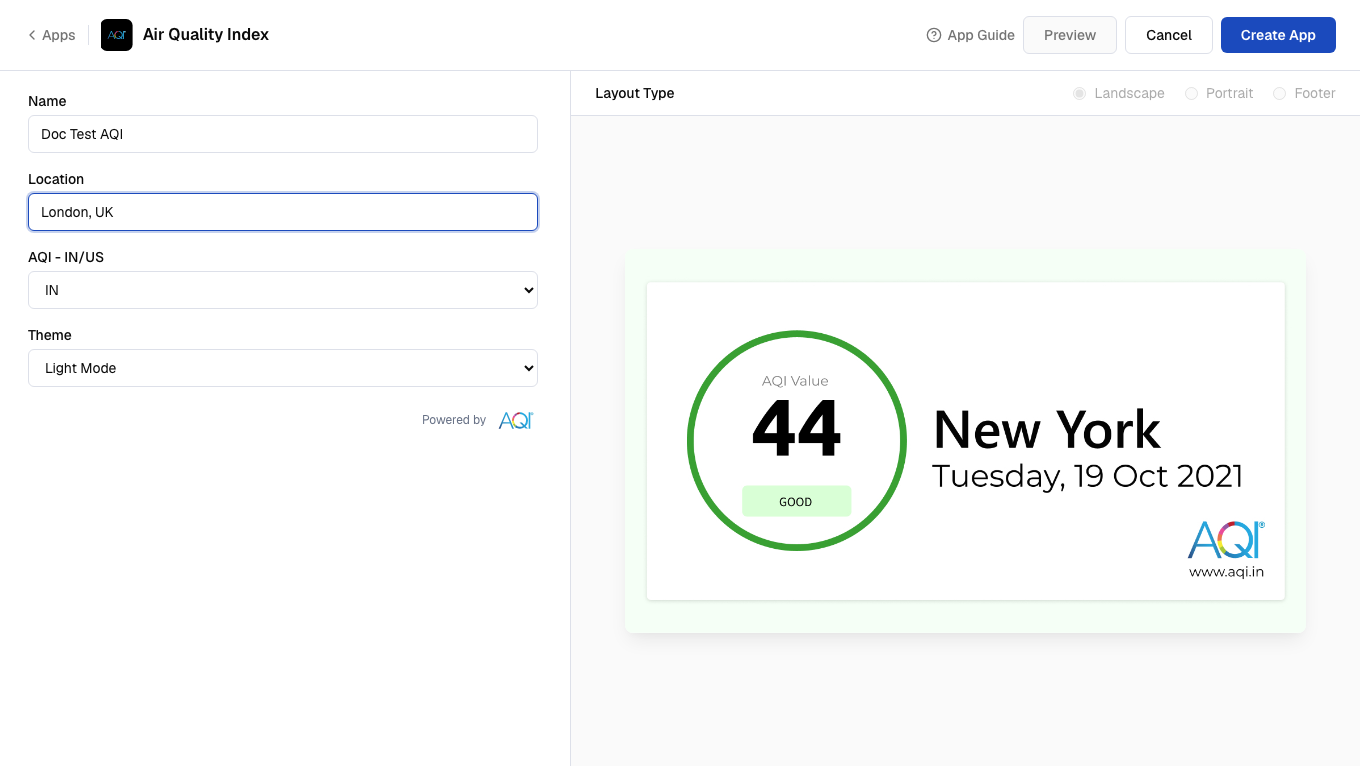
8
Preview and create
Click Preview, then click Create App to save the app.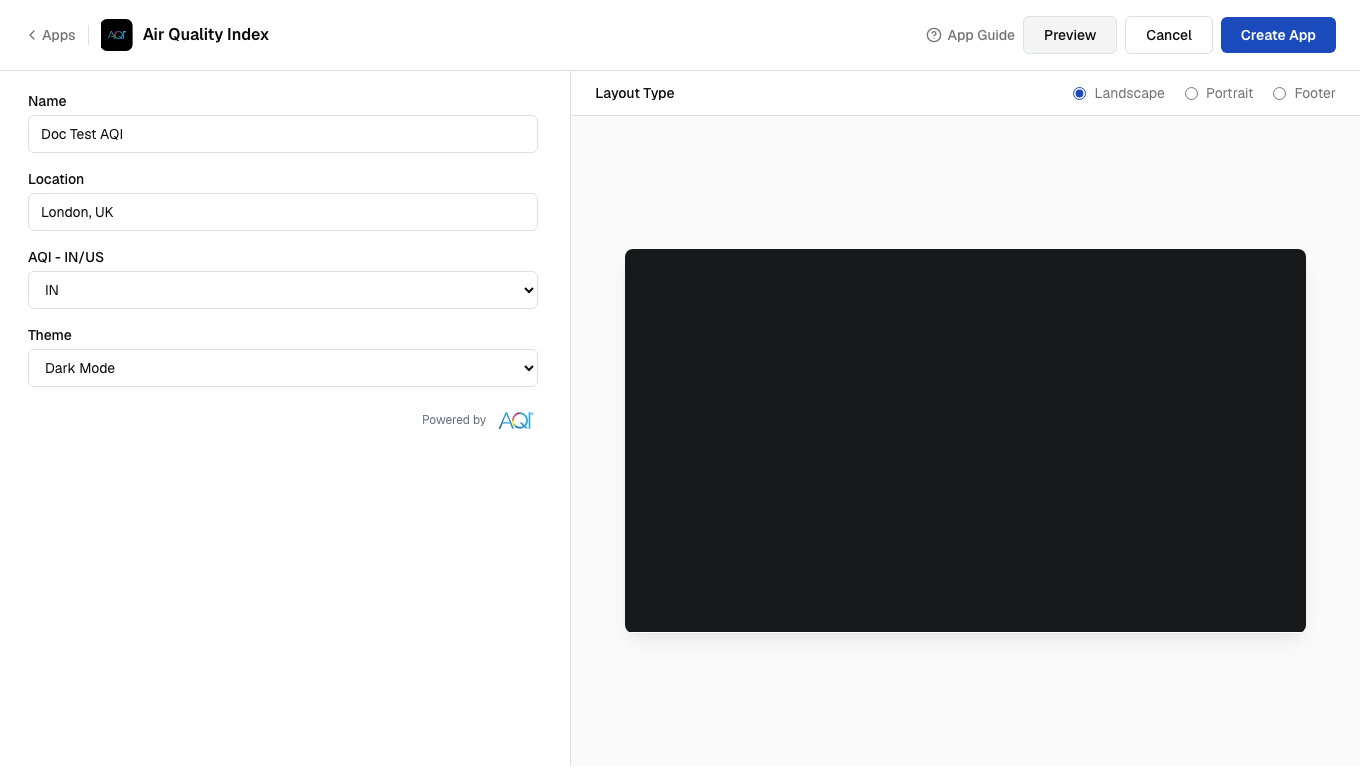 Your app is now ready to use.