1
Log in and open Apps
Login to your Pickcel account. Open Apps: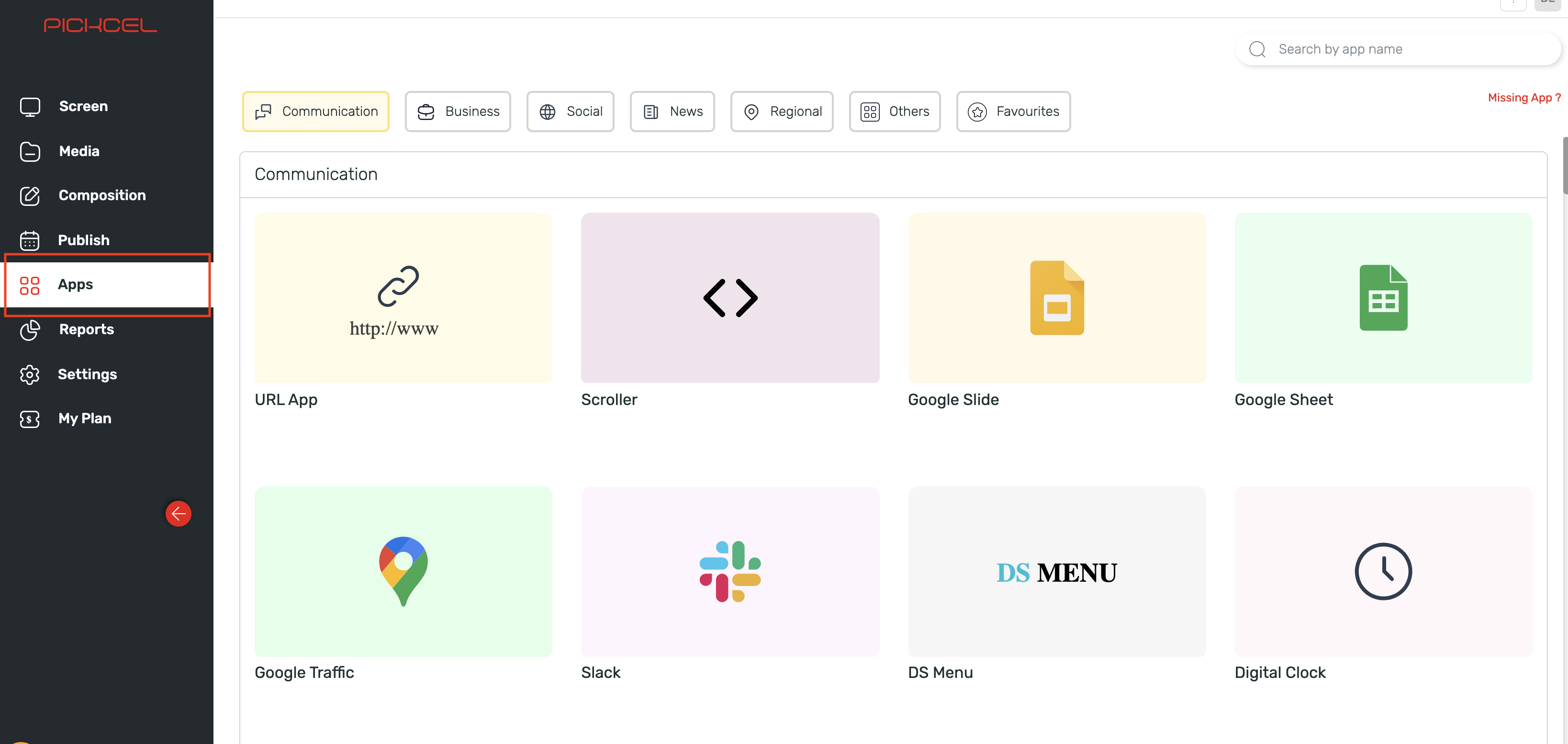
2
Search for Quotes app
Search for the ‘Quotes app’ using the search field and you will see the quotes app in the app listing: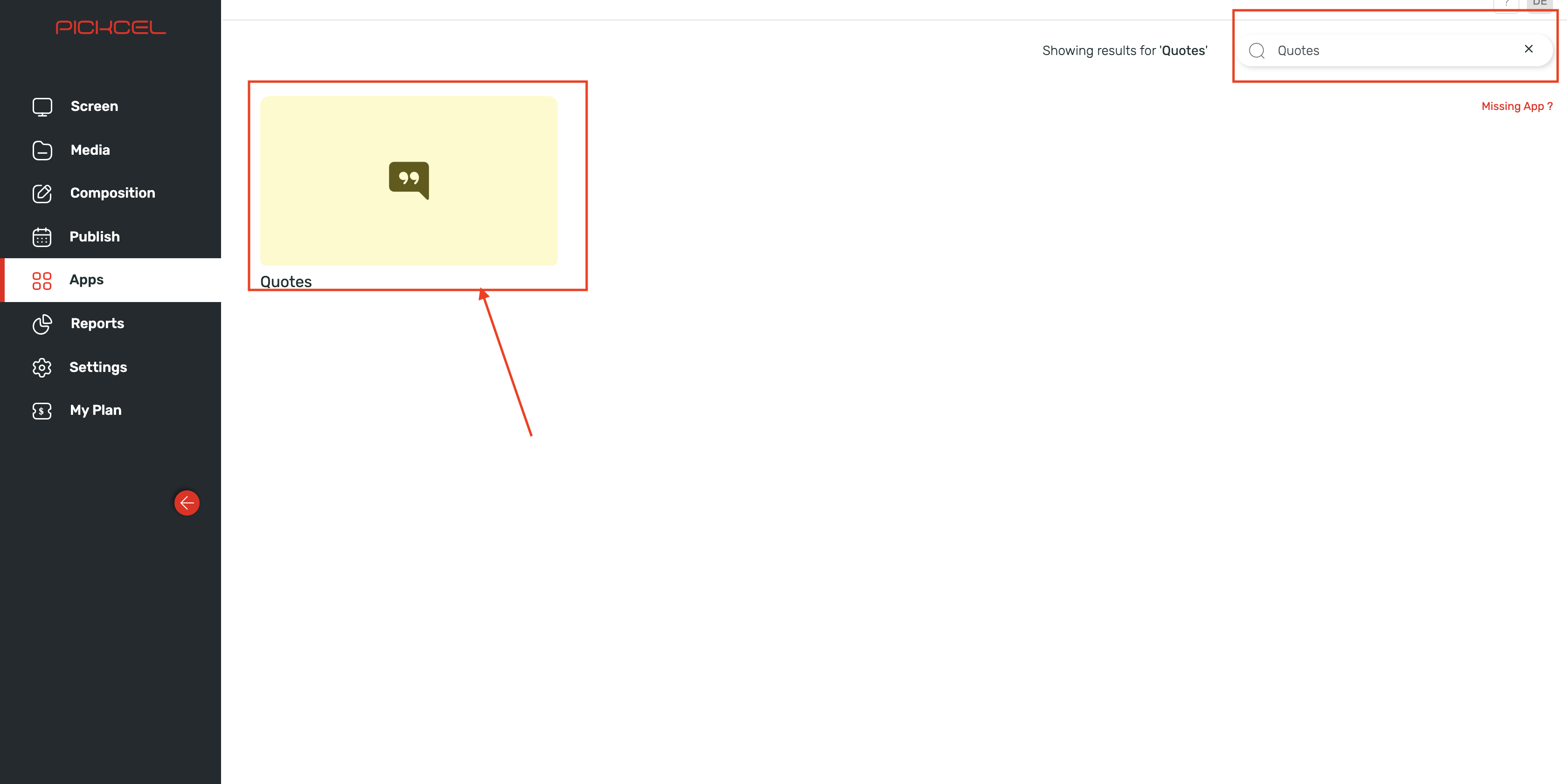
3
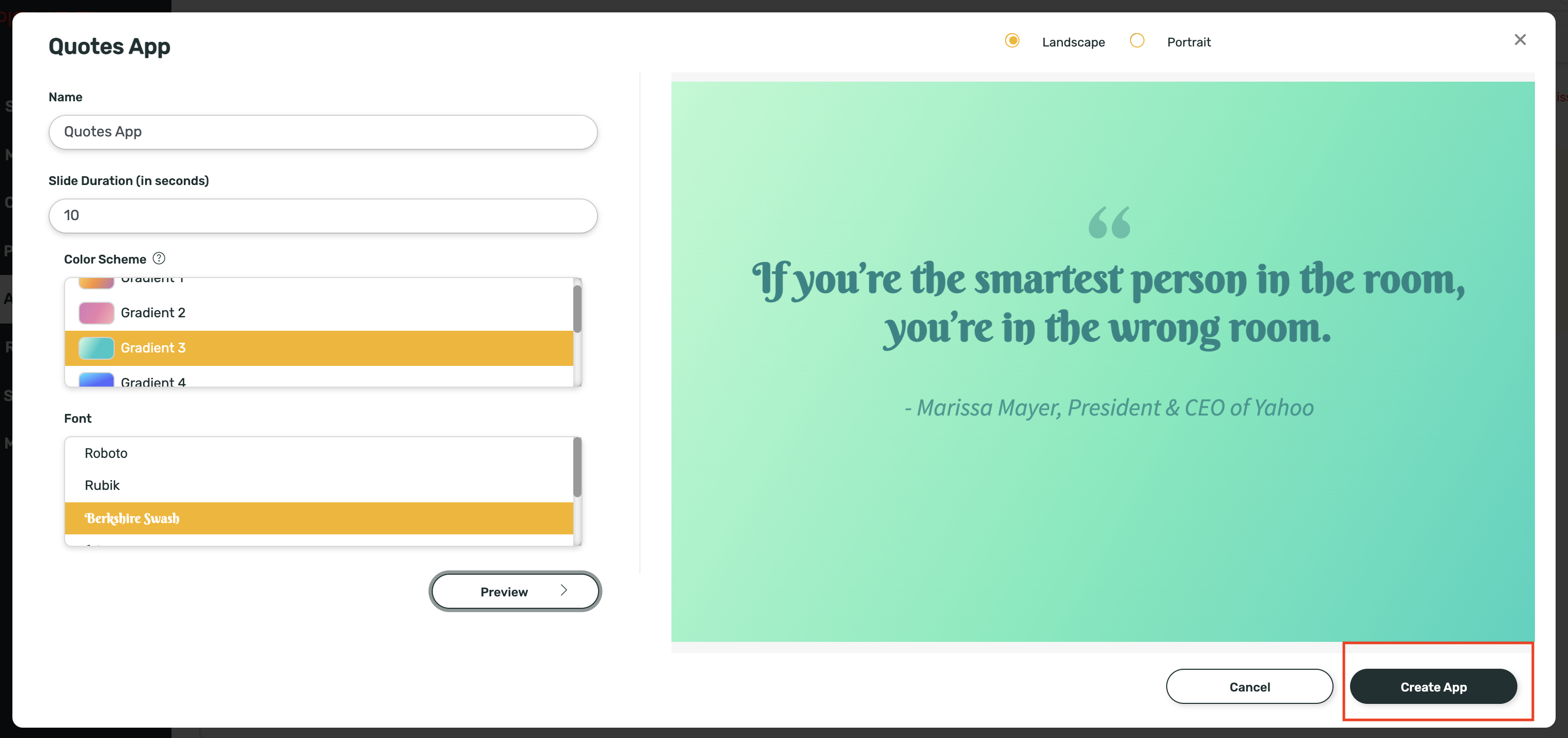
Click Create App
Hover over the app thumbnail and click on the Create App button: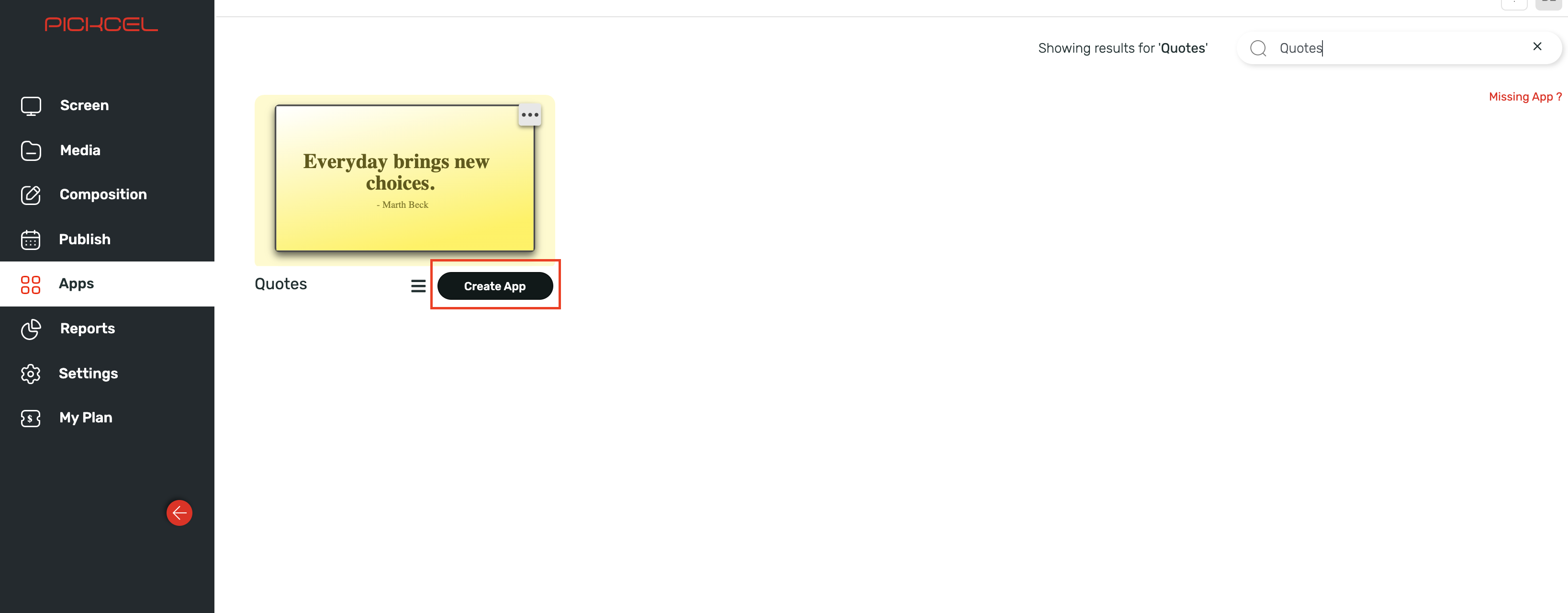
4
Enter app name
Enter a name in the Textbox for identification of the app: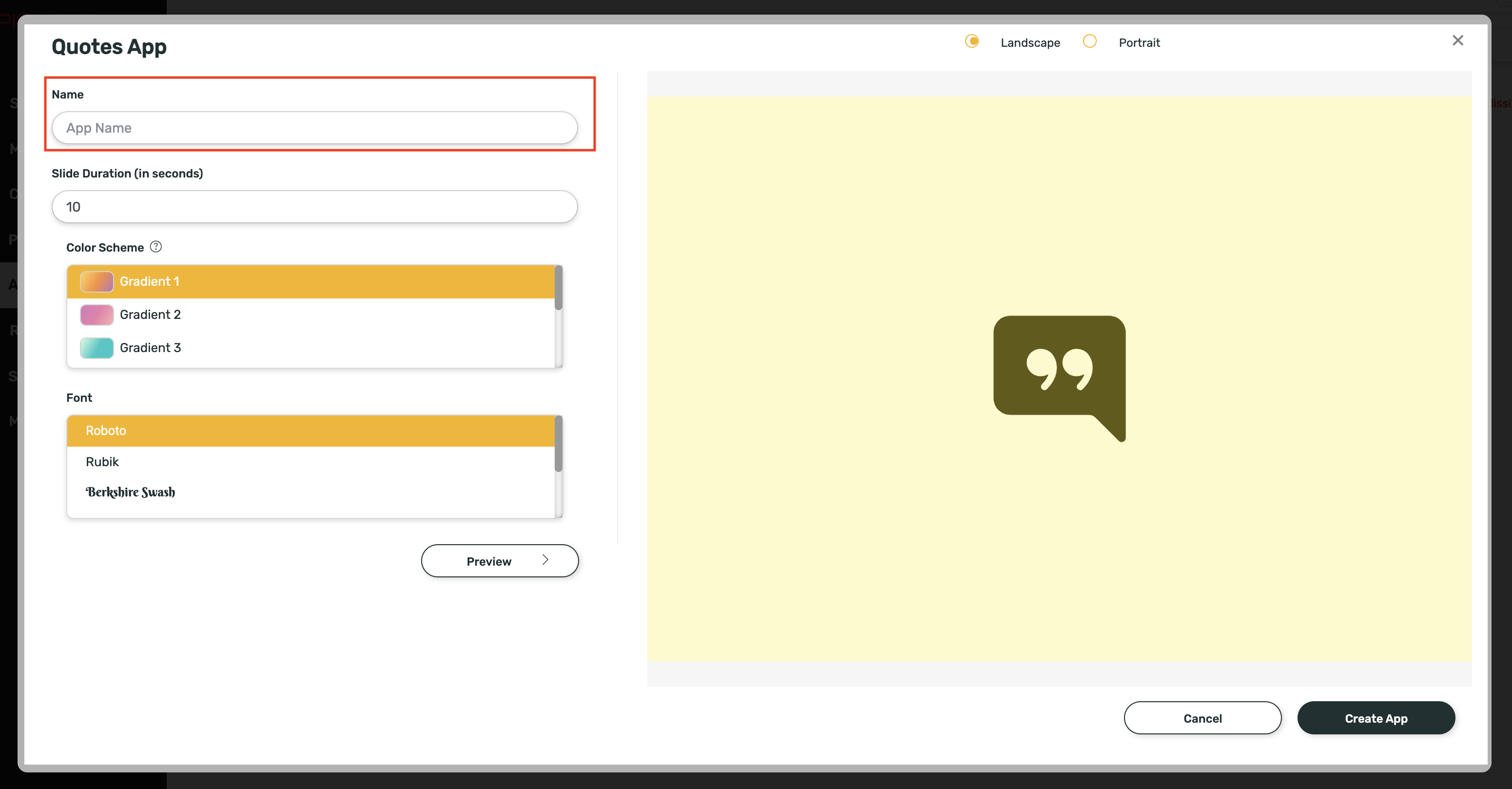
5
Enter slide duration
Enter the slide duration (in seconds):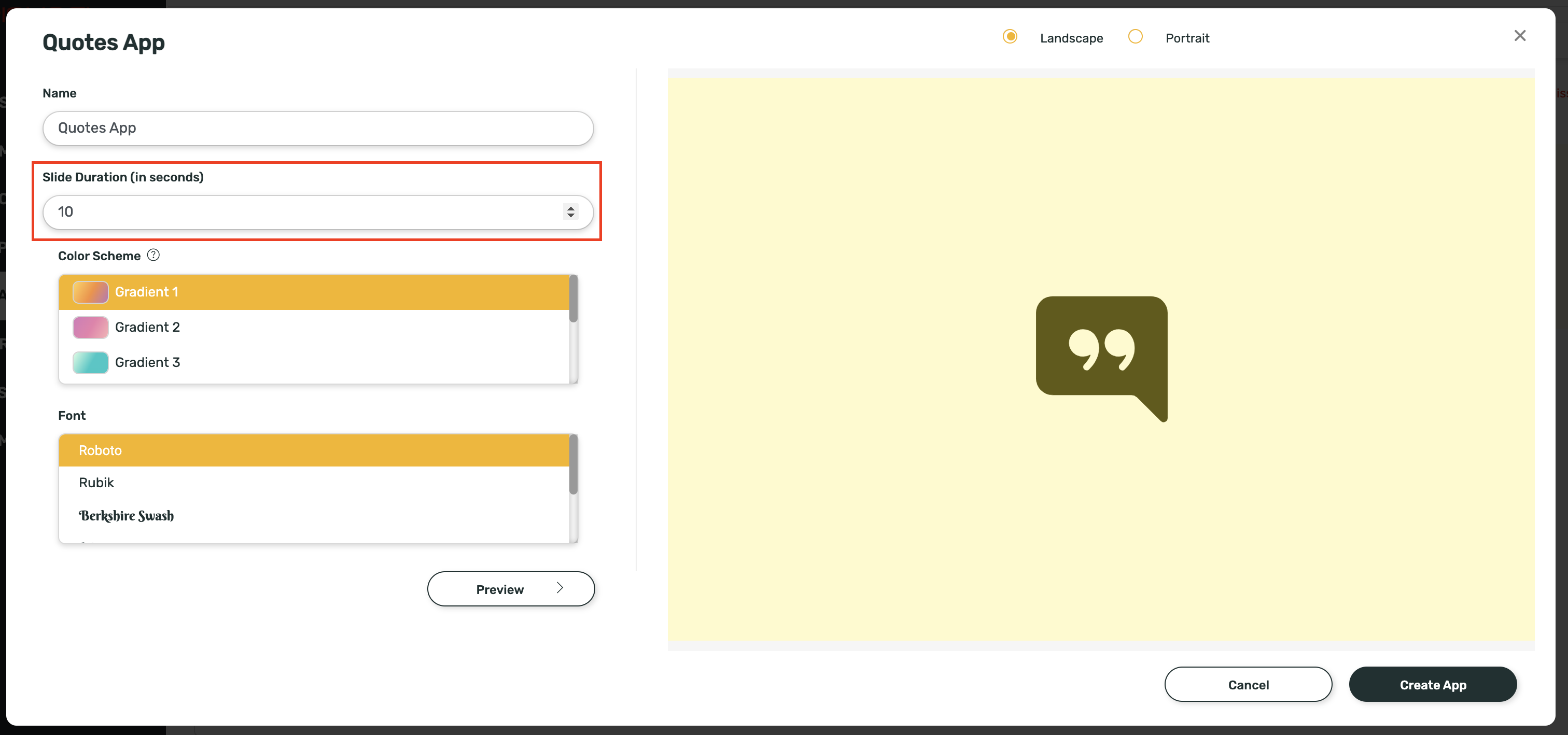
6
Select Colour Scheme
Select a Colour Scheme of your choice from the list given: Colour Schemes available: Gradient 1, Gradient 2, Gradient 3, Gradient 4, Black, White and Transparent with black text and Transparent with white text.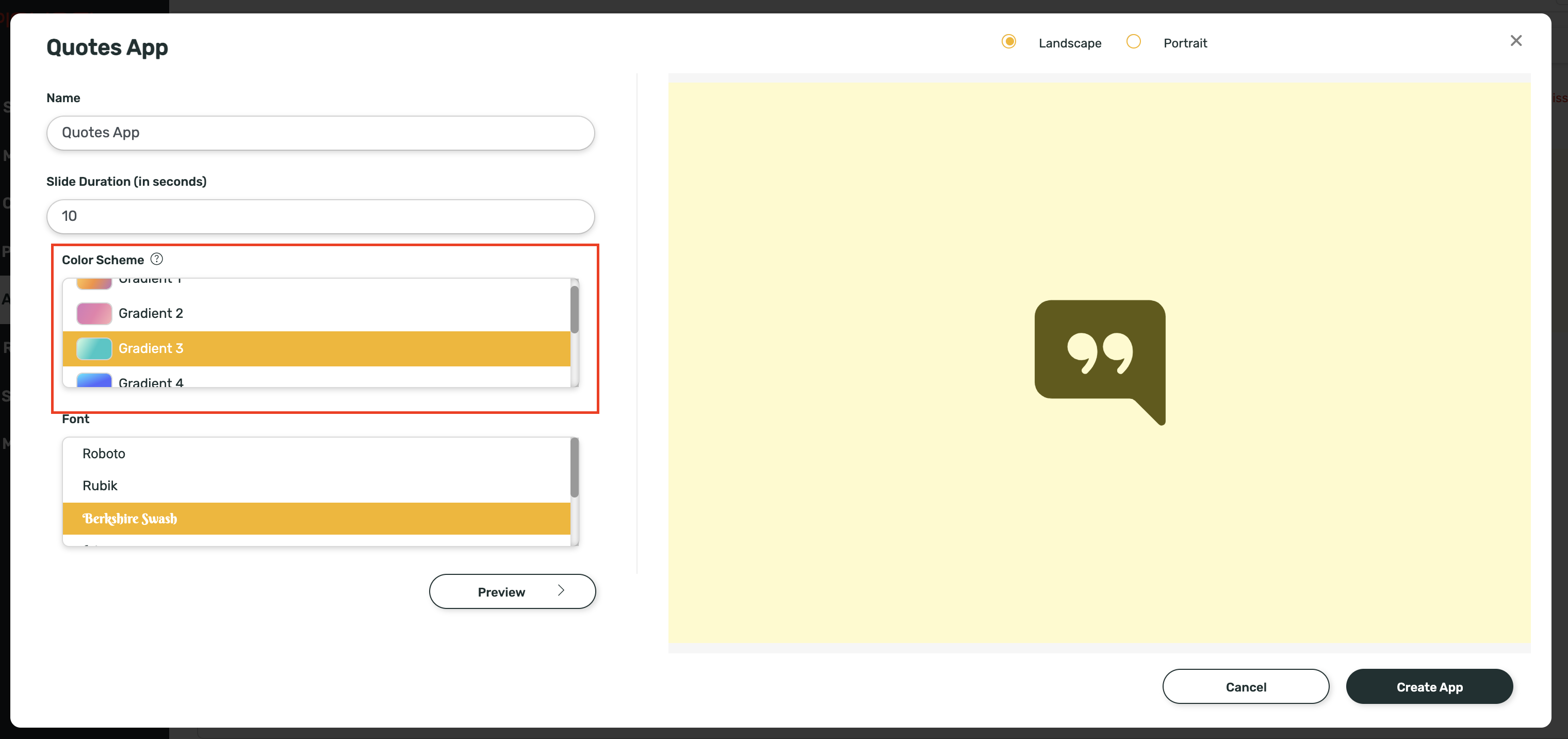
7
Select Font
Select a Font of your choice from the list given: Fonts available: Roboto, Rubik, Berkshire Swash, Lobster, Bad Script, Pacifico.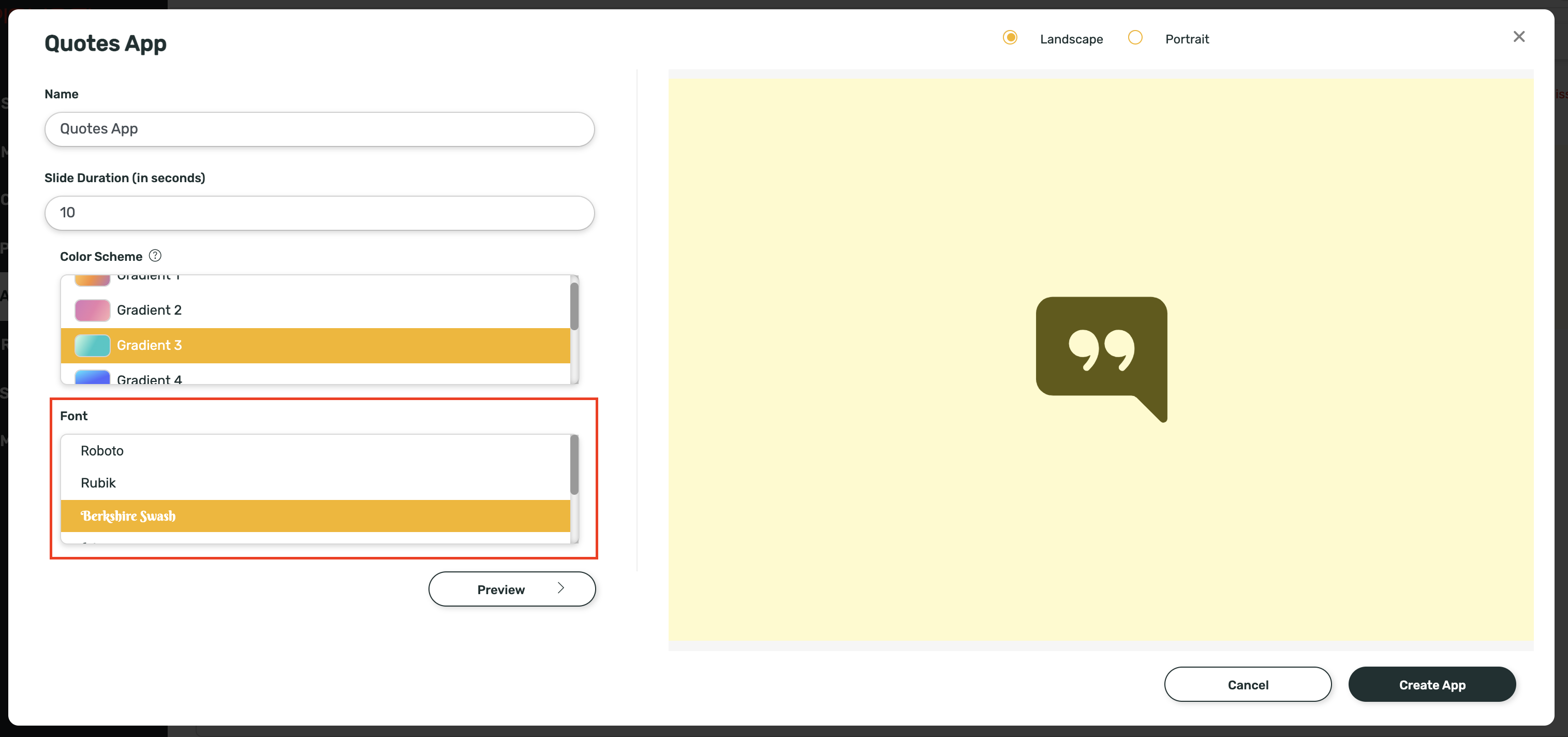
8
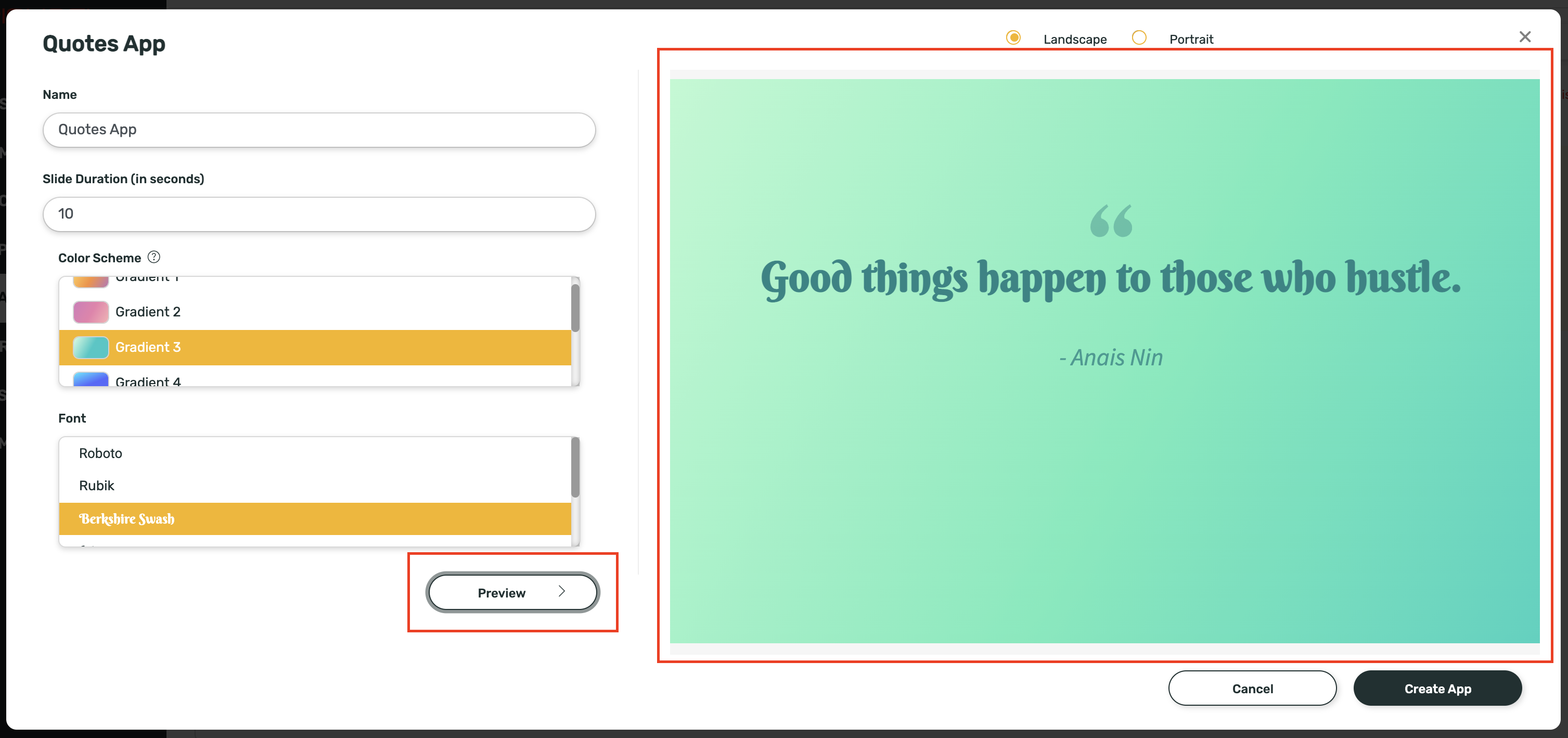
Preview and create
Click on Preview to view your selection: