

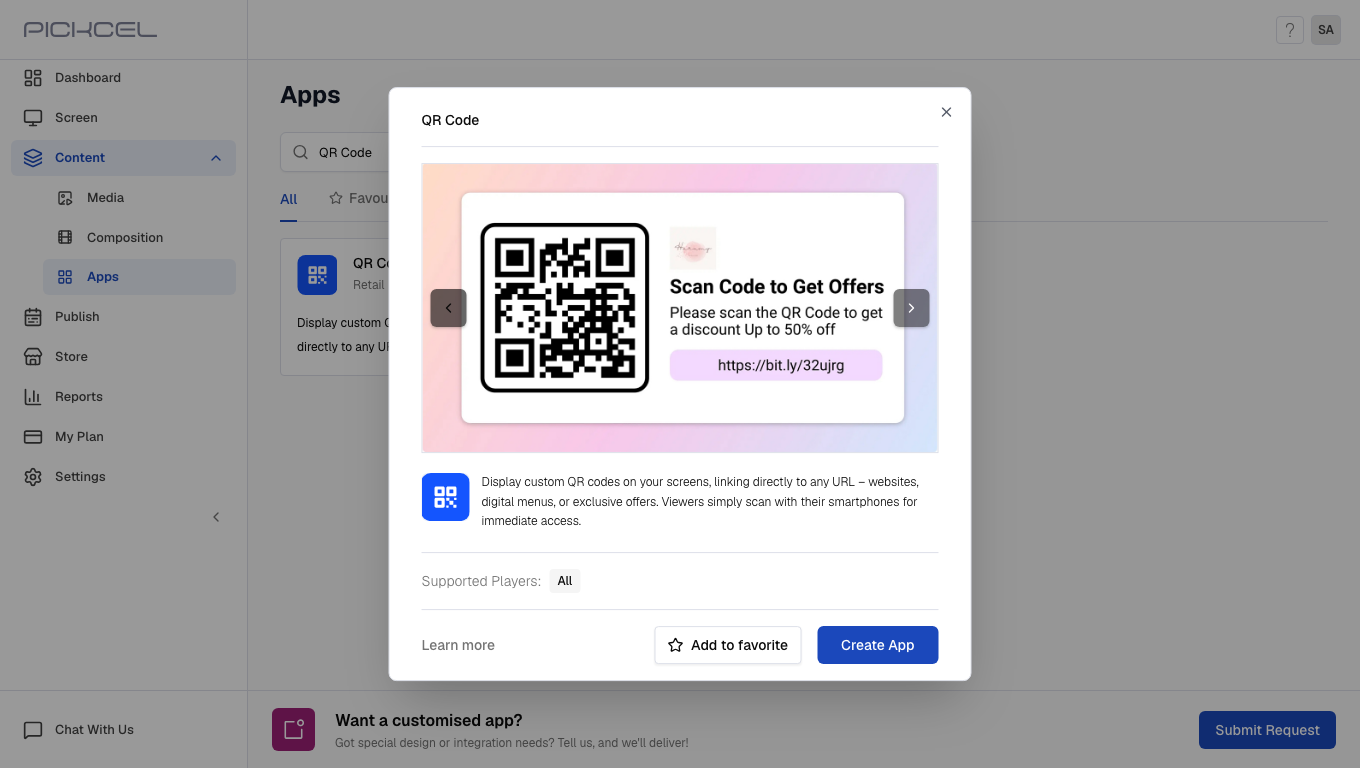
Use cases:
- Retail store owners can use this app to advertise their website.
- Event managers can display QR codes linked with a virtual brochure.
1
Login and go to Apps module
Login to your Pickcel account. Go to the Apps module.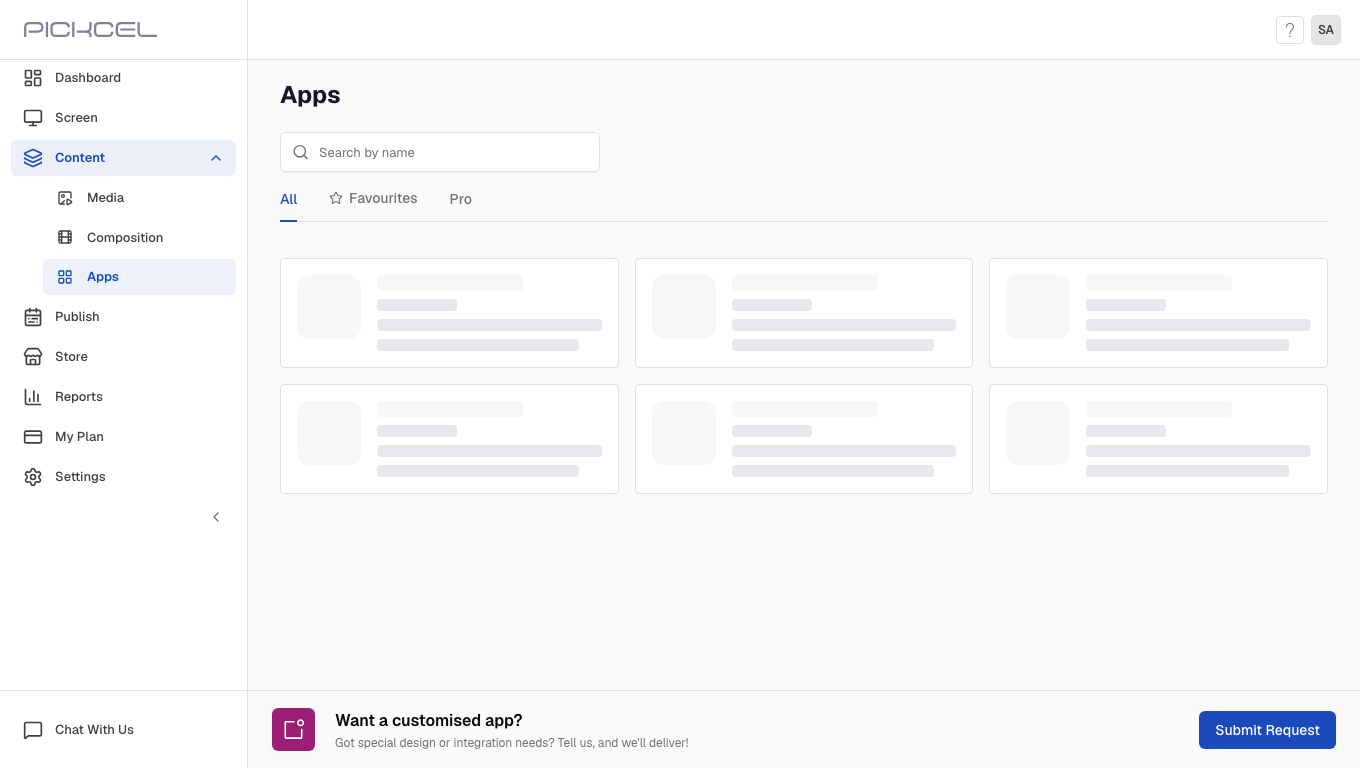
2
Search for QR Code app
Search for the QR Code app using the search field.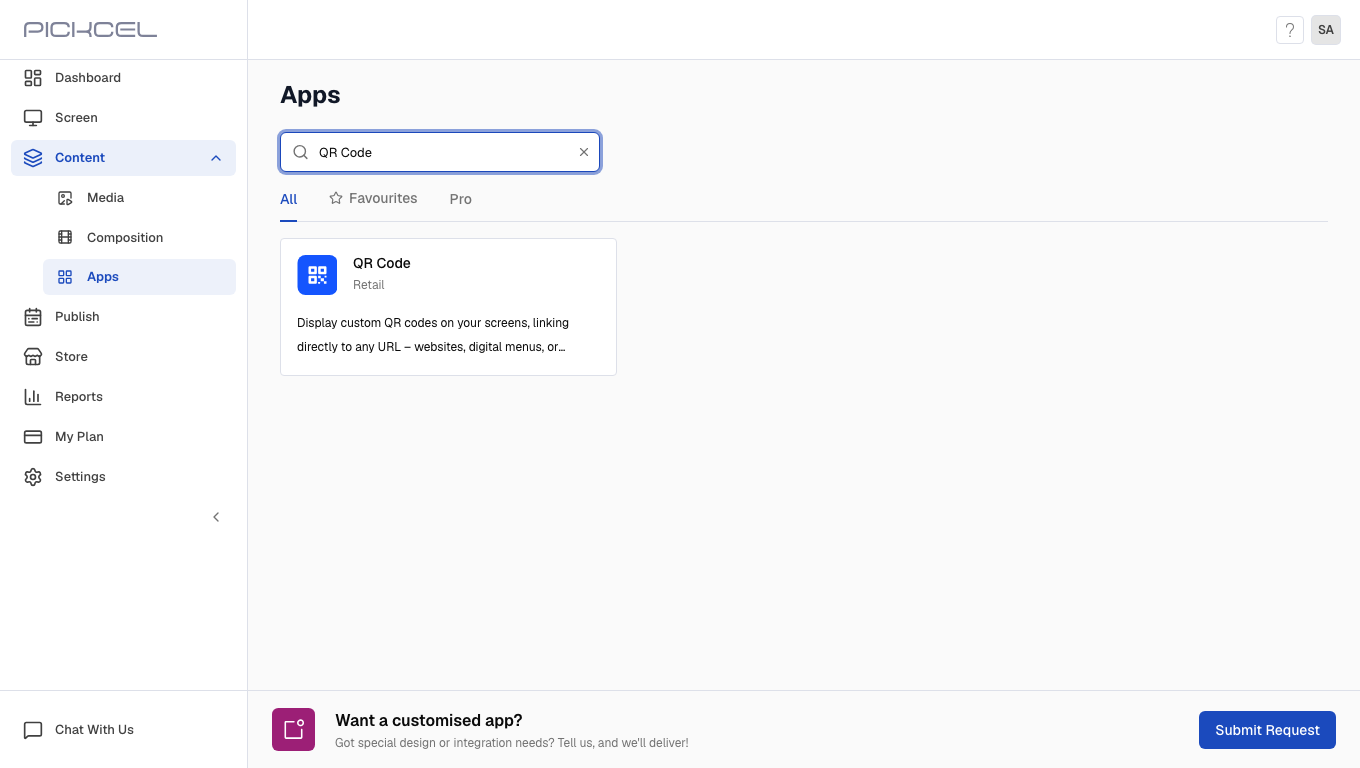
3
Click Create App
Click the QR Code app card, then click Create App in the app details panel.
4
Enter app details and select color scheme
Enter the Name, URL Link, App Title, and App Description, then select a Color Scheme.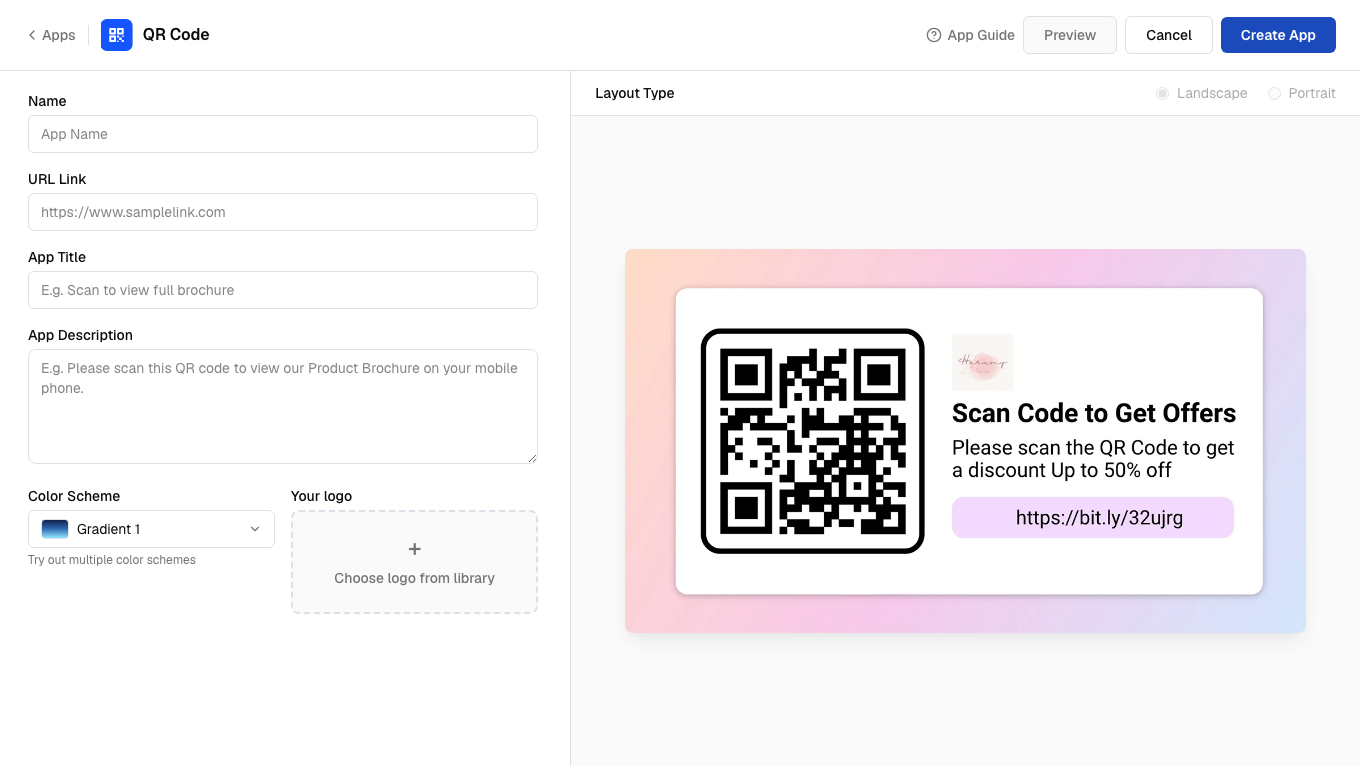
5
Select logo
Click Choose logo from library to add your logo from the media library.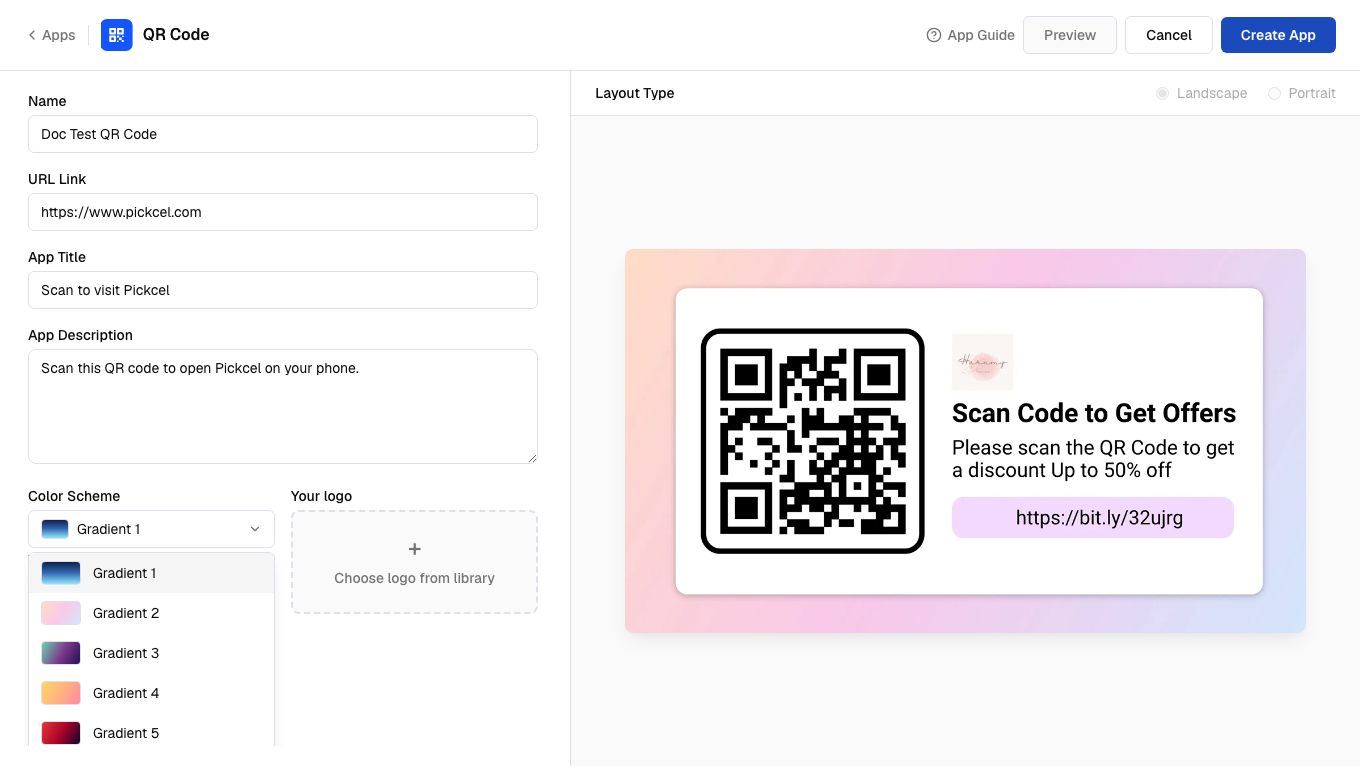
6
Create the app
Click Preview, then click Create App to save the app.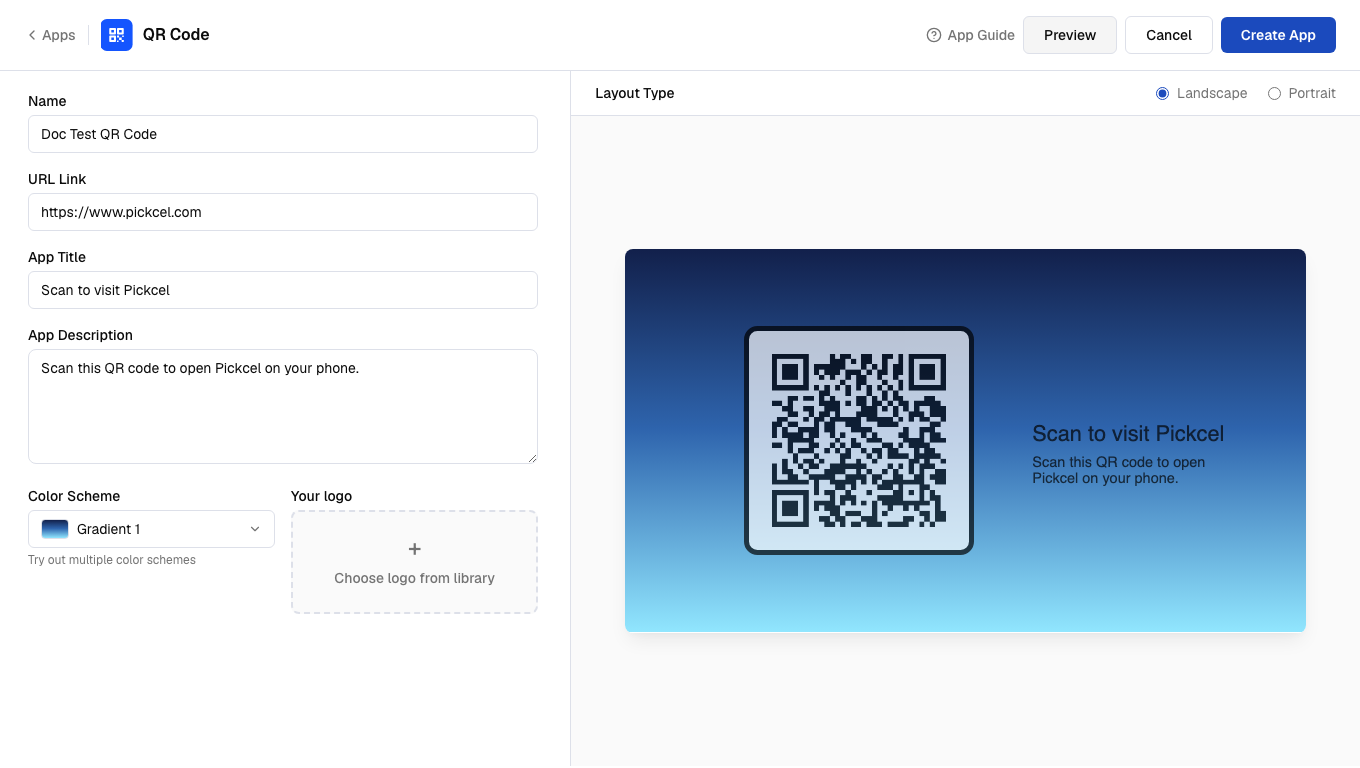 Your app is now ready to use.