


Learn more about Pickcel Facebook app functionality.
You must have a Facebook Business Page in order to use this application.
1
Login and search for Facebook app
Login to your Pickcel account. Open Apps and search for Facebook.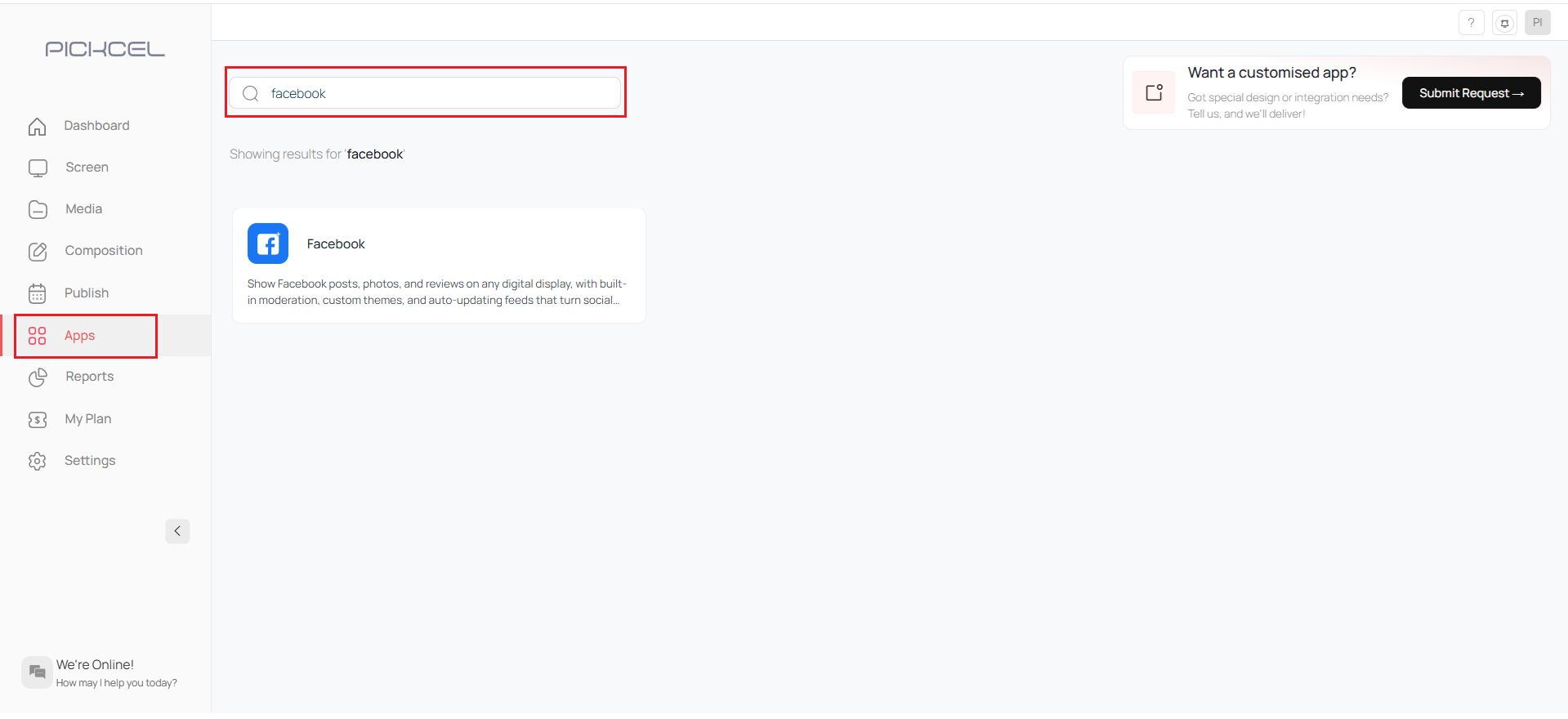
2
Click Create App
click on the Create App button.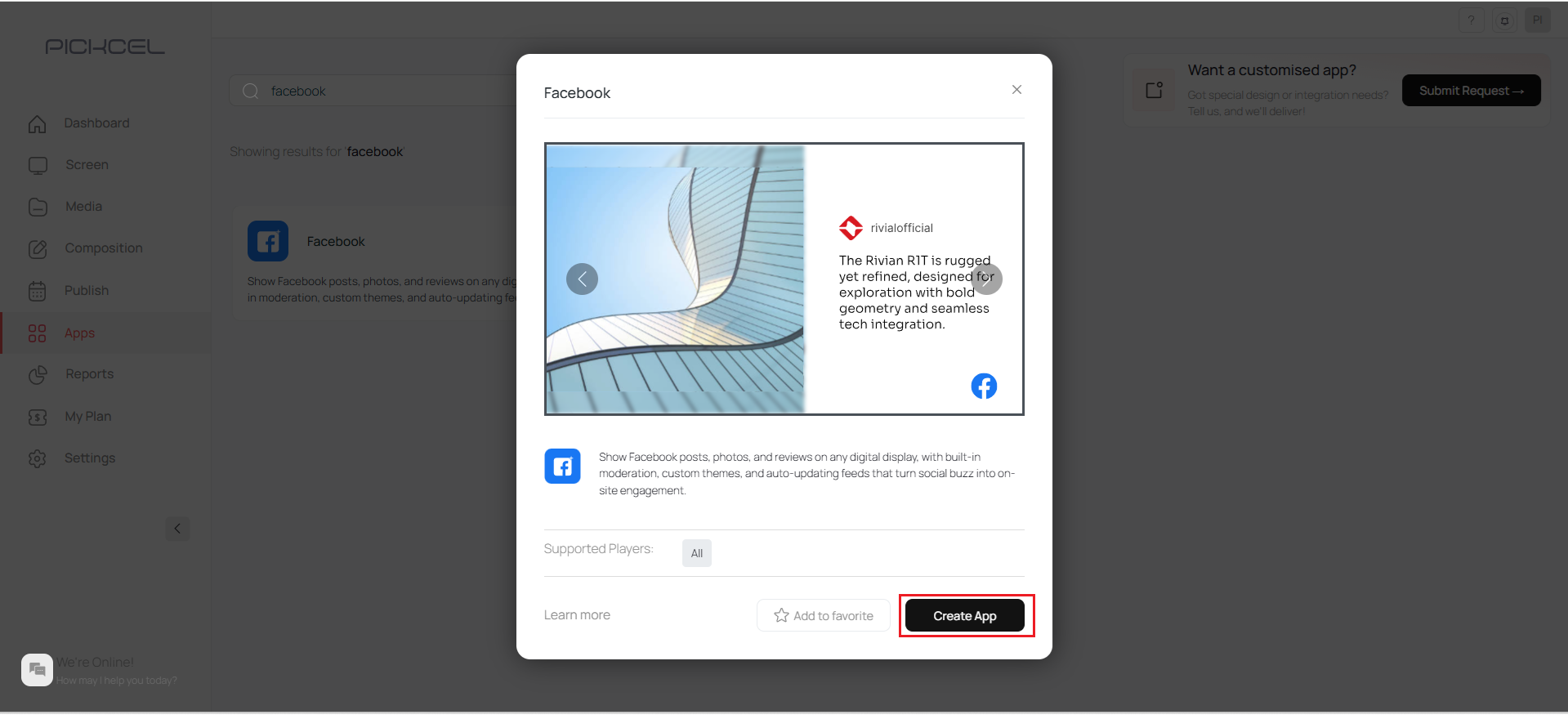
3
Connect Facebook account
Click on the Connect button to log in to your Facebook account.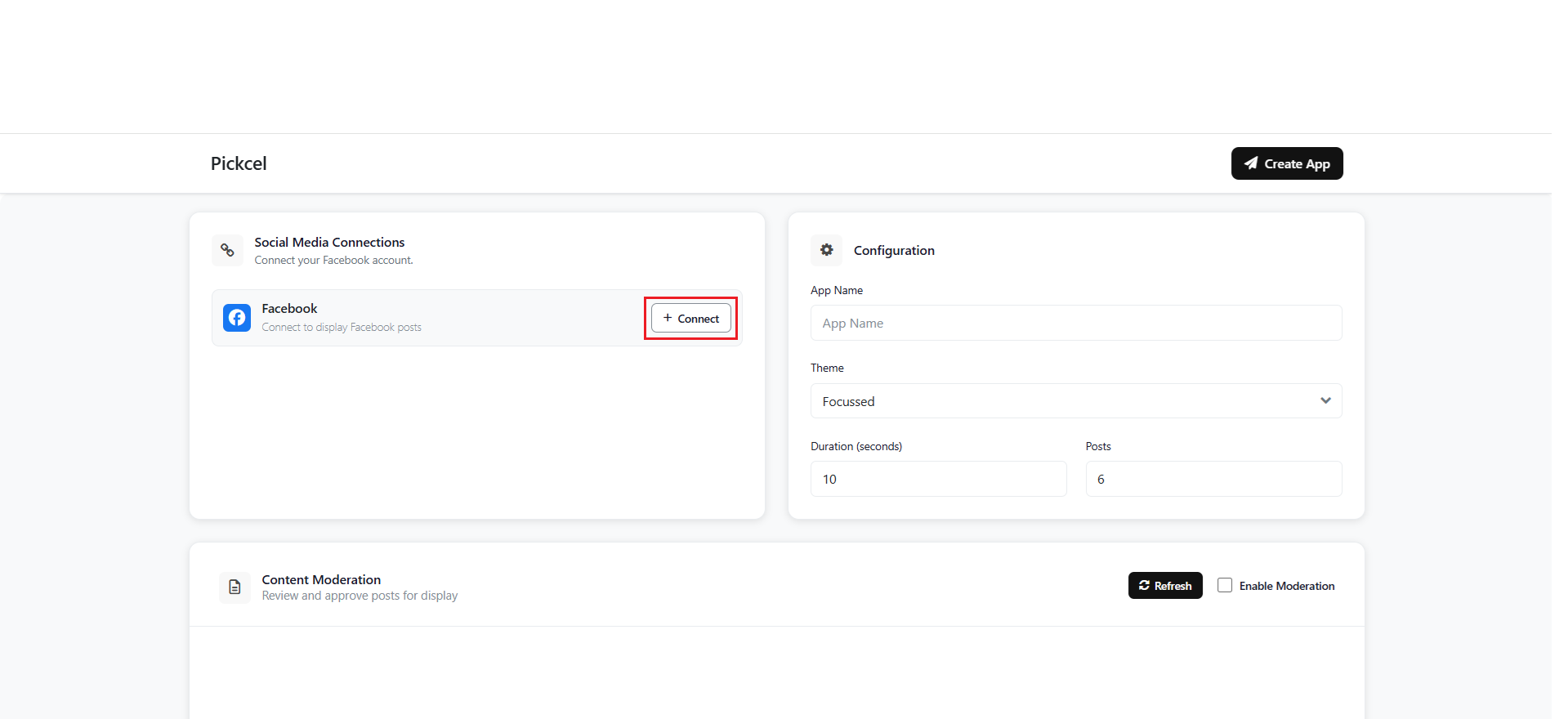
4
Login to Facebook
Enter your Facebook e-mail and password > Click on Login.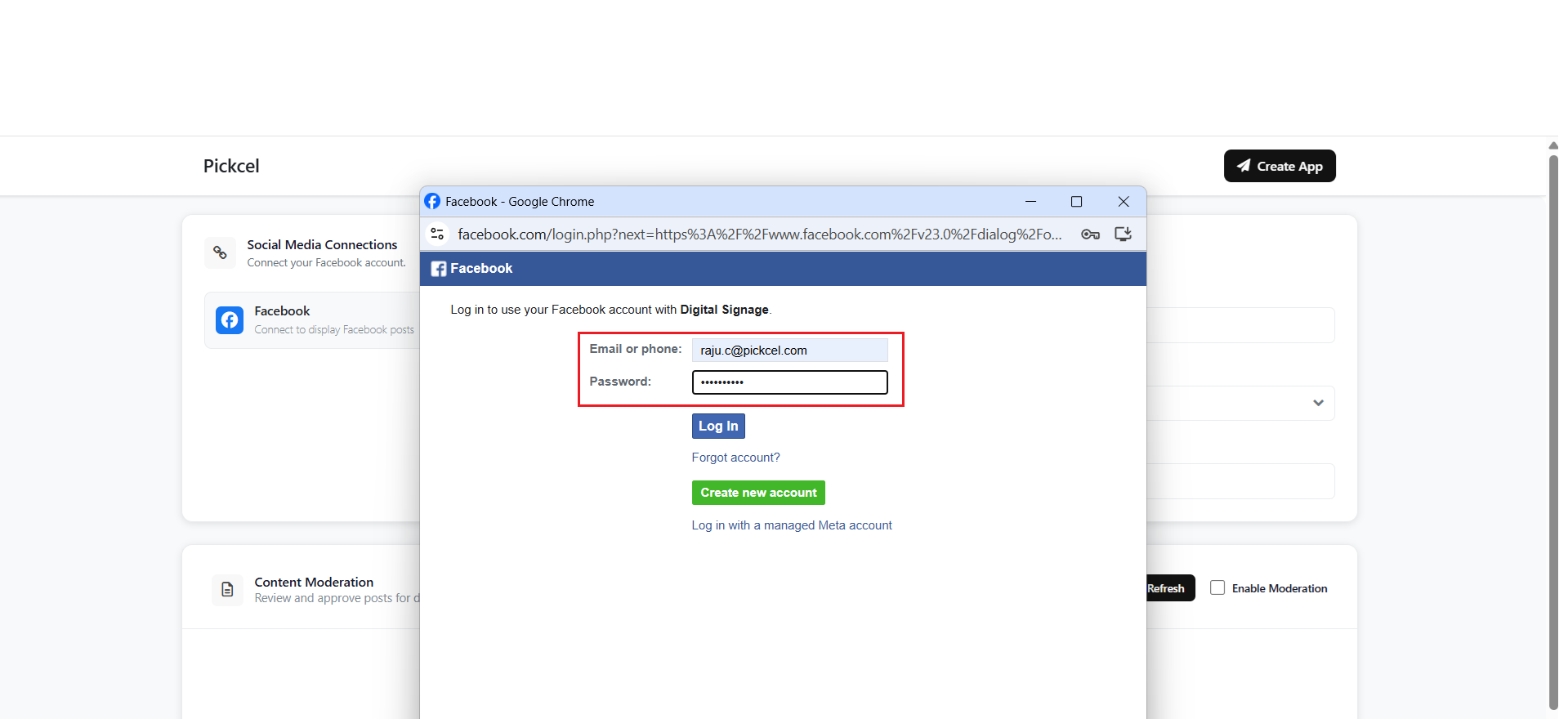
5
Select Facebook page
After a successful connection, all your Facebook pages will be displayed. Select a page to view its posts, which will then appear below.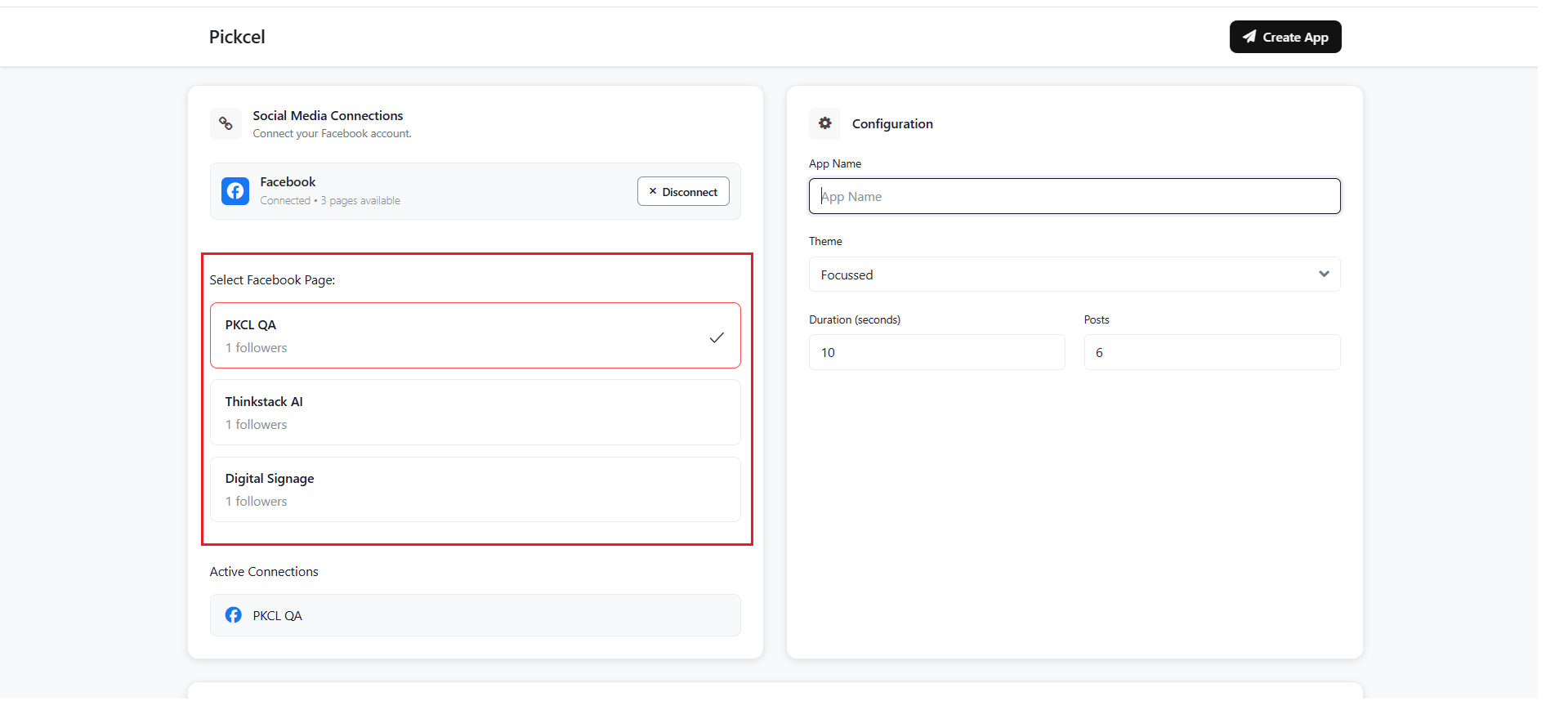
6
Configure app settings
Enter the app name, choose a theme (focused or multi-posts), enter the post duration and number of posts to display on screen.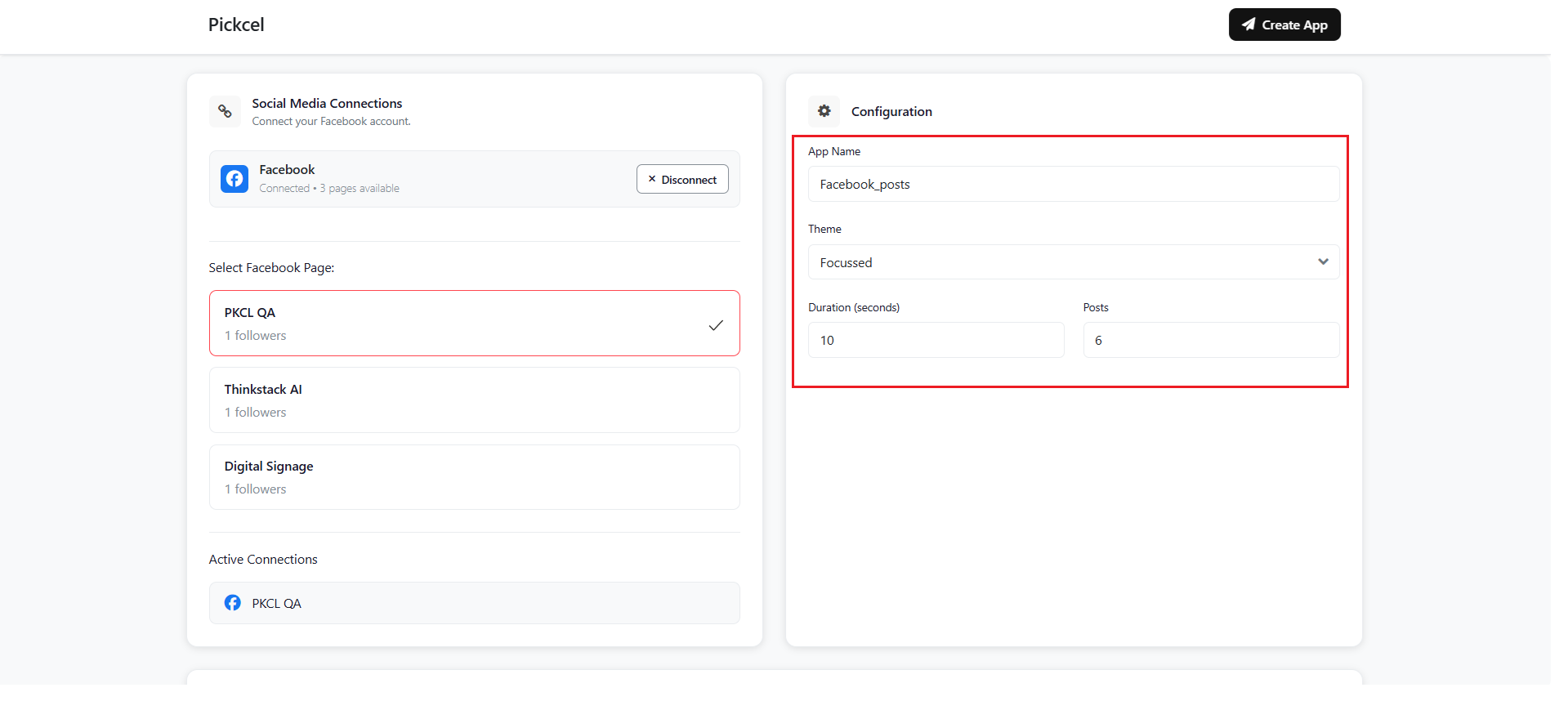
7
Refresh and enable moderation
Then click on the Refresh button to fetch the latest post from the Facebook page and you can enable the moderation option if needed.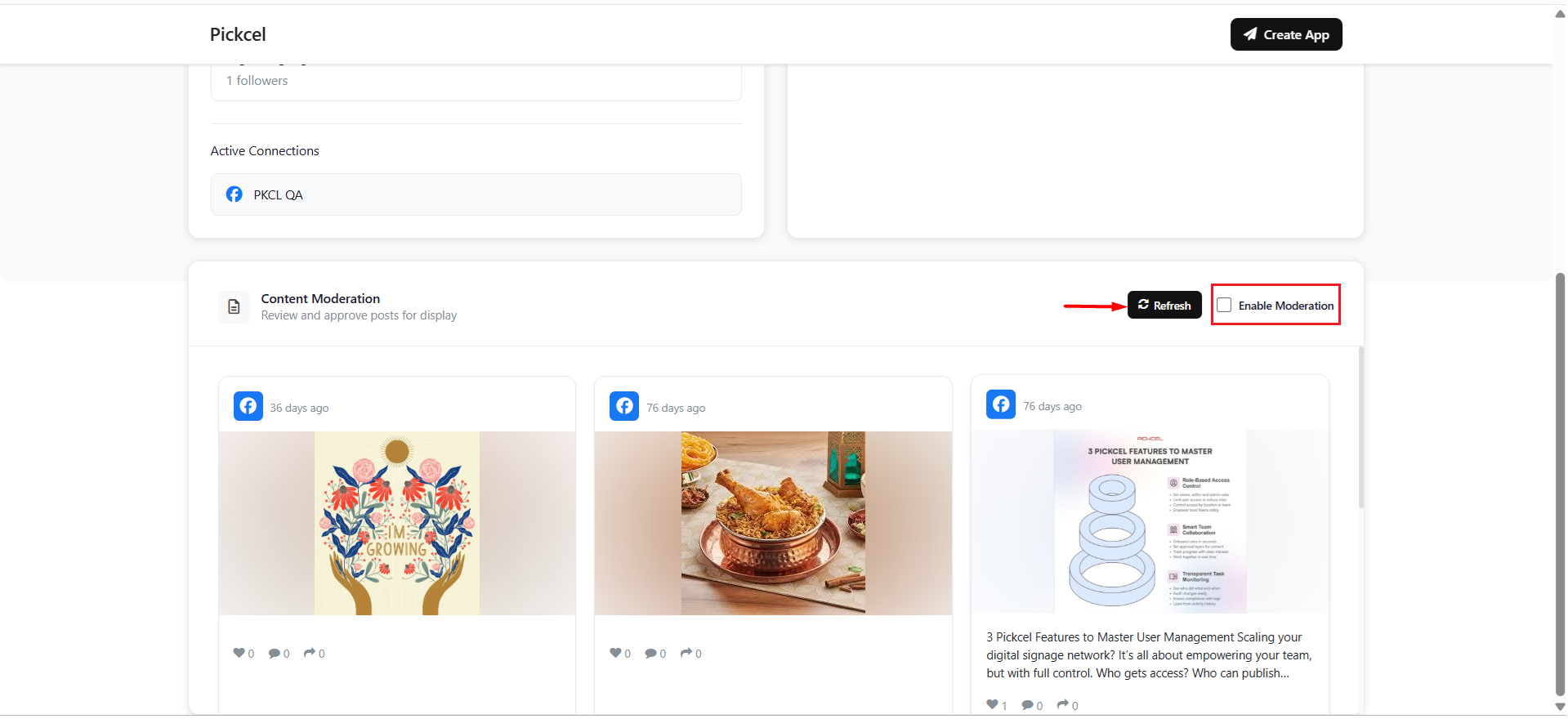
You may or may not enable Moderation. The moderation option allows you to manually select your Facebook posts. If the option is disabled, Facebook posts are prompted automatically in the order of newest to oldest.
8
Create the app
Configure the app with the required information and click on Create App.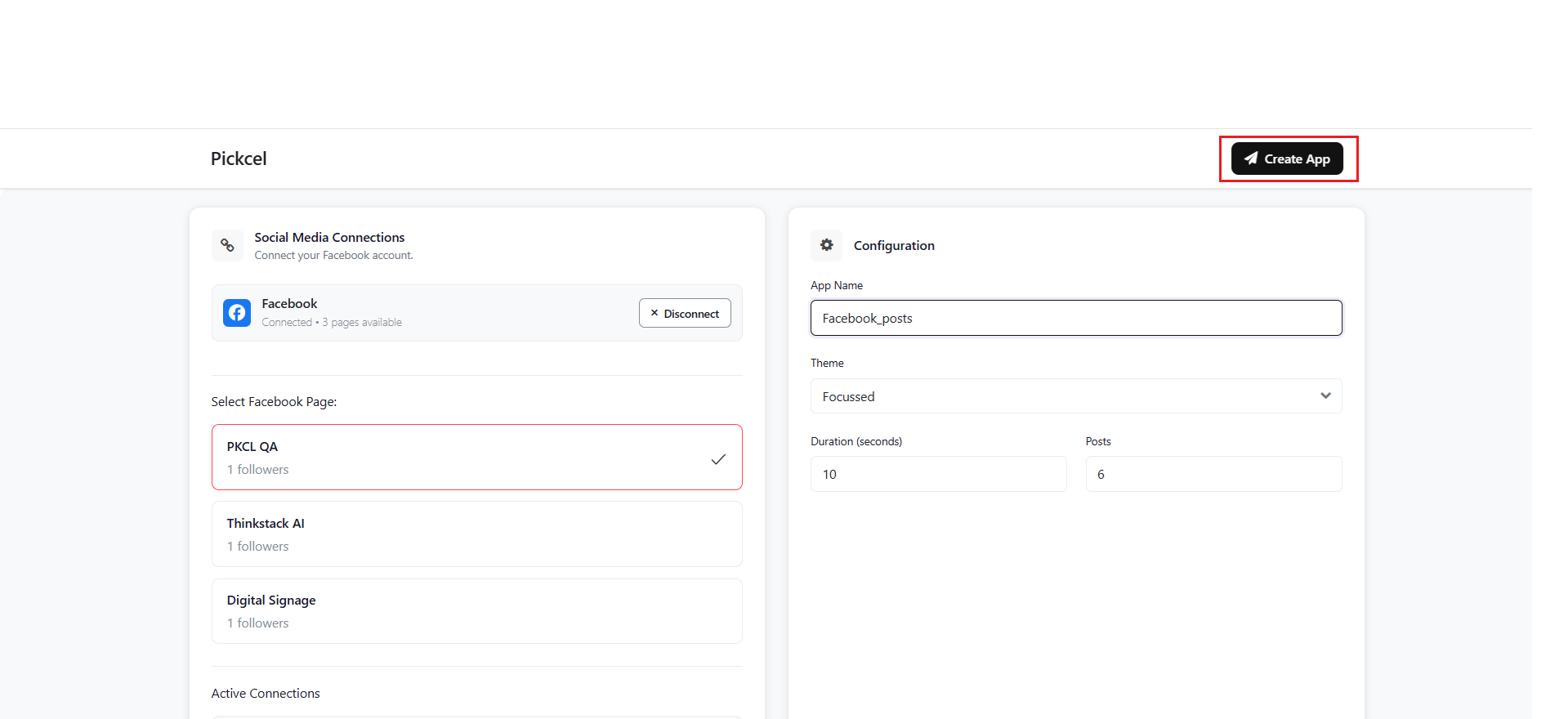 Users can select the post from the Admin Dashboard if the Moderation option is enabled.Your Facebook app is now ready to be published on your screen.