

1
Search for and create the app
Log in to your Pickcel account. Go to the Apps module and search for CNN Latina News.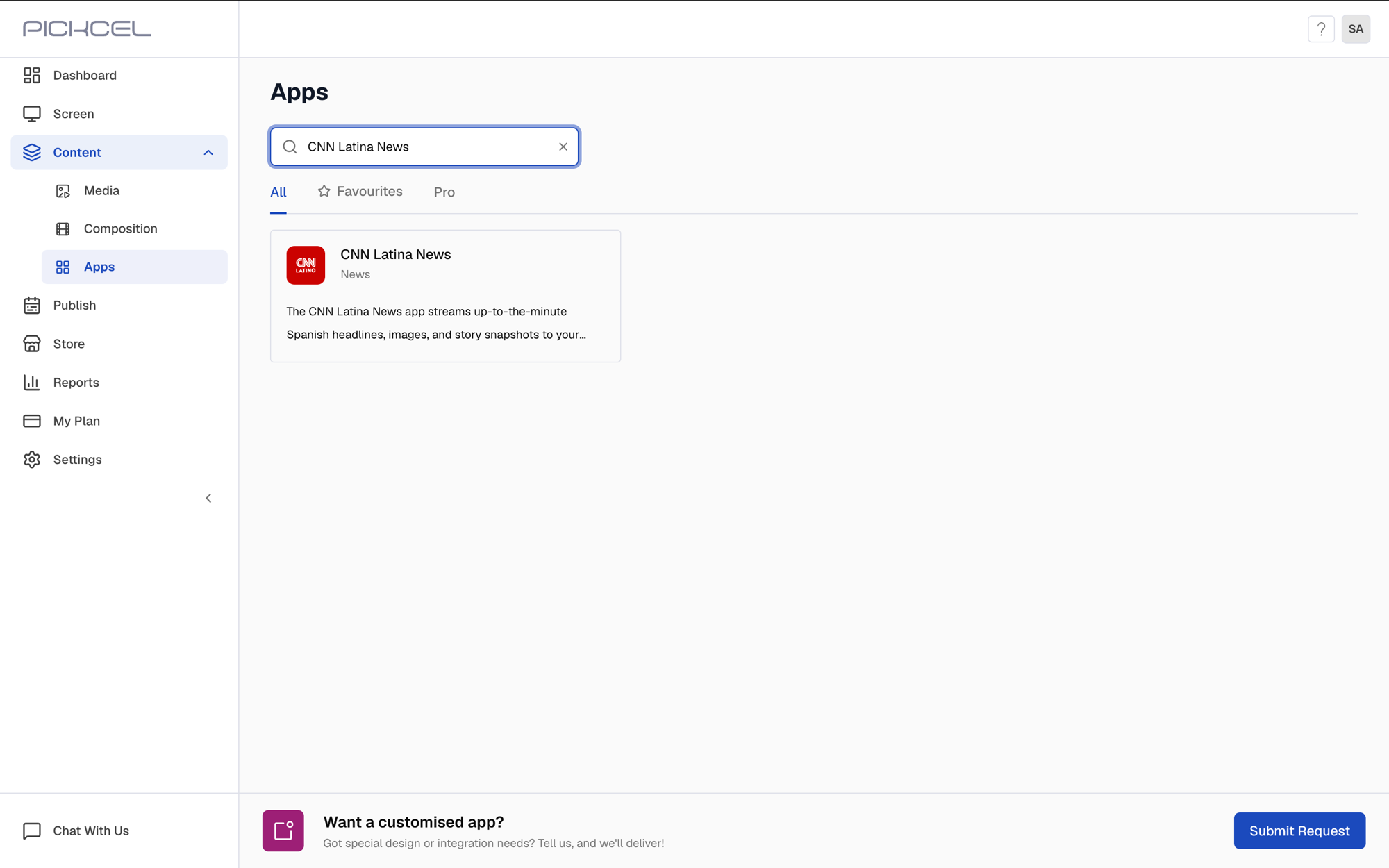 Click the CNN Latina News app card, then click Create App in the app details panel.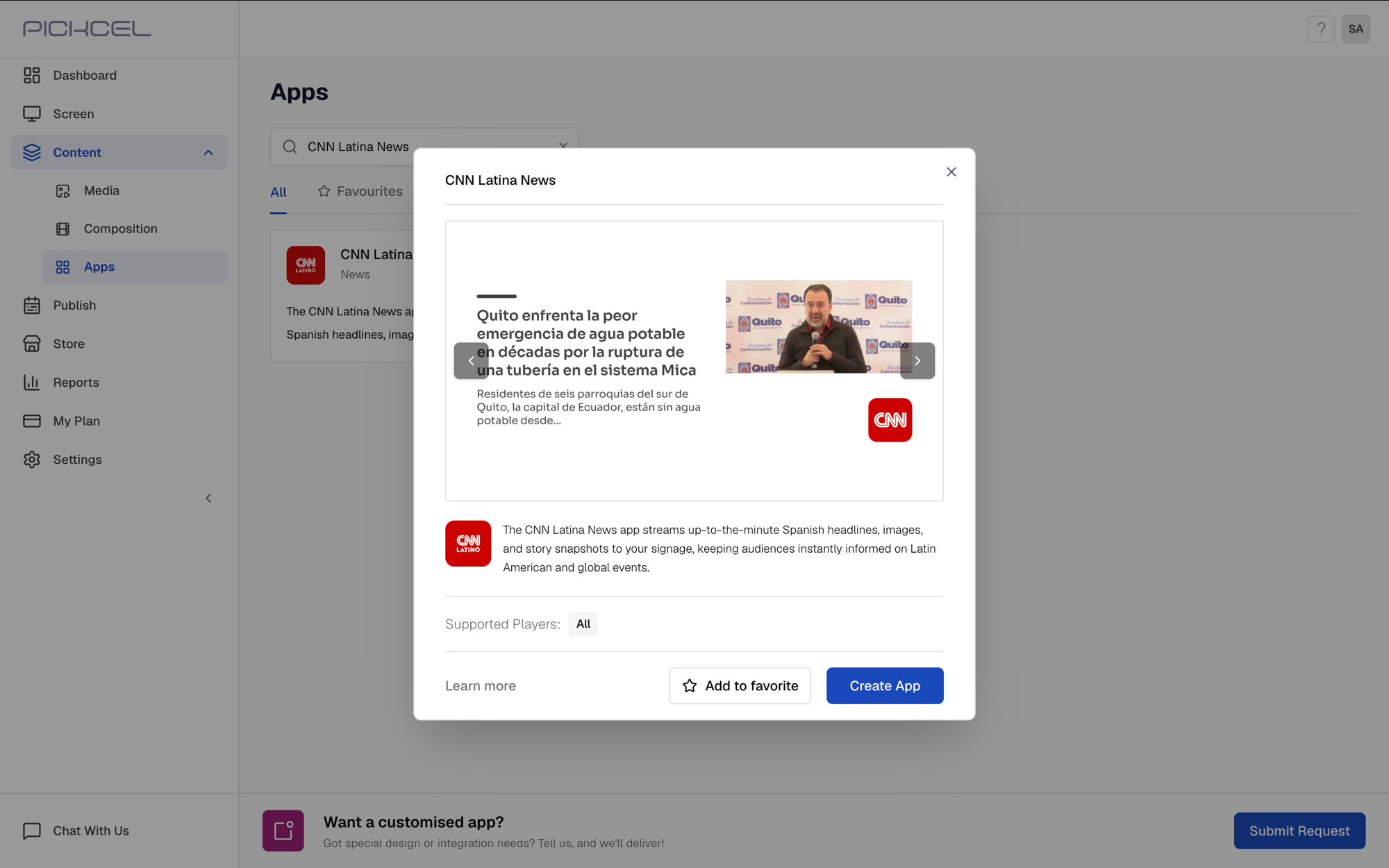
2
Enter app name
Enter a Name for the app. This is how you’ll identify it later in the Media section.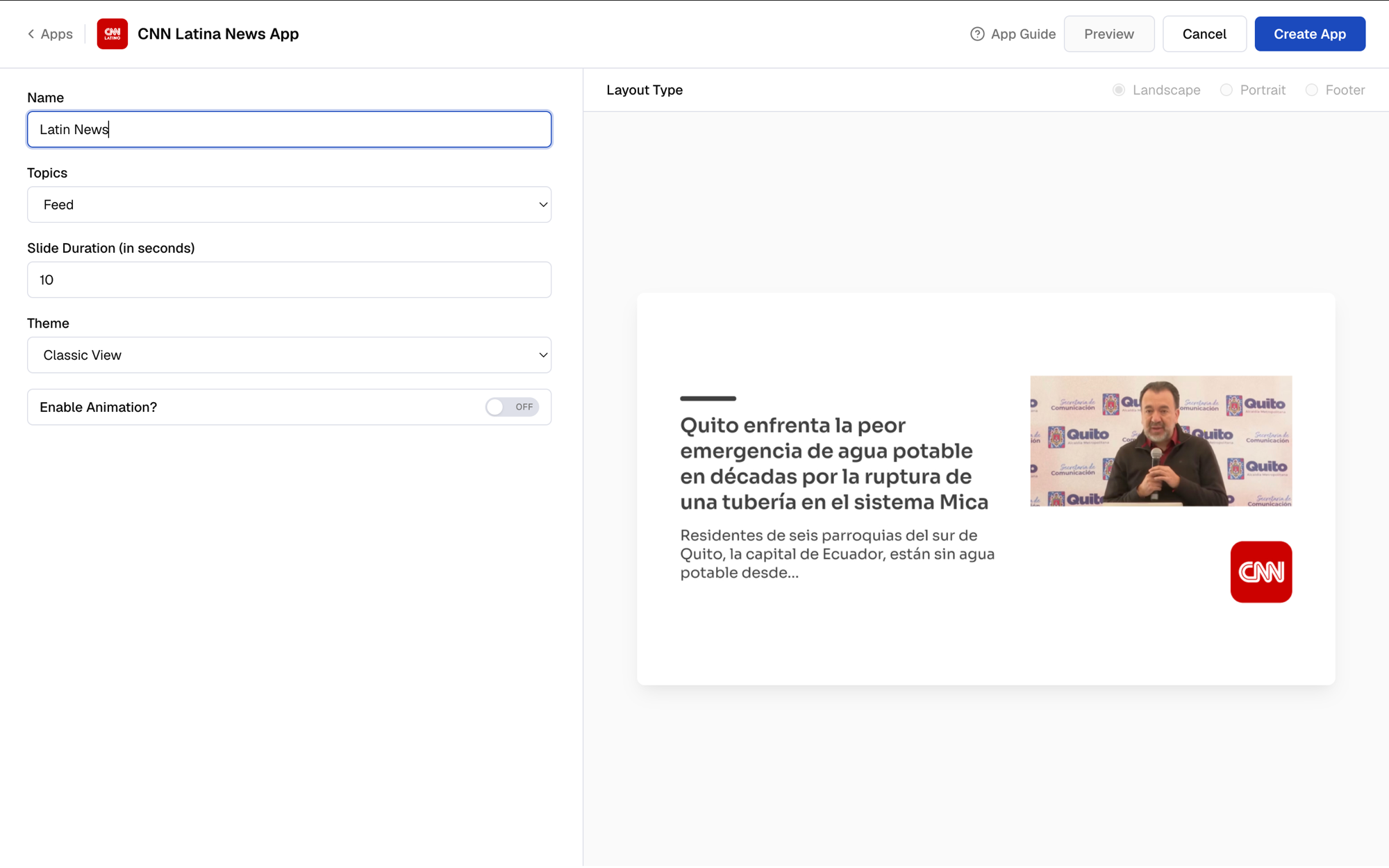
3
Select a news topic
Select the news Topic to display.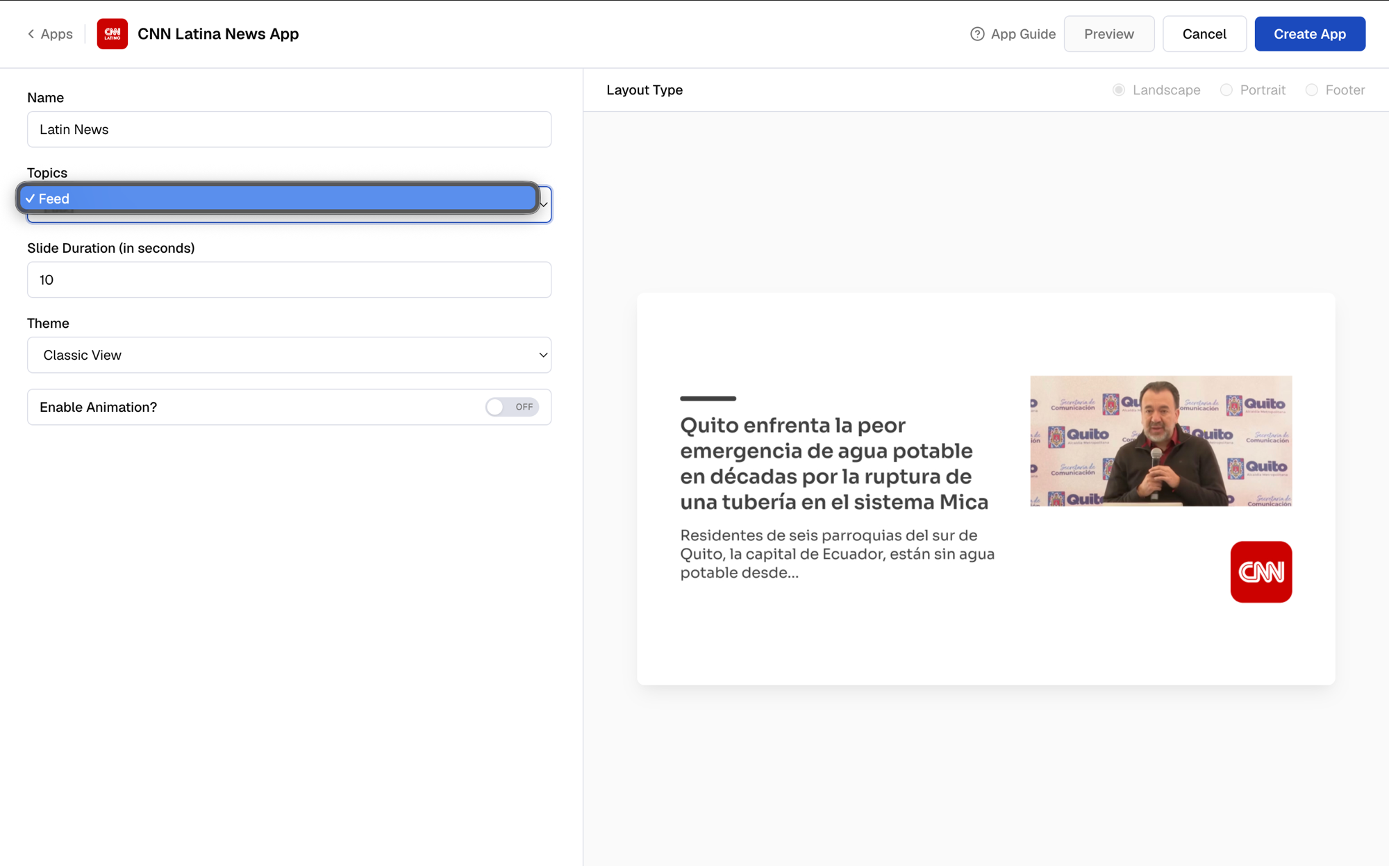
4
Set the slide duration
Decide how long each headline stays on screen. 10 seconds is the default.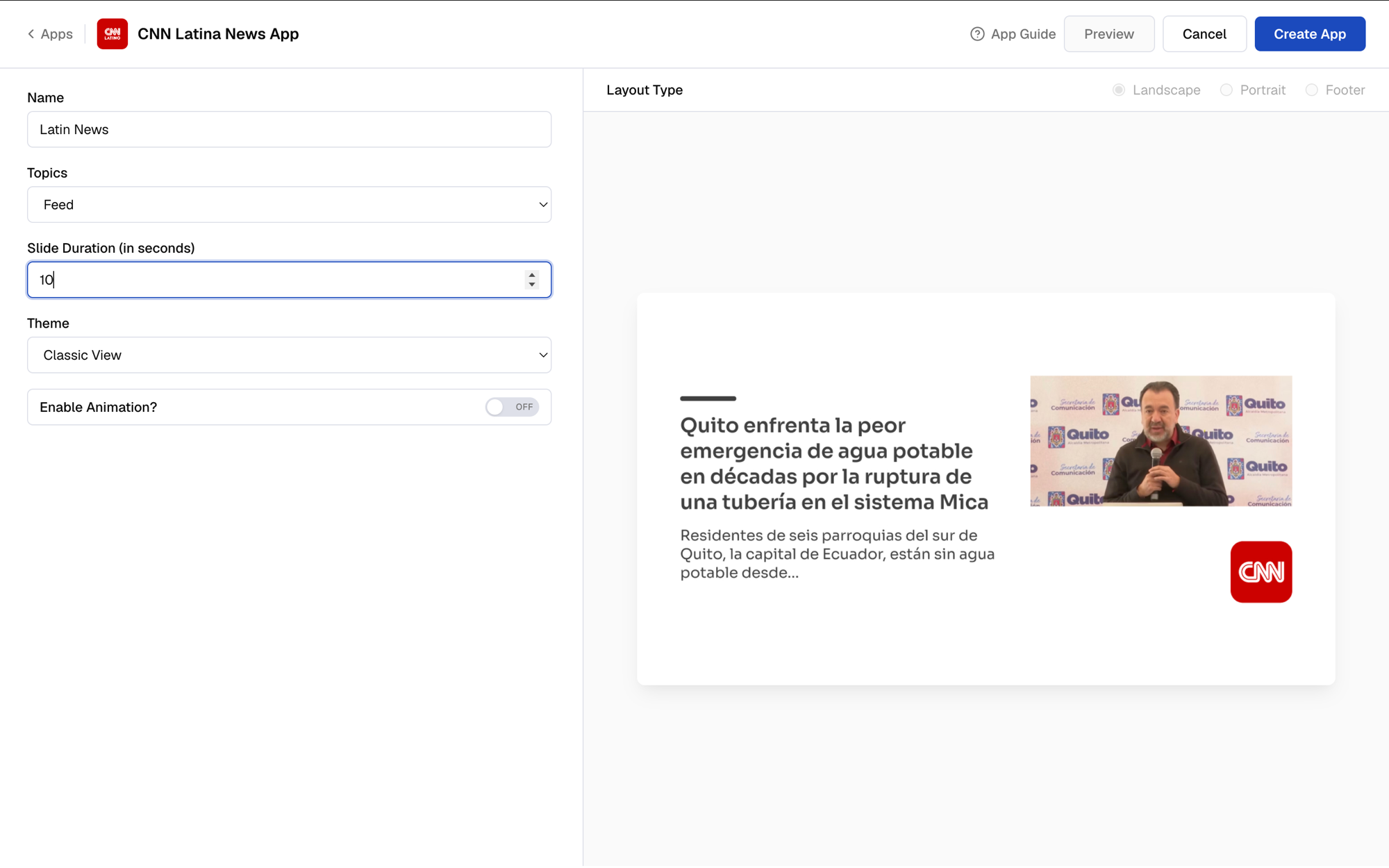
5
Select a theme
Choose a Theme based on how you want to show the content: Classic View, Bottom Load, Blurred, White Background, or White Background Center.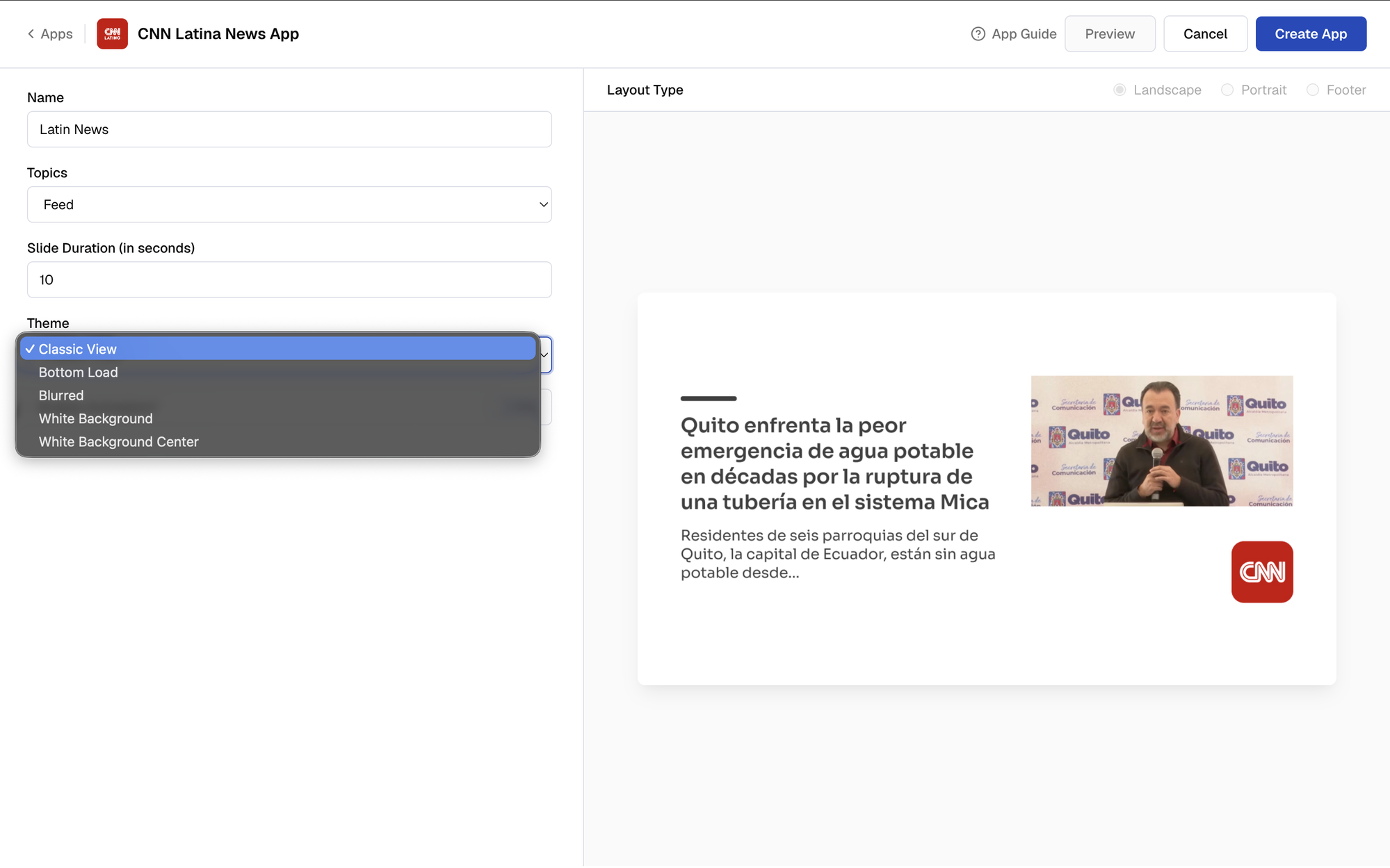
6
Enable animation, choose a layout, and create the app
Toggle Enable Animation on if you want the slide to animate in, pick the Layout Type that matches your screen (Landscape, Portrait, or Footer), then click Create App.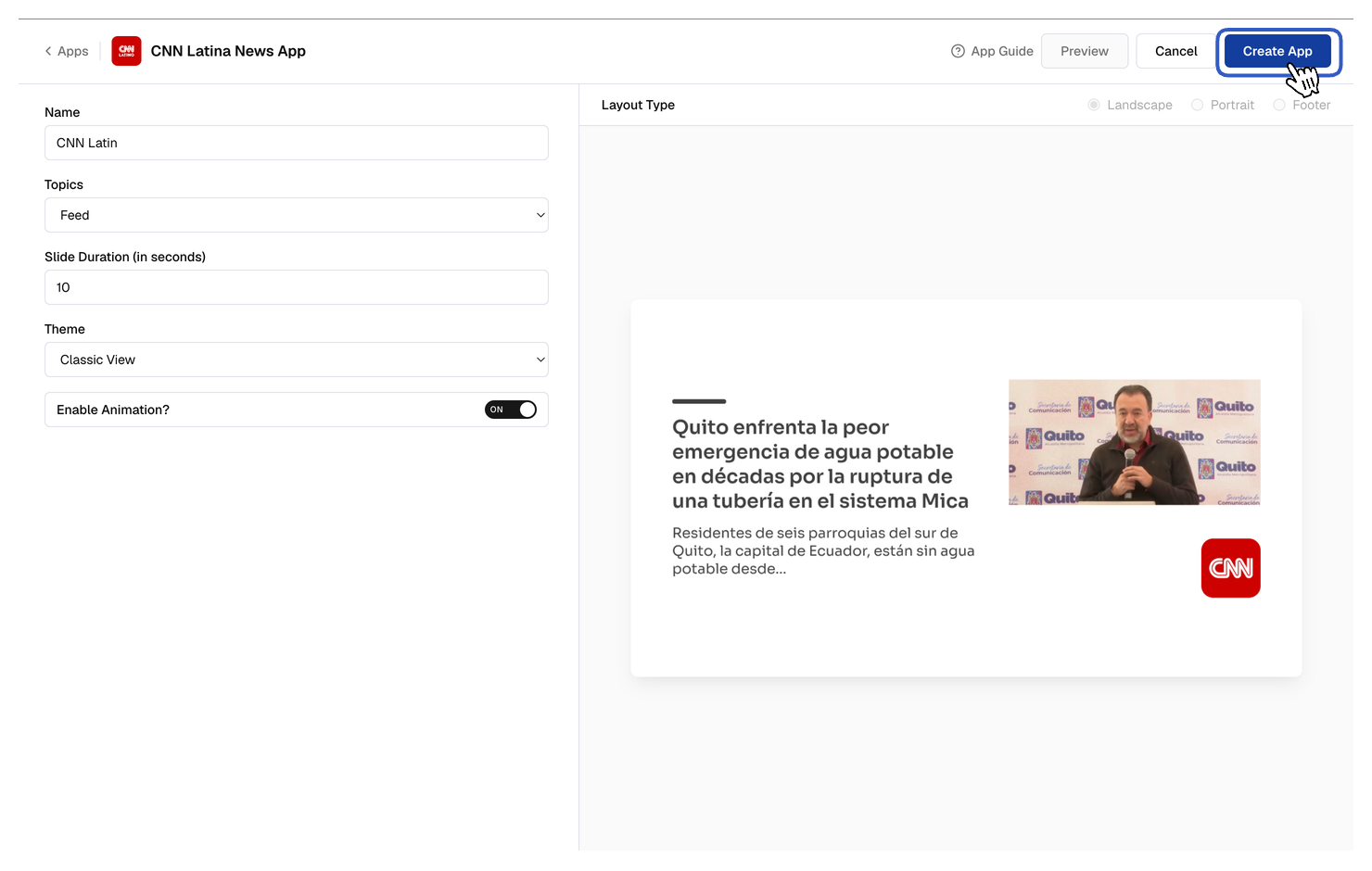 Your app is now ready for use.
What’s Next?
Use the app to create a composition, or preview it first from the Media section.
- Learn about Compositions
- Learn how to Publish or Schedule Content