> ## Documentation Index
> Fetch the complete documentation index at: https://docs.pickcel.com/llms.txt
> Use this file to discover all available pages before exploring further.
# How to install the Pickcel digital signage app on iOS
> Install the Pickcel digital signage player on your iPhone or iPad from the App Store
Supported on iOS 11 and above.
On your iOS device, open the **App Store** and search for **Pickcel Digital Signage Player** app.
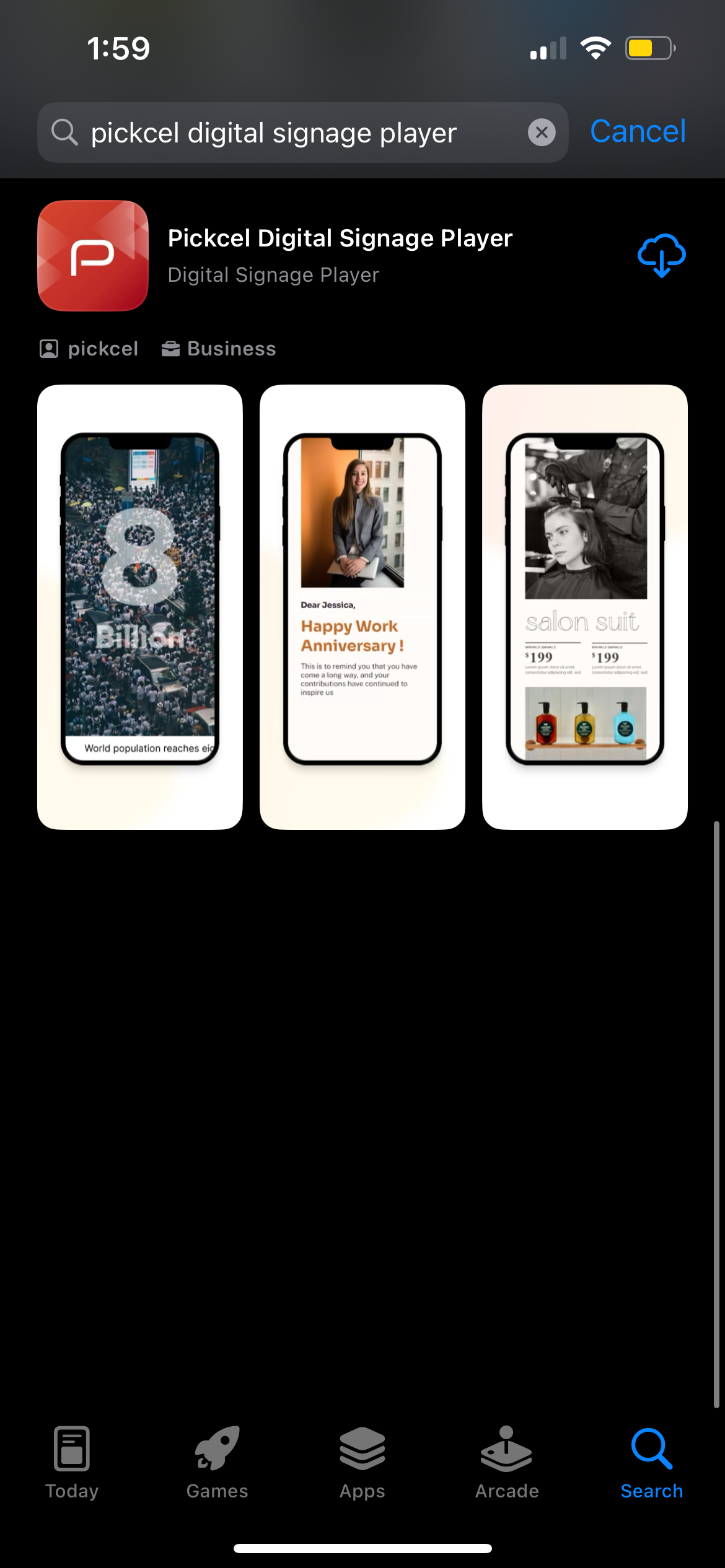 Or head straight to the [Pickcel Digital Signage Player on the App Store](https://apps.apple.com/us/app/pickcel-digital-signage-player/id6447639611) to start the download.
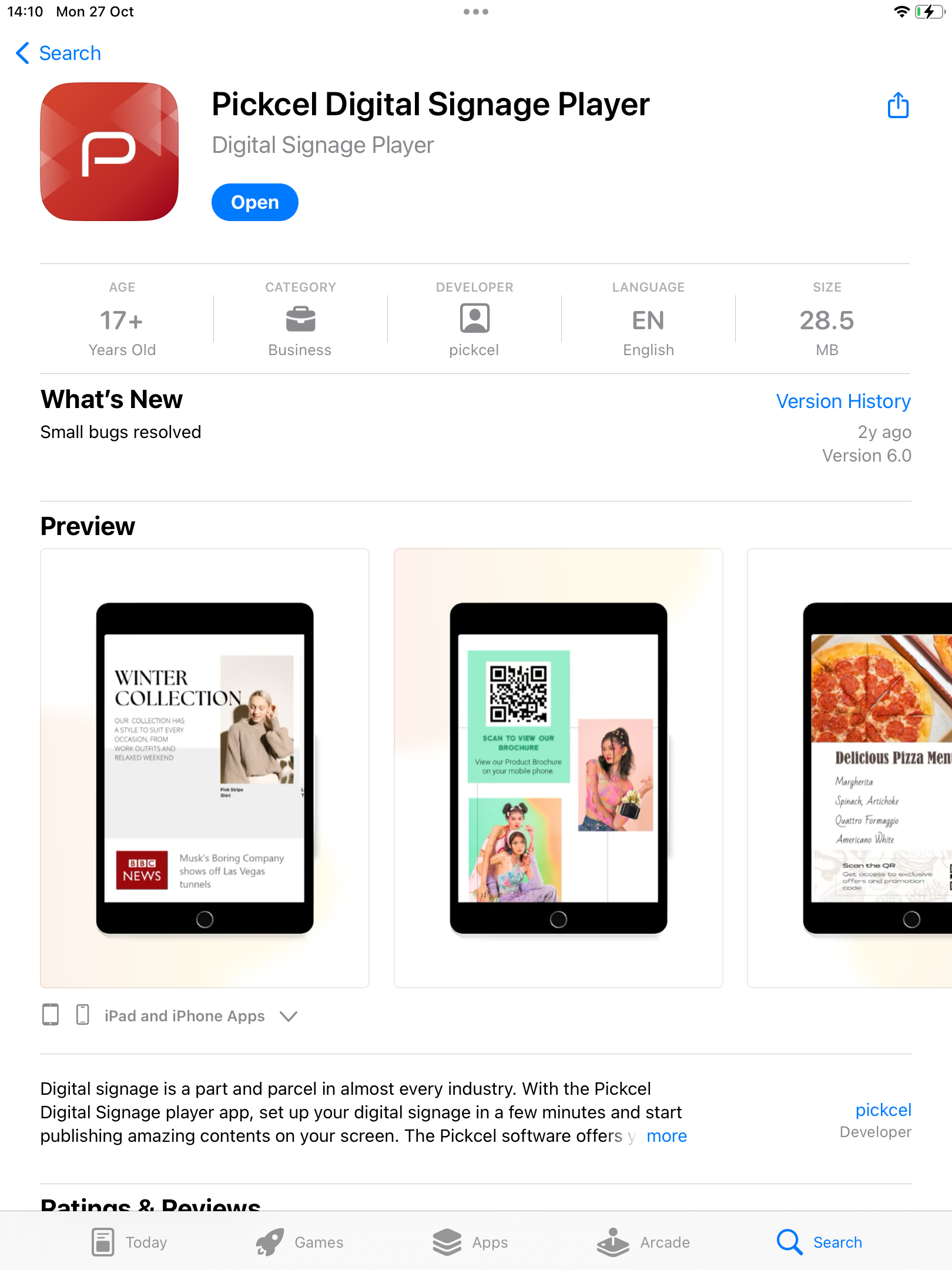
Tap the **Get** button to install the Pickcel app. When the installation finishes, tap **Open** to launch it.
Or head straight to the [Pickcel Digital Signage Player on the App Store](https://apps.apple.com/us/app/pickcel-digital-signage-player/id6447639611) to start the download.
Tap the **Get** button to install the Pickcel app. When the installation finishes, tap **Open** to launch it.
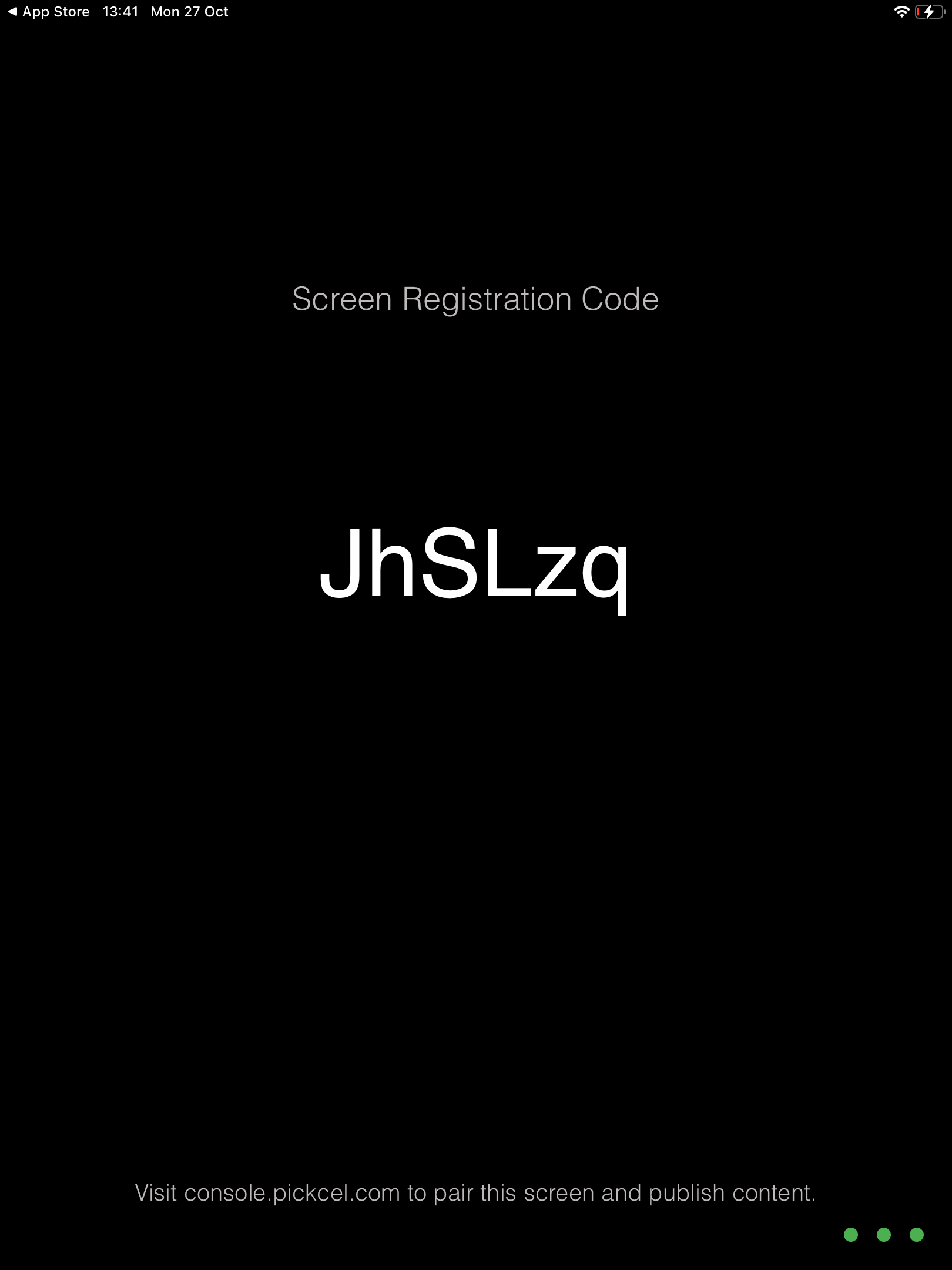
 When the Pickcel app launches, it displays a unique **6-digit alphanumeric registration code** for your device.
 Sign in to the [Pickcel console](https://console.pickcel.com/) in a browser and enter the registration code to add your screen.
Need help pairing? Follow the [screen registration guide](/screen-registration/screen-registration).
The installation of the Pickcel digital signage player on your iOS device is complete, and you can start publishing content to your screens now.
**What's Next?**
* Sign in to the [**Pickcel Console**](https://console.pickcel.com/) and add your screen using the registration code
* Start [**Uploading Media**](/media/add-media) to build your library
* Create your first [**Composition**](/compositions/compositions) and schedule content
Sign in to the [Pickcel console](https://console.pickcel.com/) in a browser and enter the registration code to add your screen.
Need help pairing? Follow the [screen registration guide](/screen-registration/screen-registration).
The installation of the Pickcel digital signage player on your iOS device is complete, and you can start publishing content to your screens now.
**What's Next?**
* Sign in to the [**Pickcel Console**](https://console.pickcel.com/) and add your screen using the registration code
* Start [**Uploading Media**](/media/add-media) to build your library
* Create your first [**Composition**](/compositions/compositions) and schedule content