> ## Documentation Index
> Fetch the complete documentation index at: https://docs.pickcel.com/llms.txt
> Use this file to discover all available pages before exploring further.
# How to add AQI app from Pickcel App store?
> Learn how to display Air Quality Index information on your digital signage screens
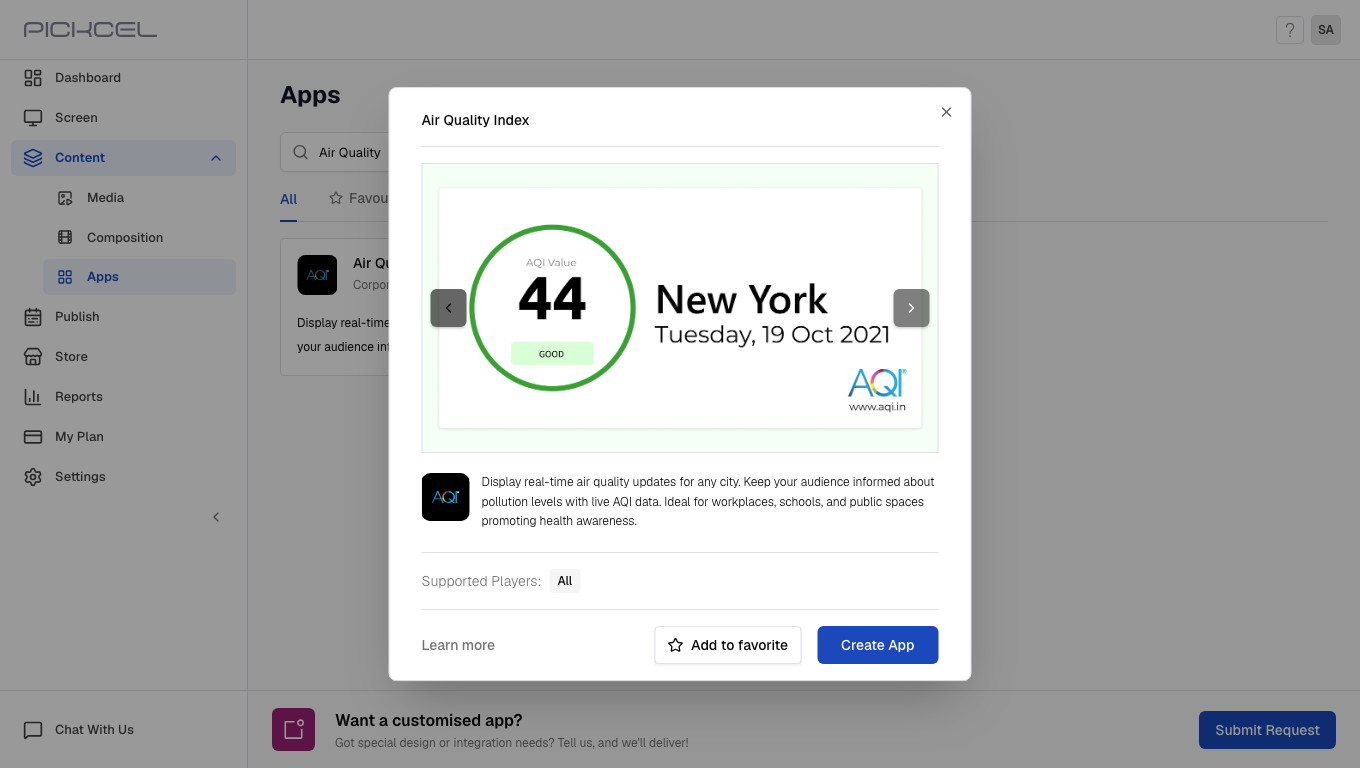 [Login to your Pickcel account](https://console.pickcel.com/). Go to the **Apps** module.
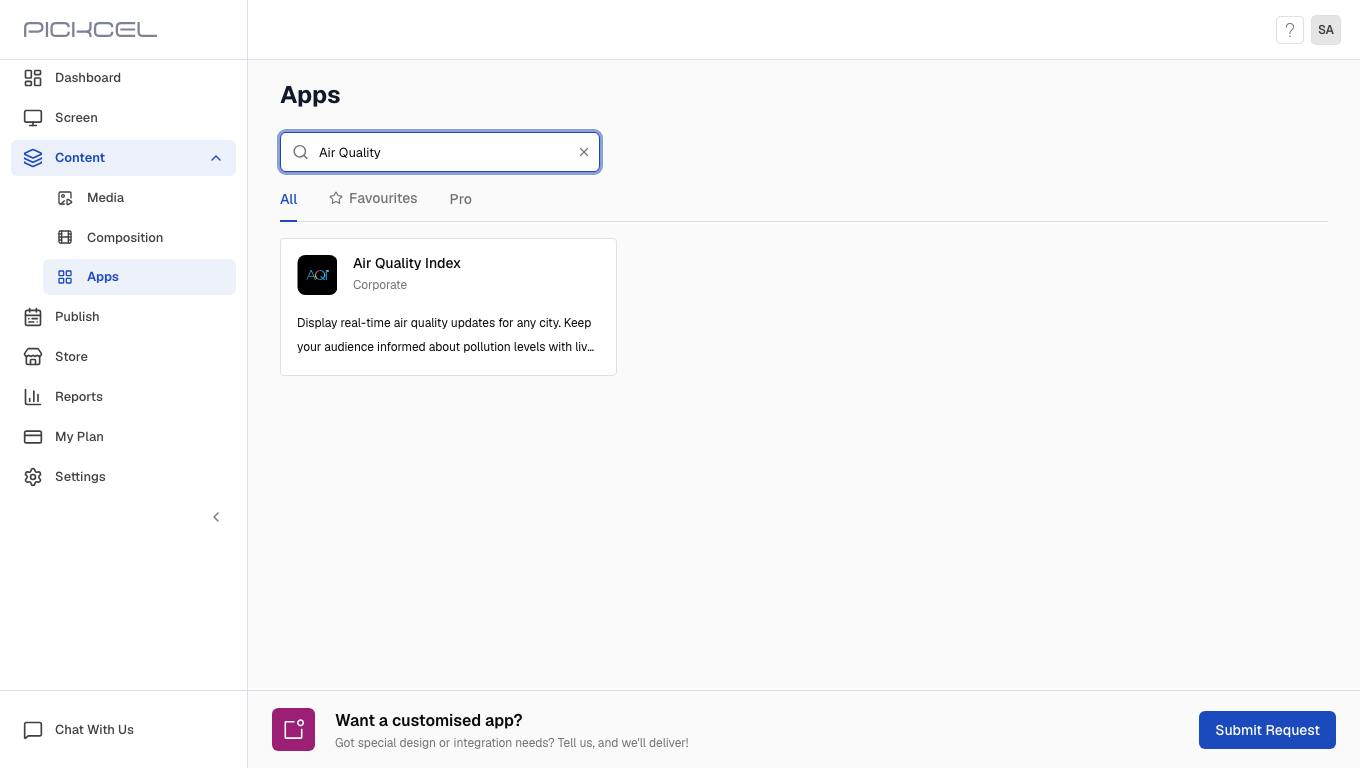
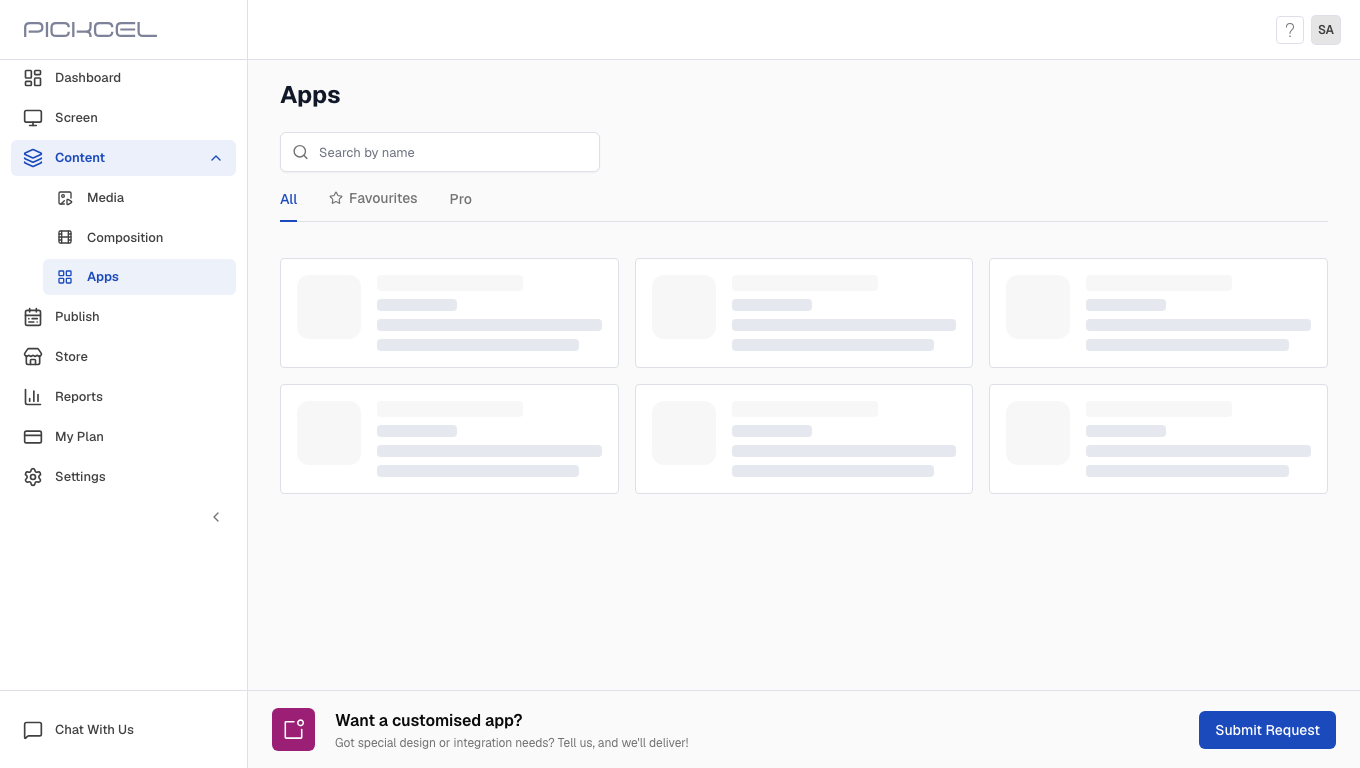 Search for the **Air Quality Index** app using the search field.
 Click the **Air Quality Index** app card, then click **Create App** in the app details panel.
Enter the **Name** for the app.
Click the **Air Quality Index** app card, then click **Create App** in the app details panel.
Enter the **Name** for the app.
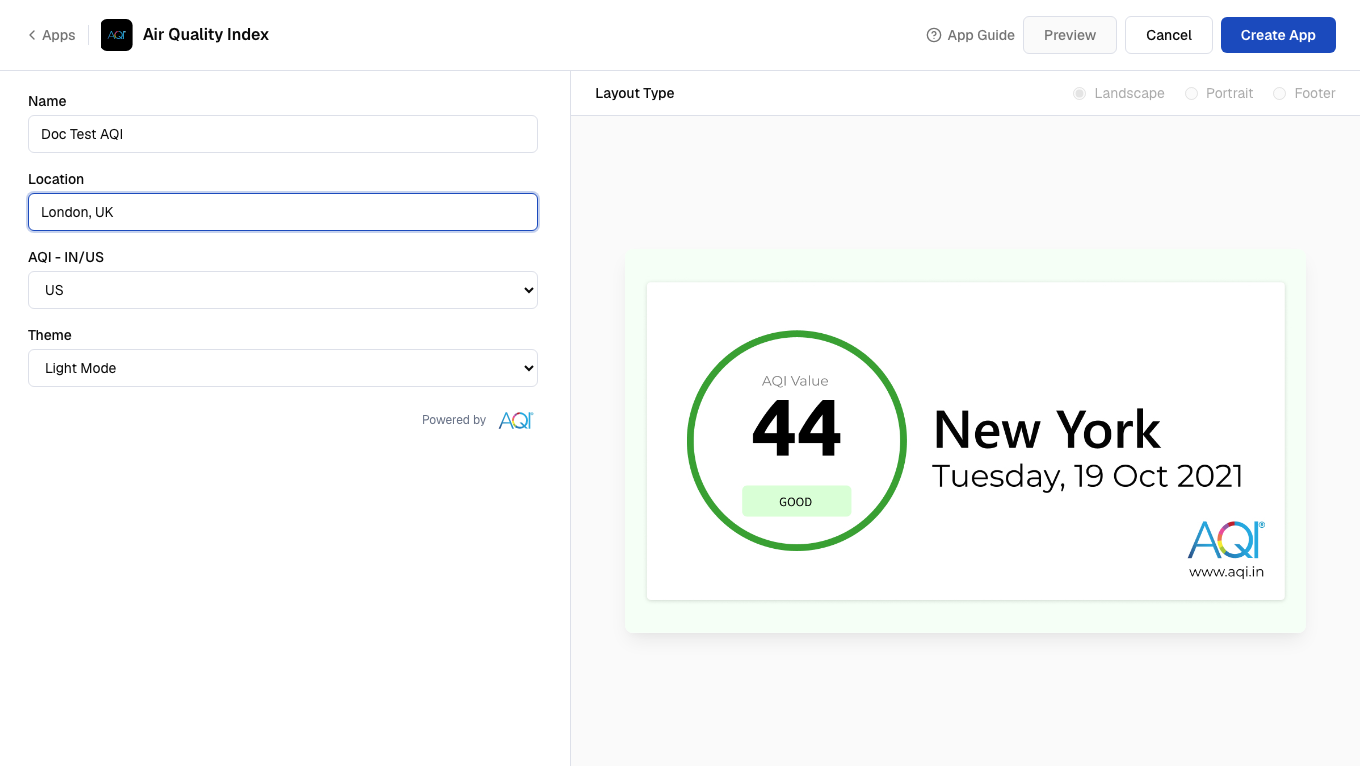
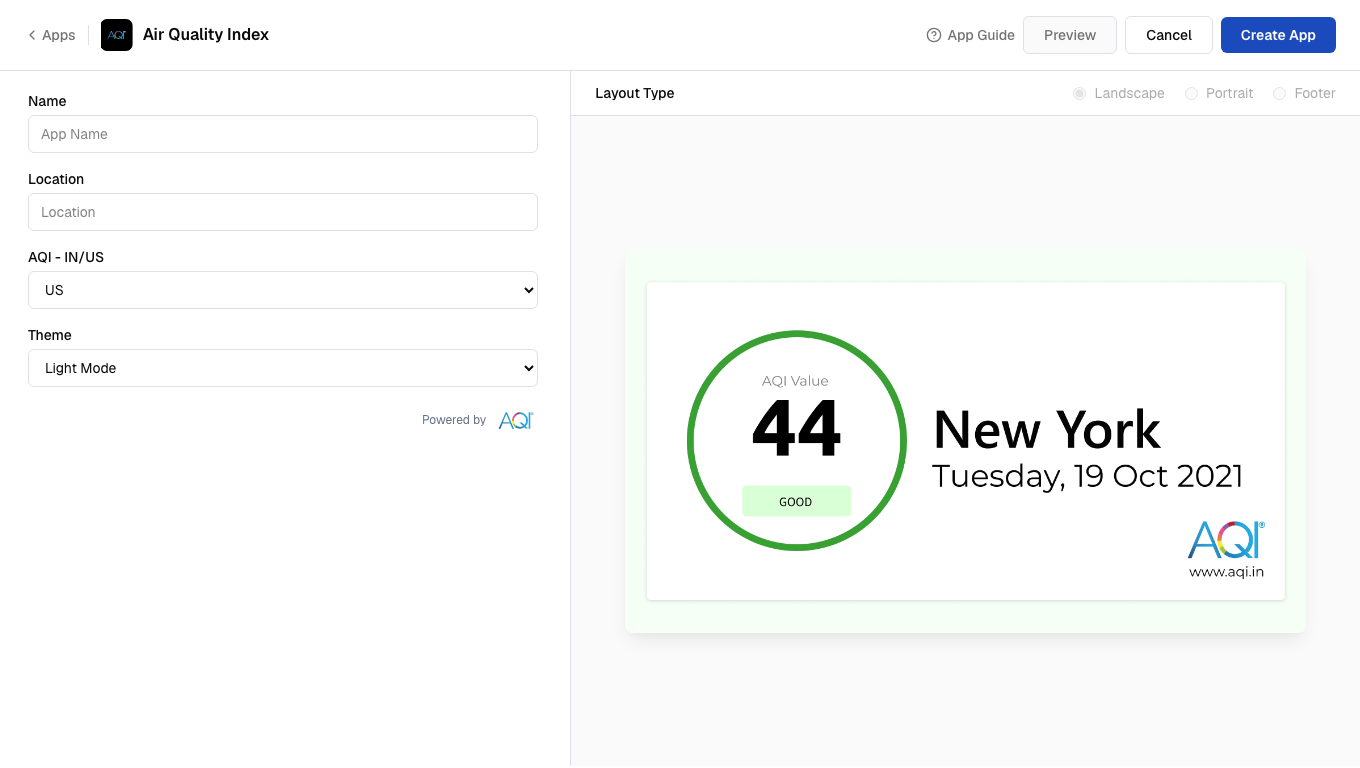 Enter a valid **Location** for the air quality data.
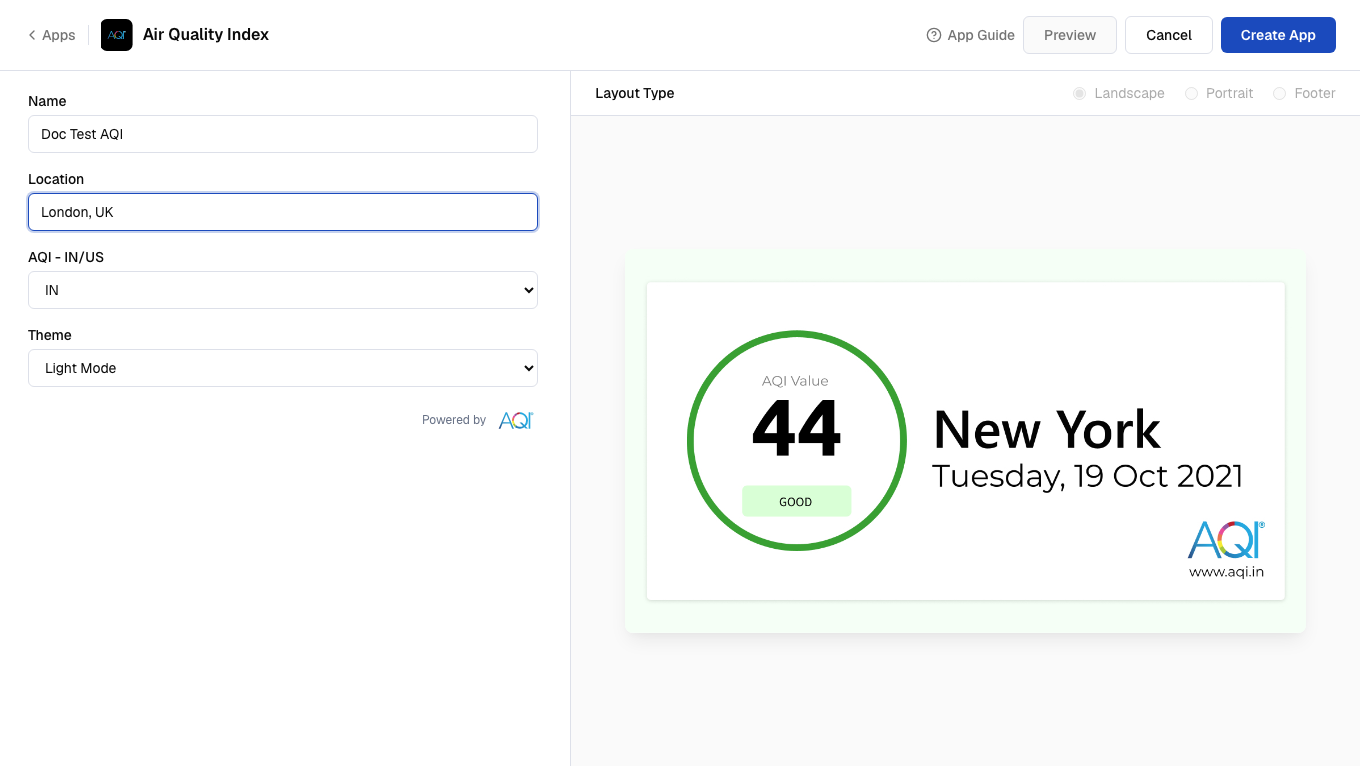
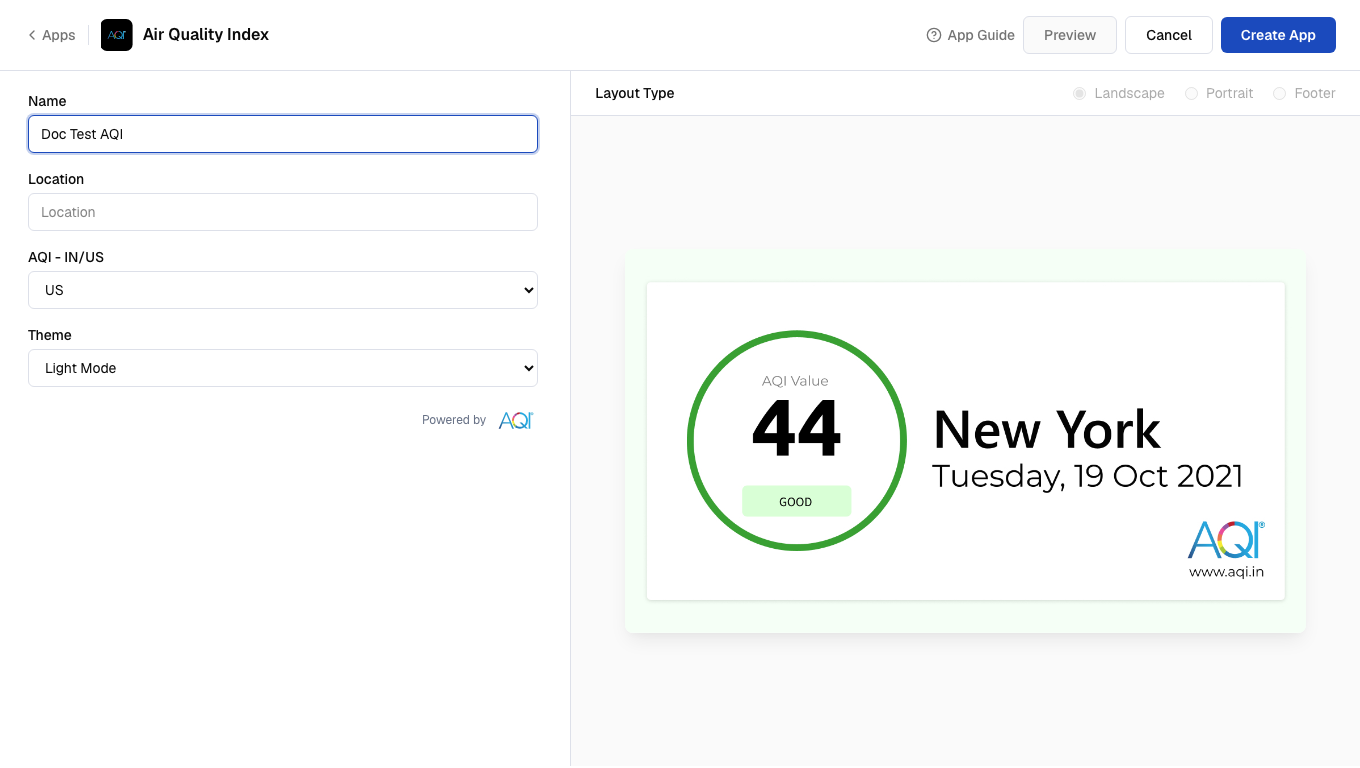 Select the **AQI - IN/US** standard for your region.
 Select a **Theme** (Light Mode, Dark Mode, or Minimal Mode).
 Click **Preview**, then click **Create App** to save the app.
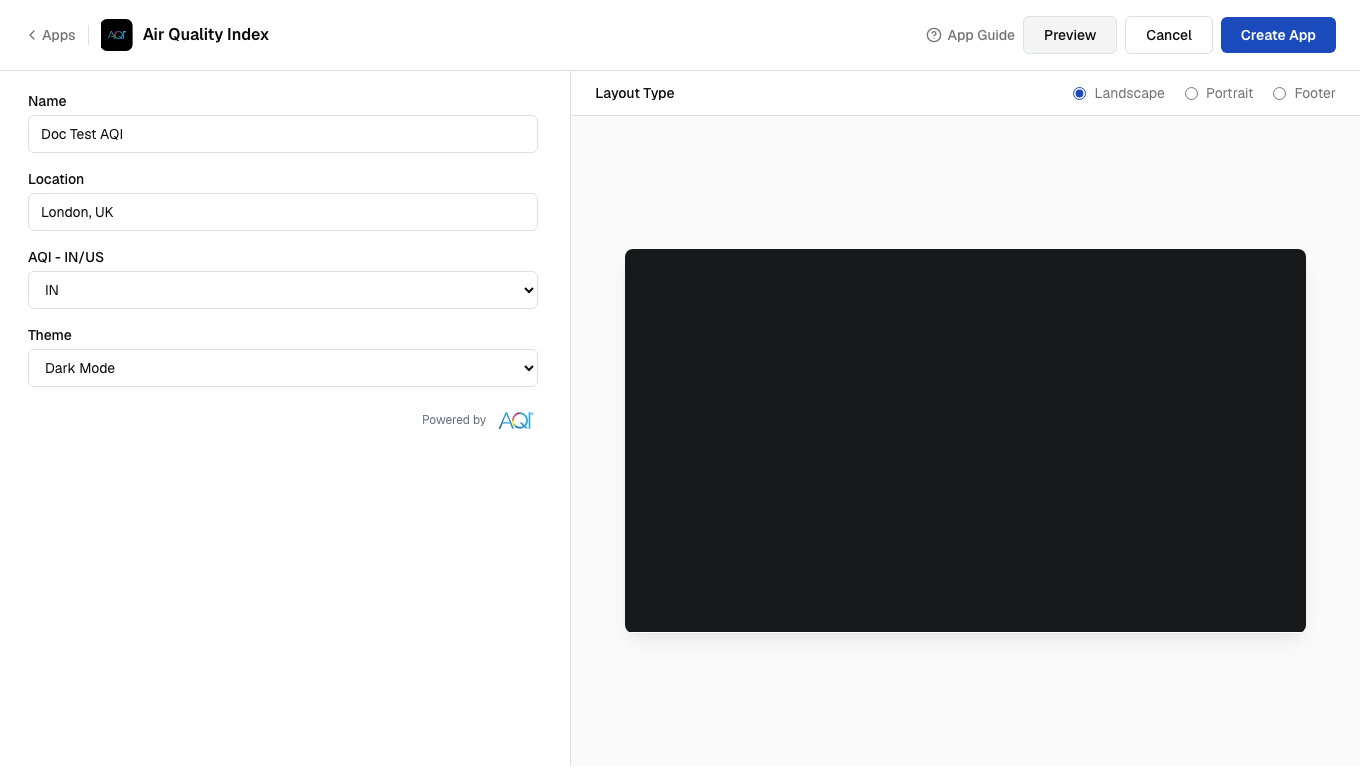 Your app is now ready to use.